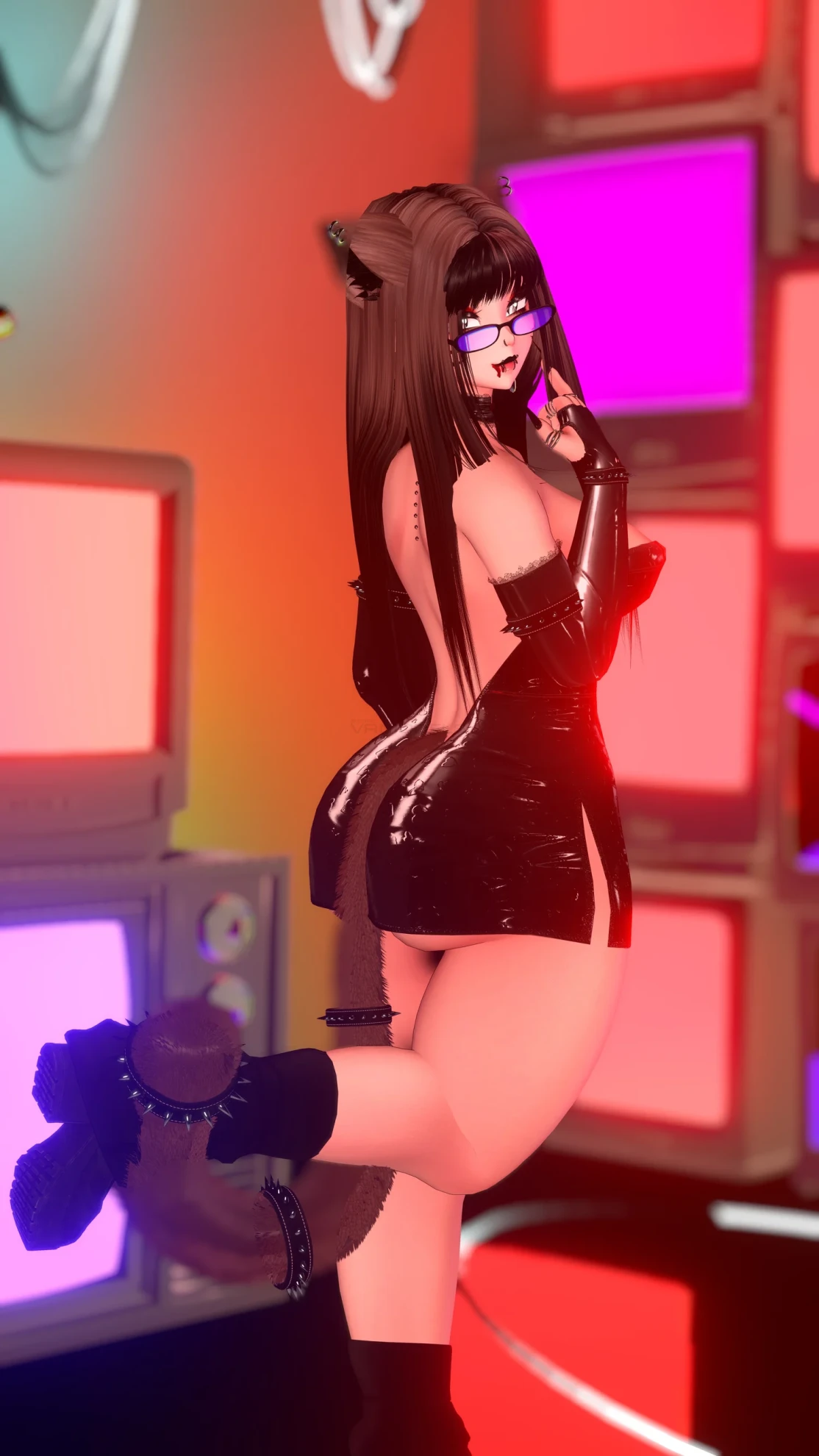
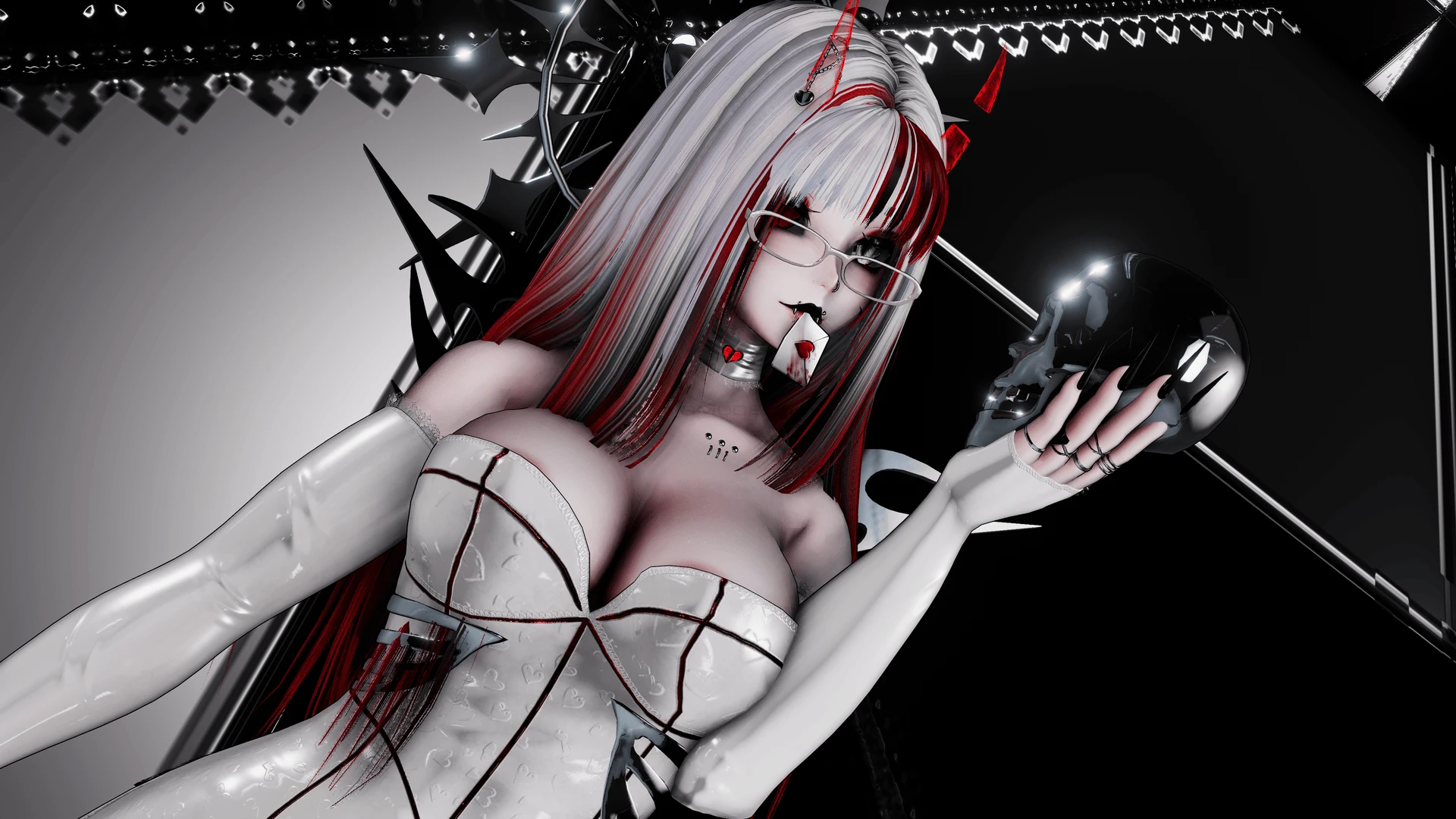
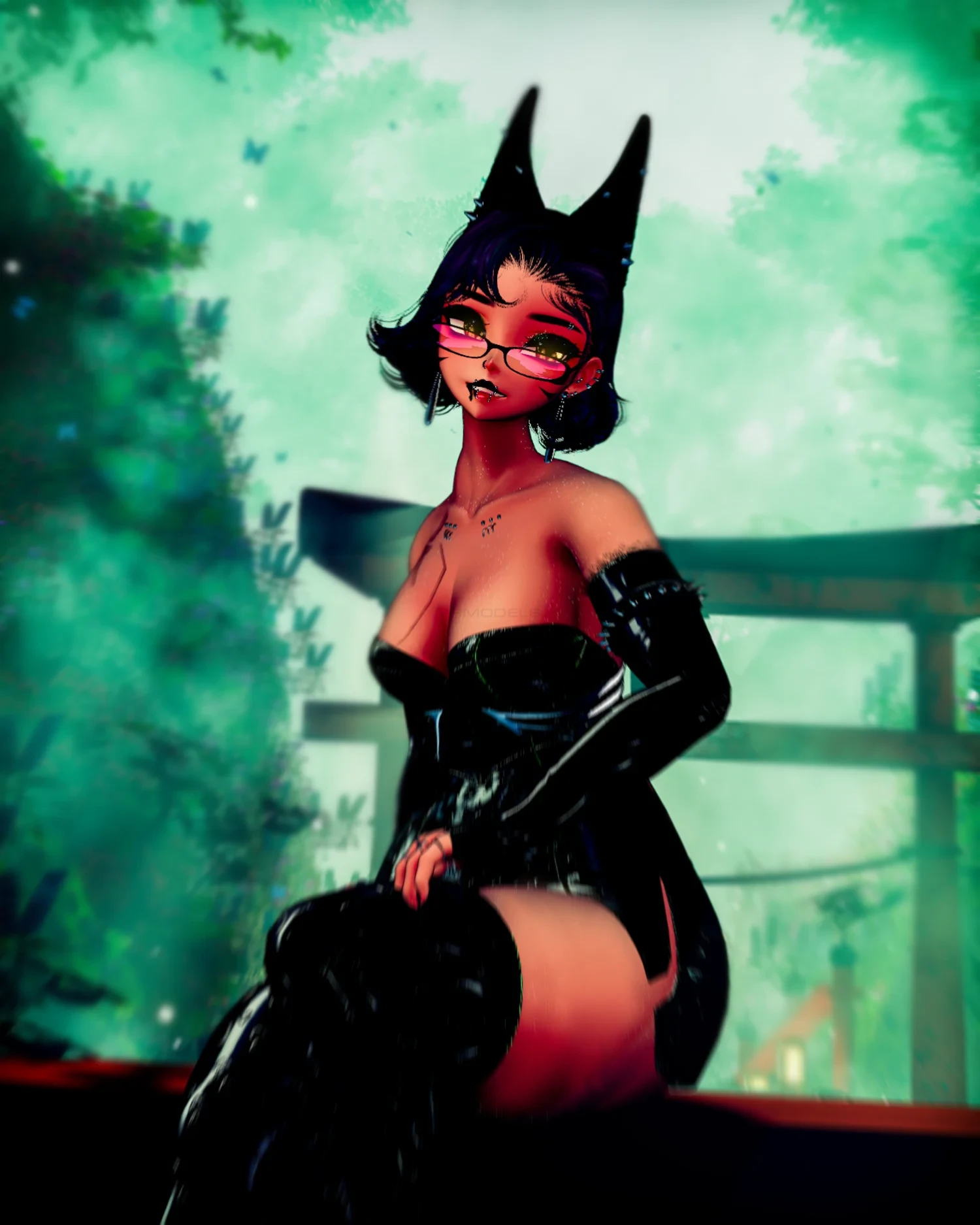
Model info
Content type:Avatars
Сreated by: MorbidSunflower
SDK: 3.0 (VRChat)
Unity version: Unity 2022
Platform:
PC+ Opti + Quest
Рhysbones: Yes
Face Tracking: Yes
Full body: Yes
Nsfw: Yes
DРS \ SPS : Yes
Views: 19 120
𝐕𝐢𝐯𝐢𝐞𝐧𝐧𝐞
To download the model, you need to log in.
Description
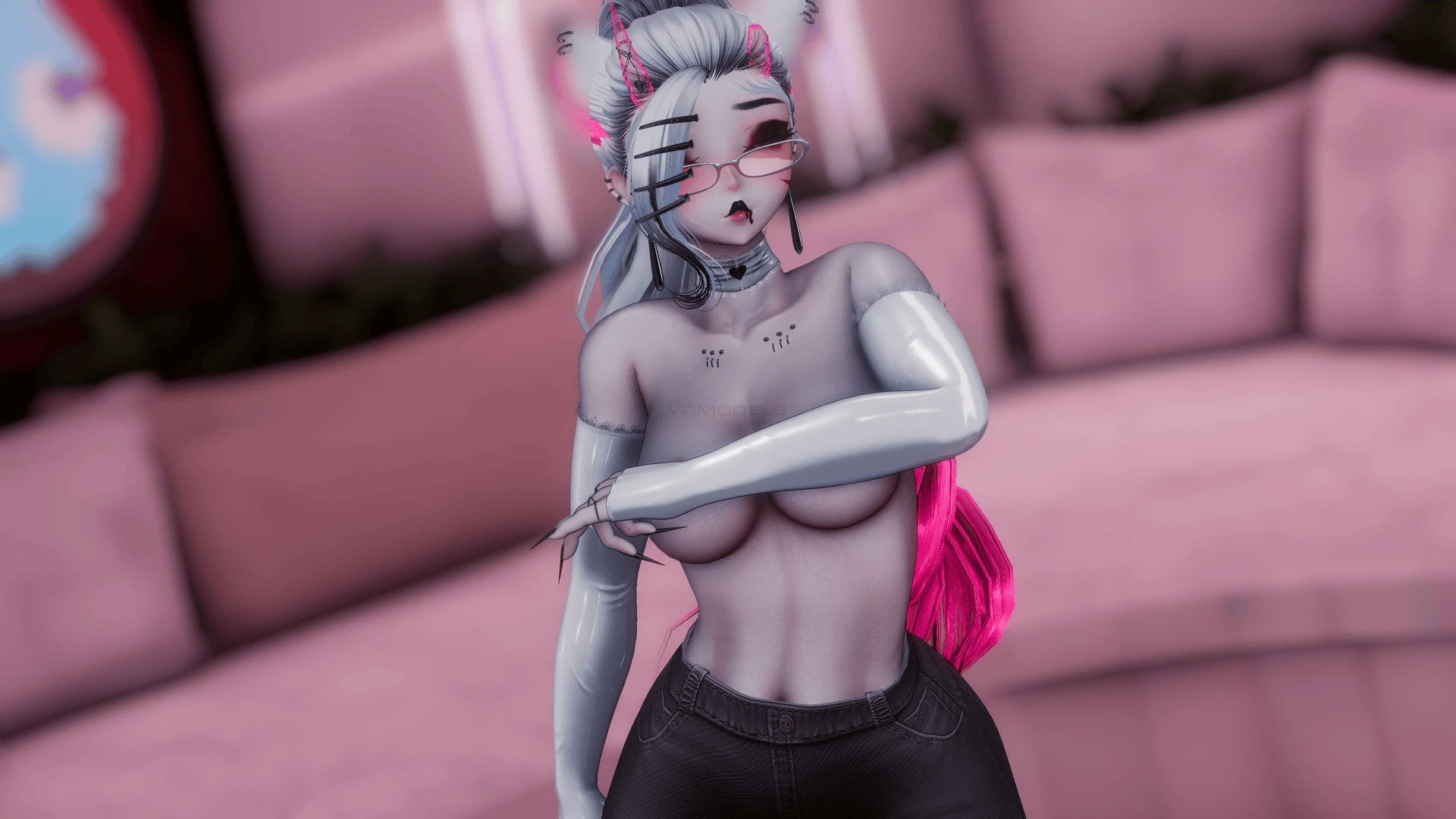
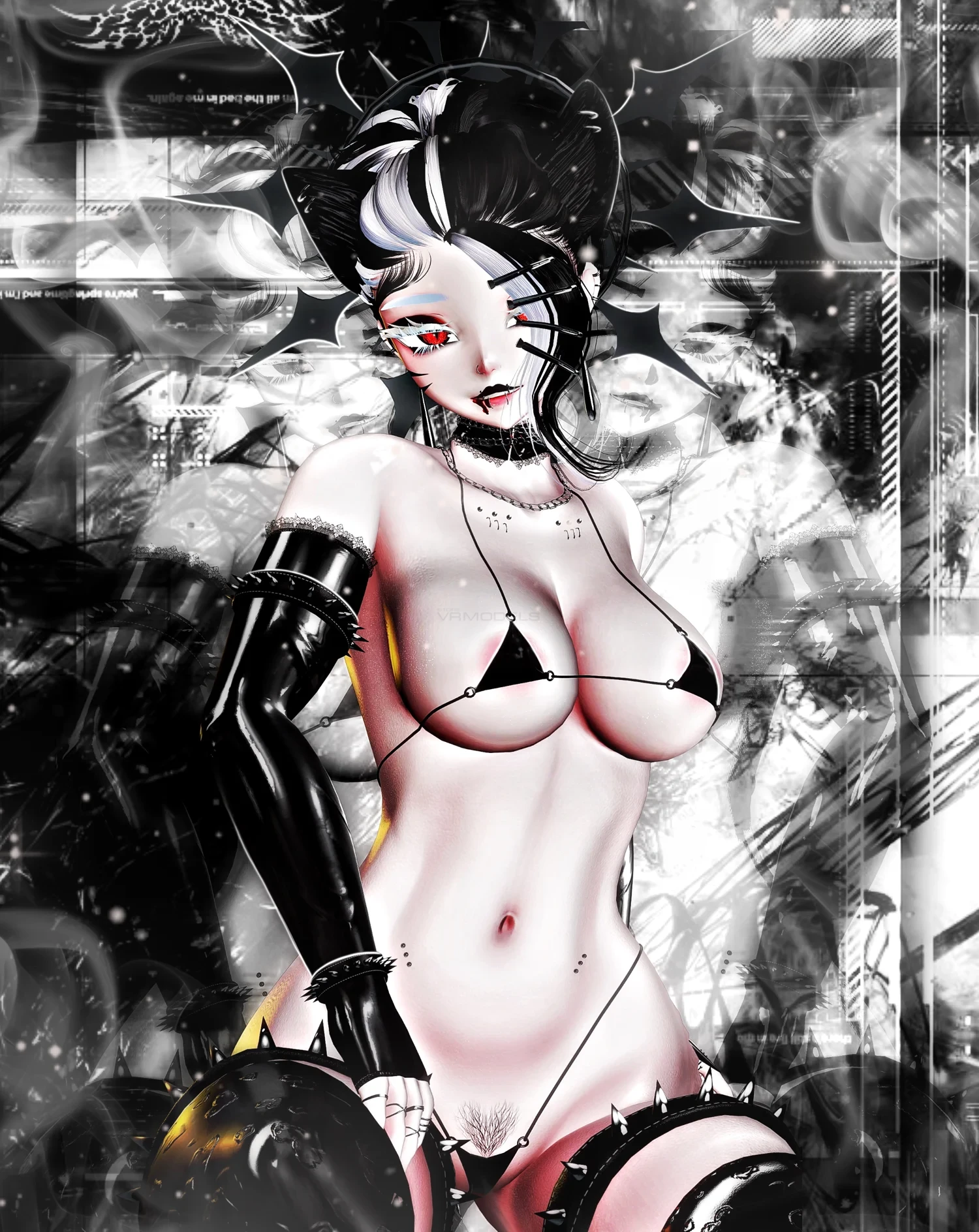
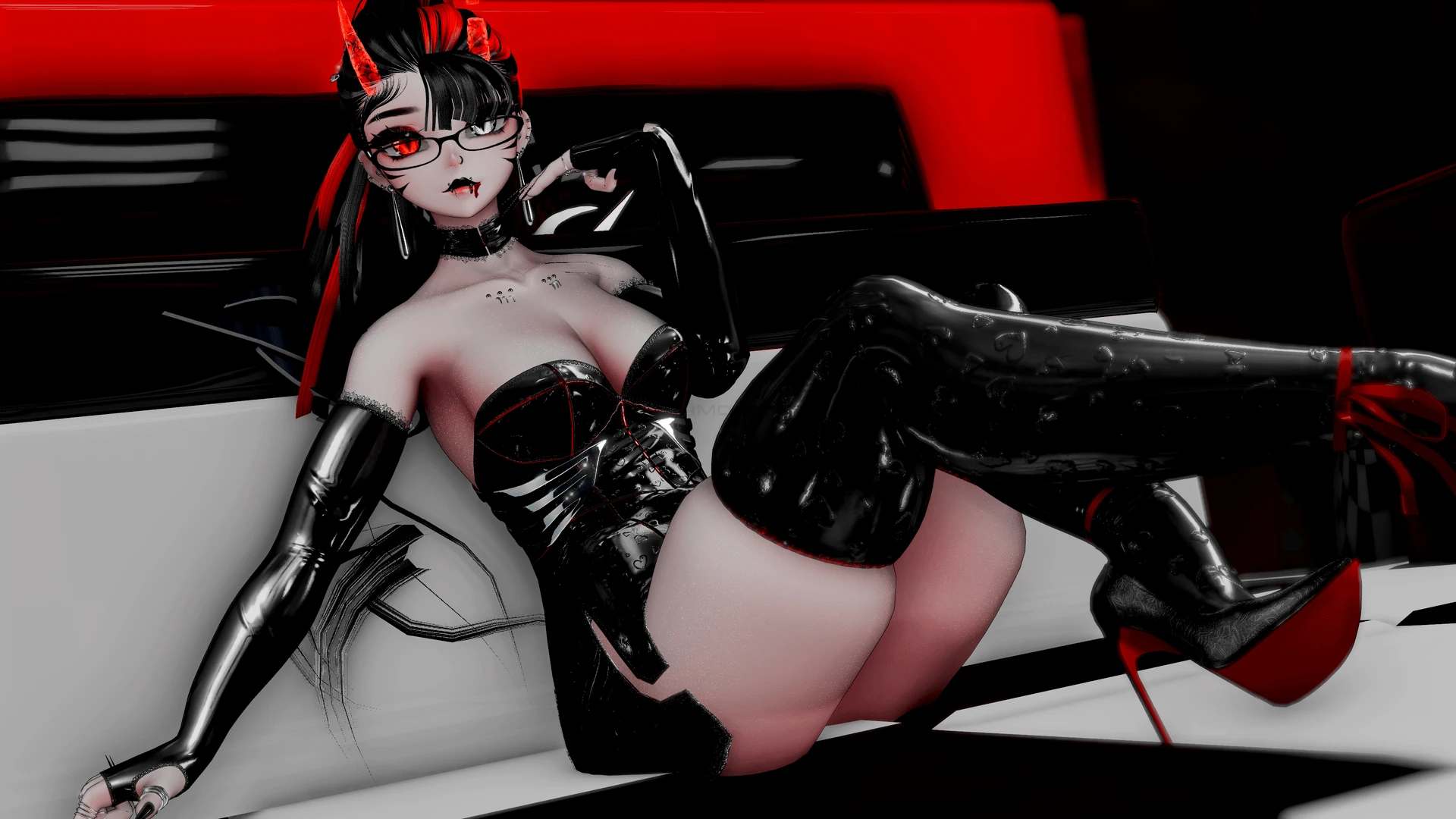
Accessories: Back Necklace, Choker, Earrings, Gloves, Halo, Nip Piercings, Spike Cuffs, Waist Strap (Me) | Hand Skull, Glasses (Nessy) | Wine Glass (TheThiccWitch) | Rings (Rhaast)
Hair & Head: Cat Tail, Horns (Me) | Cat Ears (Winks*) | Ponytail, Updo, Short/Straight Hair, All Bangs (Nessy*) | Wolf Cut (Saikura) | Doberman Set (DaCozyGremlin) | Spine Set (Zinpia)
Clothing: Slit Dress, Bodysuit, Crop Sweater, Tube Top, Skirt (Me) | Lace Bra, Jeans (Nessy) | Fur Coat (TheThiccWitch) | Shorts (Vinuzhka*) | Bikini Set (Weeeby) | Lace Panties (Suki) | Pasties (Silvia)
Footwear & Legwear: Thigh Highs (Me) | Leg Warmers (MilkyMutt*) | Boots (Nessy) | Ankle Ribbon, Stilettos (TheThiccWitch) | Mary Janes, Socks (Crush Couture)
Customization: Highly customizable with material swaps and hue shifts for all items. Includes custom icons for every menu option (<3).
Compatibility: PC & Quest compatible. Includes "Opti" and "Dancer Opti" optimized versions.
Performance & Tracking: Full-Body Tracking (FBT) ready. Features a "Fake Index" setup specifically for Quest users.
Extras: Includes Flow Toys and a toggleable blink animation.
Unity 2022.3.22f1
VRChat Creator Companion (VCC, VRChat website)
VRCFury
Poiyomi Repository
DO NOT ADD Jerry's FaceTracking if uploading the FaceTracking Version, It is already included as there are custom animations that will be broken if you do add it!
Additionally, please have basic knowledge of how to upload an avatar to VRChat.
All shaders needed are included!
PC upload Instructions:
1. Create a new Unity Avatar project using VCC, and log into the SDK
2. Import the Vivienne PC/Vivienne All Avatar Package
3. Open the "!! Vivienne !!" scene
4. Hide all other versions besides PC
Quest upload Instructions:
1. Hide the other versions of Vivenne except quest
2. Swap your platform to quest
3. Attach PC blueprint and she's ready to upload!
Hair & Head: Cat Tail, Horns (Me) | Cat Ears (Winks*) | Ponytail, Updo, Short/Straight Hair, All Bangs (Nessy*) | Wolf Cut (Saikura) | Doberman Set (DaCozyGremlin) | Spine Set (Zinpia)
Clothing: Slit Dress, Bodysuit, Crop Sweater, Tube Top, Skirt (Me) | Lace Bra, Jeans (Nessy) | Fur Coat (TheThiccWitch) | Shorts (Vinuzhka*) | Bikini Set (Weeeby) | Lace Panties (Suki) | Pasties (Silvia)
Footwear & Legwear: Thigh Highs (Me) | Leg Warmers (MilkyMutt*) | Boots (Nessy) | Ankle Ribbon, Stilettos (TheThiccWitch) | Mary Janes, Socks (Crush Couture)
Customization: Highly customizable with material swaps and hue shifts for all items. Includes custom icons for every menu option (<3).
Compatibility: PC & Quest compatible. Includes "Opti" and "Dancer Opti" optimized versions.
Performance & Tracking: Full-Body Tracking (FBT) ready. Features a "Fake Index" setup specifically for Quest users.
Extras: Includes Flow Toys and a toggleable blink animation.
Unity 2022.3.22f1
VRChat Creator Companion (VCC, VRChat website)
VRCFury
Poiyomi Repository
DO NOT ADD Jerry's FaceTracking if uploading the FaceTracking Version, It is already included as there are custom animations that will be broken if you do add it!
Additionally, please have basic knowledge of how to upload an avatar to VRChat.
All shaders needed are included!
PC upload Instructions:
1. Create a new Unity Avatar project using VCC, and log into the SDK
2. Import the Vivienne PC/Vivienne All Avatar Package
3. Open the "!! Vivienne !!" scene
4. Hide all other versions besides PC
Quest upload Instructions:
1. Hide the other versions of Vivenne except quest
2. Swap your platform to quest
3. Attach PC blueprint and she's ready to upload!
