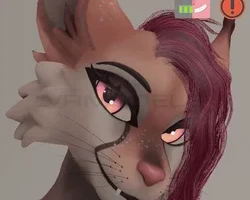
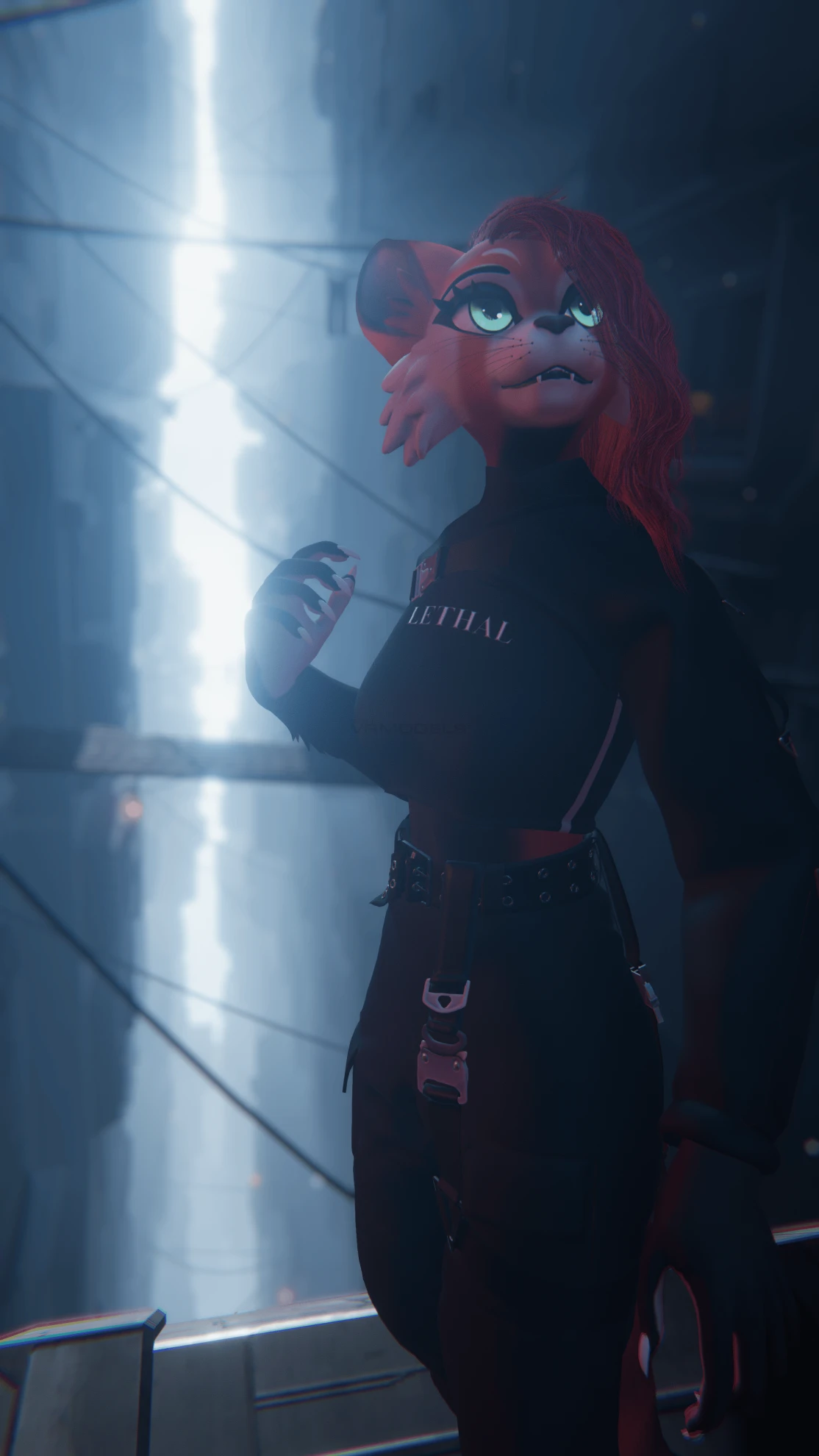
Model info
Content type:Avatars
Сreated by: HighCD
SDK: 3.0 (VRChat)
Unity version: Unity 2022
Platform:
PC
Рhysbones: Yes
Face Tracking: No
Full body: Yes
Nsfw: Yes
DРS \ SPS : No
Views: 15 541
Feline+
To download the model, you need to log in.
Description
Uploader Note: If you have any trouble with the avatar or uploading, please ask for assistance from the VRModels community, so do refrain from private messaging me, I unfortunately have not uploaded this avatar yet, so I may not be able to help you!
𑣲⋆ ━━━━━━━━━━━━━━━━━━━━ 𑣲⋆
✩ Feline+ Features ✩
The Feline+ has a modular menu system with the power of VRCFury. Want to save some parameter space without messing with controllers and worrying about breaking the avatar? Simply delete whichever addon you don't want from the addons section in the hierarchy!
The Advanced Rig V2:
The MOAB is powered by my Advanced Rig V2, a specialized rig that offers many improvements to the way the avatar's limbs move, offering a very smooth feeling experience that gives you a very comfortable avatar to be in! Some of these special rig quality include:
⋆ A fancy breast and butt rig that is very bouncy!
⋆ Thigh fan bones, which essentially means your thigh doesn't pinch up into your hip when you sit down any more and will deform in a much nicer, and smoother way.
⋆ Twist bones for the arms and legs. No more weird pinching when you twist your wrist, when your hand twists, your lower arm will also partially twist with it to mimic real life arm movements, same with the legs.
Core FX:
⋆ 7 gestures tied to the left hand
⋆ Body shape slider for being thicker or thinner.
⋆ Breast shape submenu which will allow you to slightly alter the shape of your breasts so that they can be a shape you are most comfortable with.
⋆ Flat chest option that will replace your chest with a flat one!
⋆ Slight teeth poke toggle
⋆ Saber teeth toggle
⋆ Sclera changing to black instead of white toggle
⋆ Thicker whisker toggle
⋆ Custom blink animation with its own toggle to turn it off.
⋆ Breathing animation toggle
⋆ Less eyelash toggle
⋆ Eye hue shift slider
⋆ Cheek fluff toggle
Clothing FX:
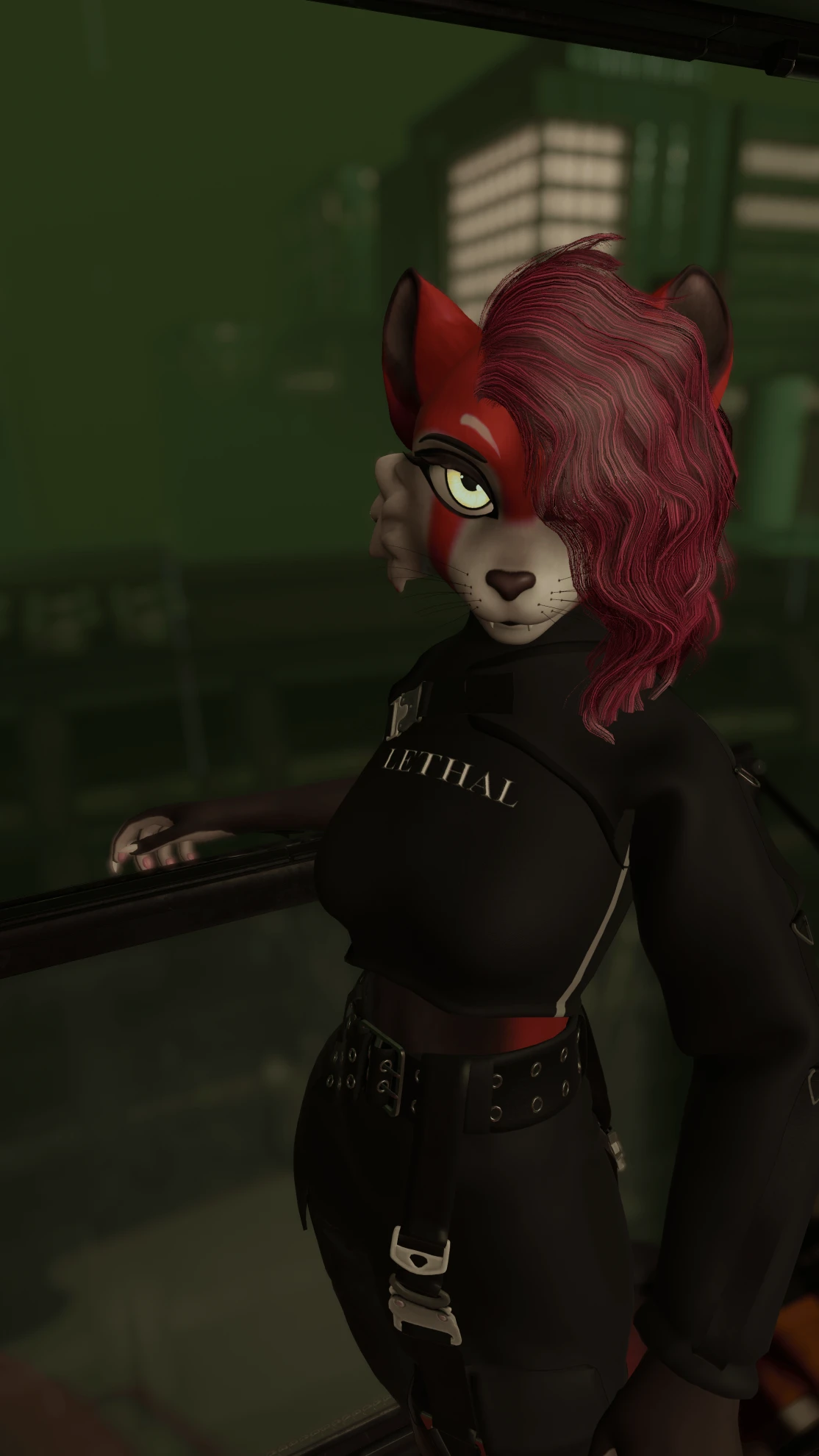
Comes with two outfits, Street Wear and Casual (can be deleted individually), each part has toggles for each individual piece and can somewhat be mixed and matched.
⋆ Mood Puppet FX
A single option placed in the core menu that can be deleted. Uses two float parameters to give your face a subtle mood change.
⋆ Interactions/Purr FX
A menu to toggle on a variety of avatar interaction options such as:
⋆ Reactions to being pet on the head
⋆ Reactions to being booped on the nose
⋆ Turning the physbone floor collider off
⋆ Inside this menu is also the purr menu, which has a looping purr sound effect that you have a few options with:
- Always off
- Always on
- Purr when head is pet
- Purr when right hand thumbs up gesture is being done.
- Controls FX
⋆ Menu that has some extra body controls:
- Tail sway toggle
- Tail puppet
- Toes puppet
- Species Menu FX
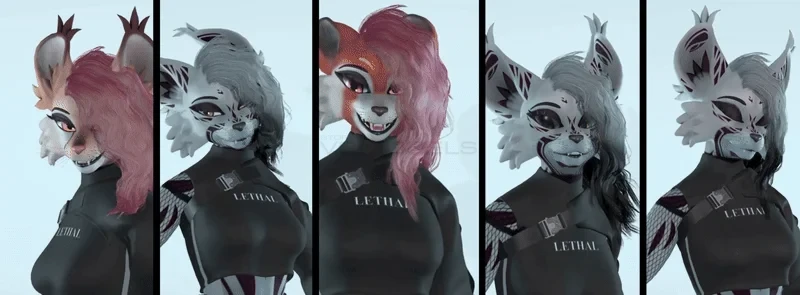
Contains options for your feline species and ear shape!
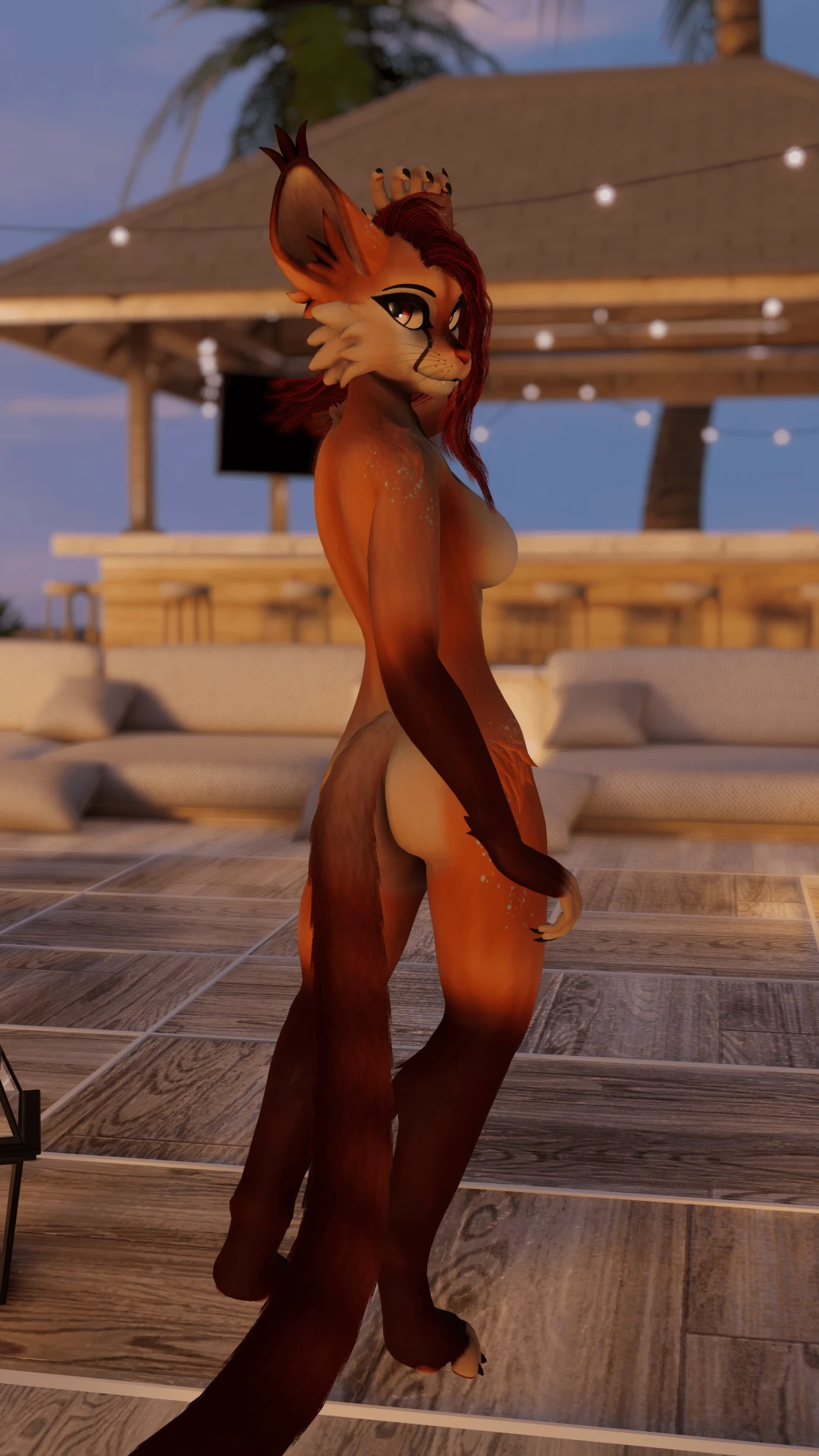
⋆ Lynx (default)
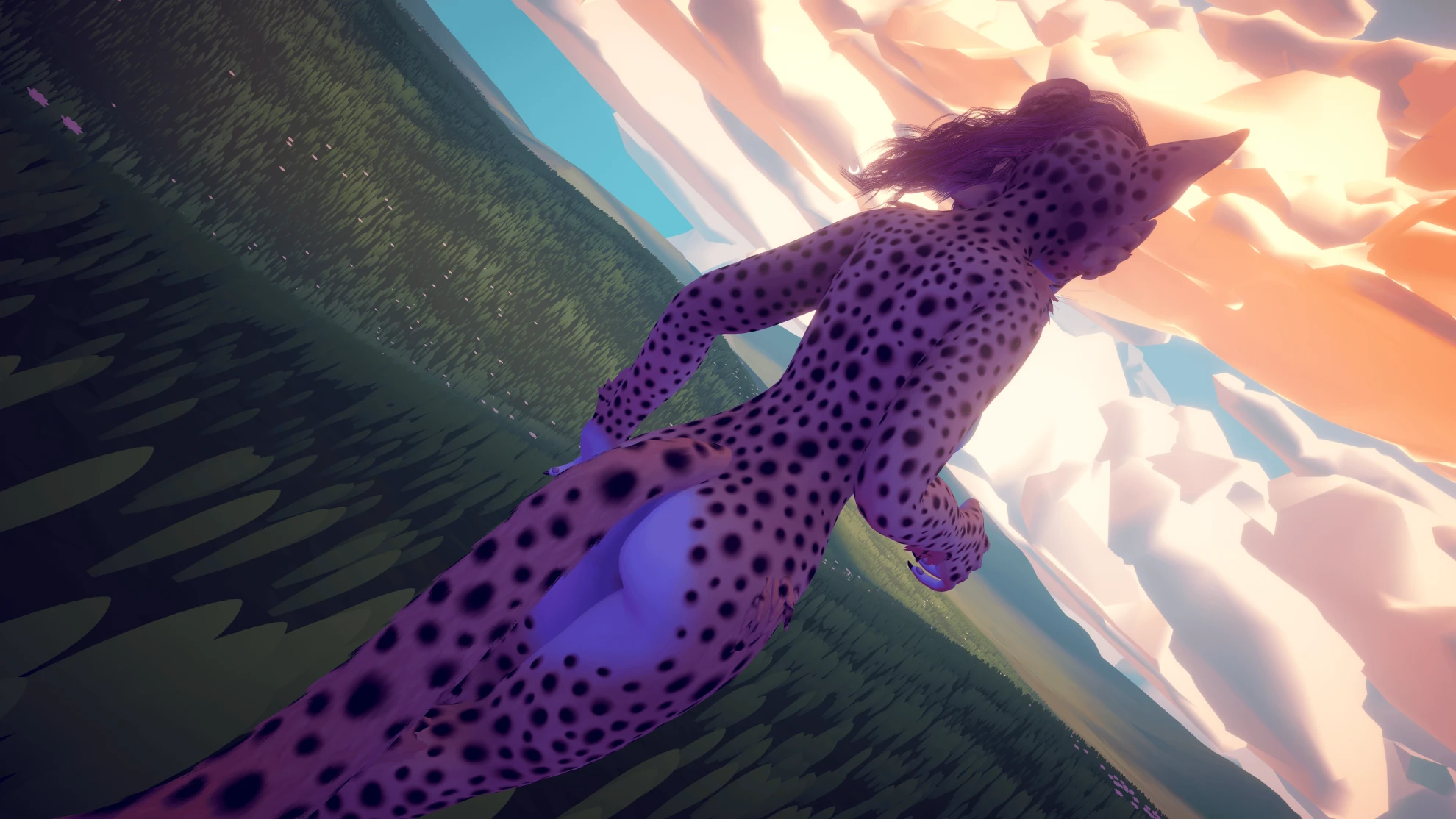
⋆ Cheetah
⋆ Tiger
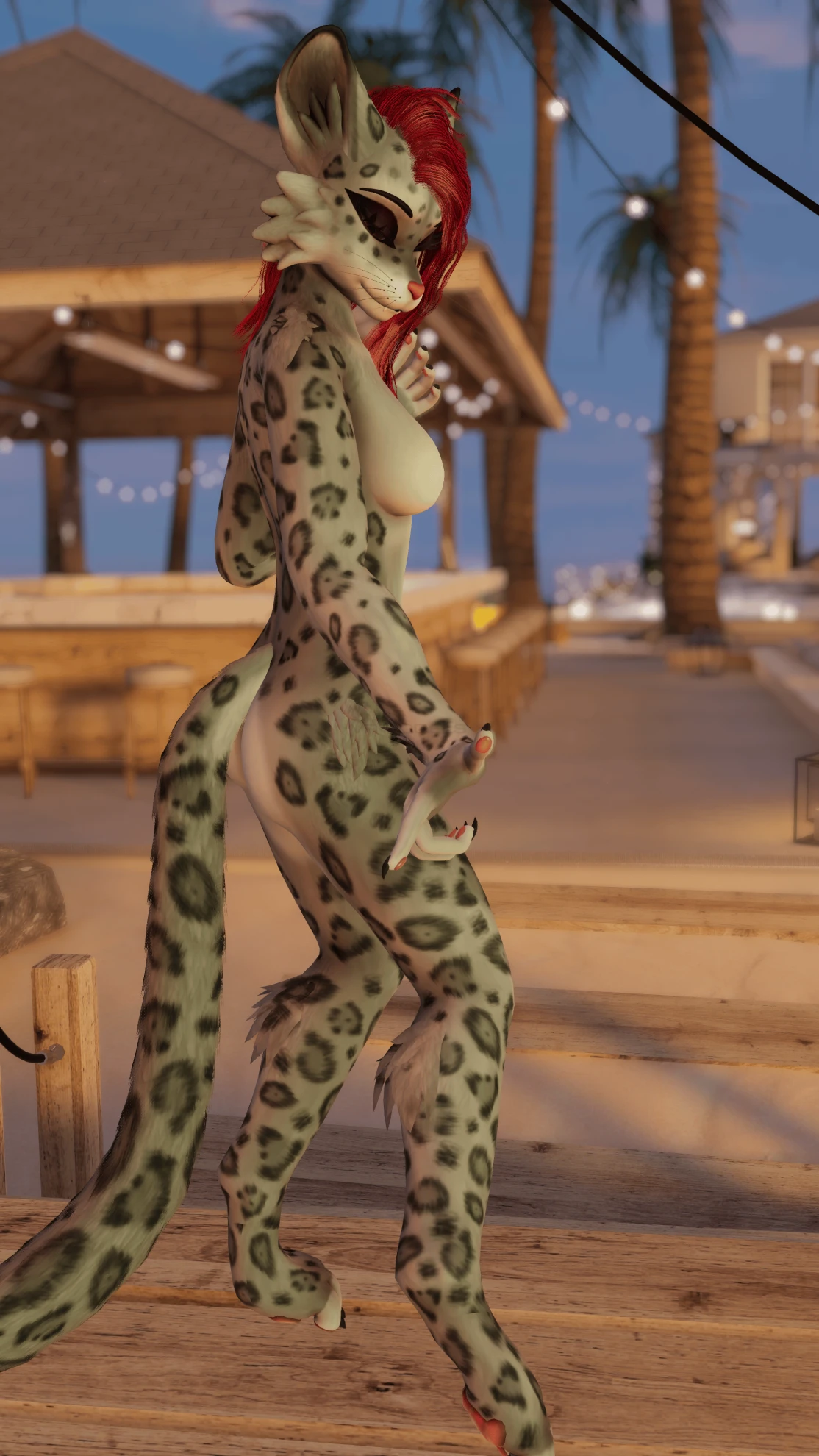
⋆ Snow Leopard
⋆ Red Panda
⋆ Convergence (Skin by Fel!)
⋆ Default tall ears
⋆ Short ears
⋆ Round ears
Body Part Addons
This menu is dedicated to the MOAB's custom body part modules which includes:
⋆ The body fur
⋆ The tail with a custom option to make the tail thin.
⋆ NSFW Module which allows the avatar to freely switch from having NSFW bits or not having them by a simple menu toggle.
⋆ NSFW Module also includes two fun optional modules in it that allow people to spank you, which plays a sound and makes your butt red for a few moments with a hand print before fading, and also it allows you to some fun stuff with fingers~
Hair Menu:
Contains a variety of options for the hair of the avatar.
⋆ Change the color of the hair
⋆ Change the color of the tips of the hair strands
⋆ Turn off the hair entirely
⋆ Try the experimental hybridized physics version of the hair that is off by default.
Audiolink Menu
A menu dedicated to all you audiolink freaks out there who love to go to your raves and DJ shows that comes with a variety of options:
⋆ Toggle to turn minimum brightness on the avatar to 0 so that you look darker, which allows your glowly lights to look nicer and pop much better.
⋆ A wonderful emission map made by my awesome friend Fel (ily Fel you're the GOAT) that functions in three layers with different colors that react differently to different bands of audio.
⋆ Each layer can also be made individually "flat" which means they will permanently be active if you just wanna look glowy without all that audiolink!
⋆ Toggle to the hair react to audiolink with audiolink spectrum.
Addons
For third party avatar addons included with the avatar that can be individually deleted.
⋆ GoGoLoco by Franada
⋆ An altered version of Jerry's Facetracking Template that includes an additional module that allows for extra expression when doing certain facial movements.
⋆ SPS setup (currently needs more testing but I know it works decently enough! Feedback highly appreciated and I will gladly seek improvements if you offer advise)
𑣲⋆ ━━━━━━━━━━━━━━━━━━━━ 𑣲⋆
How to set up:
⋆ If you haven't already, follow this guide to set up your SDK.
⋆ Create a new unity project make sure it is with Unity 2022 and not 2019.
⋆ Import the VRChat SDK (Use the VCC tool for most optimal results)
⋆ Import VRCFury (Use the VCC tool)
⋆ Import Poiyomi (Use the VCC or import the newest Poiyomi asset file from their Github)
⋆ Import the files from the provided unity asset file, open the "HighCD" folder, the avatar's folder, then open the scene file named "OPEN ME (FELINE+)"
- (OPTIONAL) there are additional scenes set up in the "Extra Scenes" folder, in which you can find scenes for a VRCFT version ready to go
⋆ Ready to upload. (First upload can take some time to compile poiyomi shaders, but is otherwise much faster on future uploads)
ONE LAST NOTE ON UPLOADING!
VRCFury makes many changes when it uploads, such as merging many sets of armatures into one armature, so some of the avatar statistics in the upload panel might be incorrect.
If you'd like to check what the statistics will actually be before uploading go to the top bar in Unity and select Tools > VRCFury > Buld an Editor Test Copy. This will make a version of the avatar in your scene that is what it will ACTUALLY be when it uploads, which you can use to check avatar statistics.
