Model info
Content type:Avatars
Сreated by: Strelz
SDK: 3.0 (VRChat)
Unity version: Unity 2022
Platform:
PC
Рhysbones: Yes
Face Tracking: Yes
Full body: Yes
Nsfw: Yes
DРS \ SPS : Yes
Views: 19 614
Ringtail
To download the model, you need to log in.
Description
Uploader Note[/b]: If you have any trouble with the avatar or uploading, please ask for assistance from the VRModels community, so do refrain from private messaging me, I unfortunately have not uploaded this avatar yet, so I may not be able to help you!
✩ FEATURES ✩
⋆ Unified Expressions face tracking
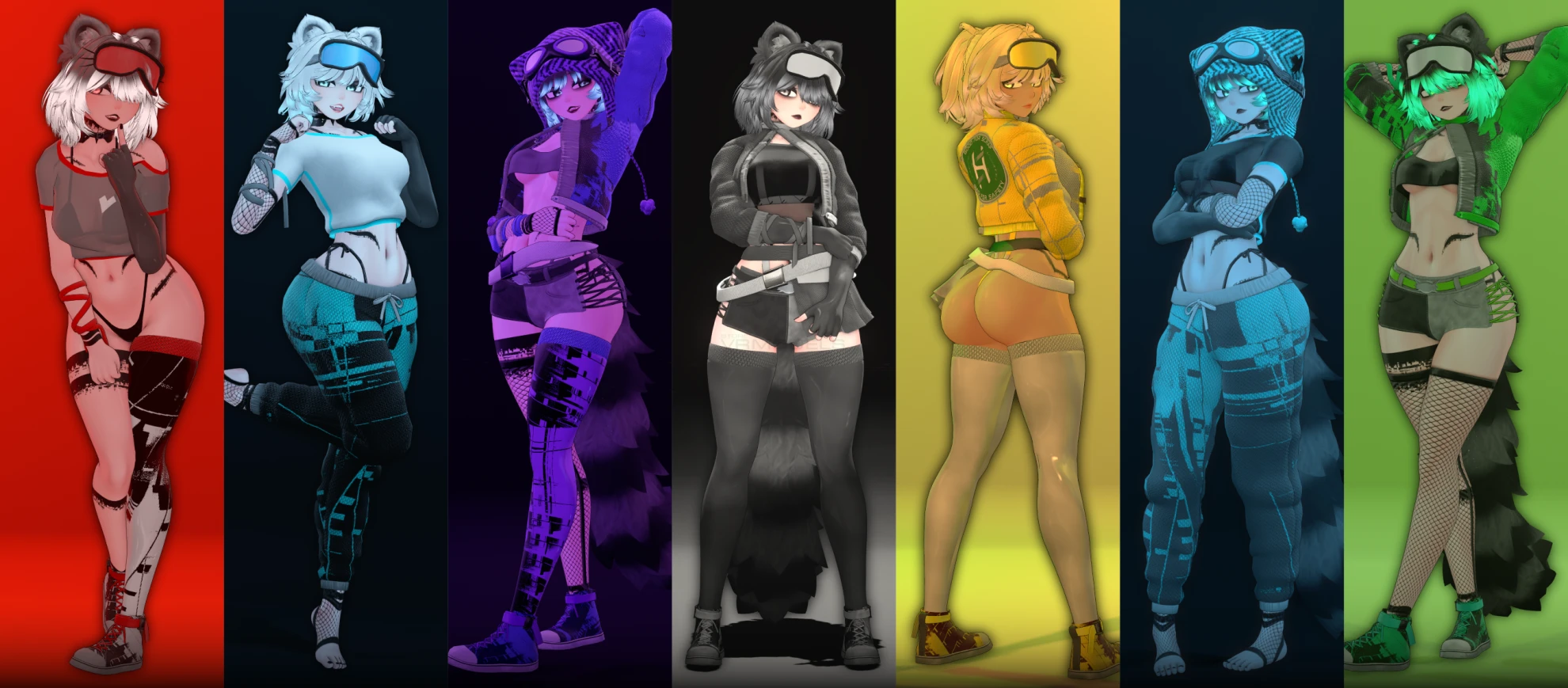
⋆ Full color customization
⋆ Modular clothing prefabs
⋆ Custom menu icons
⋆ End user considered menu layout
⋆ Placeable Realtime light for controlled shadows
Main Toggles:
Tops
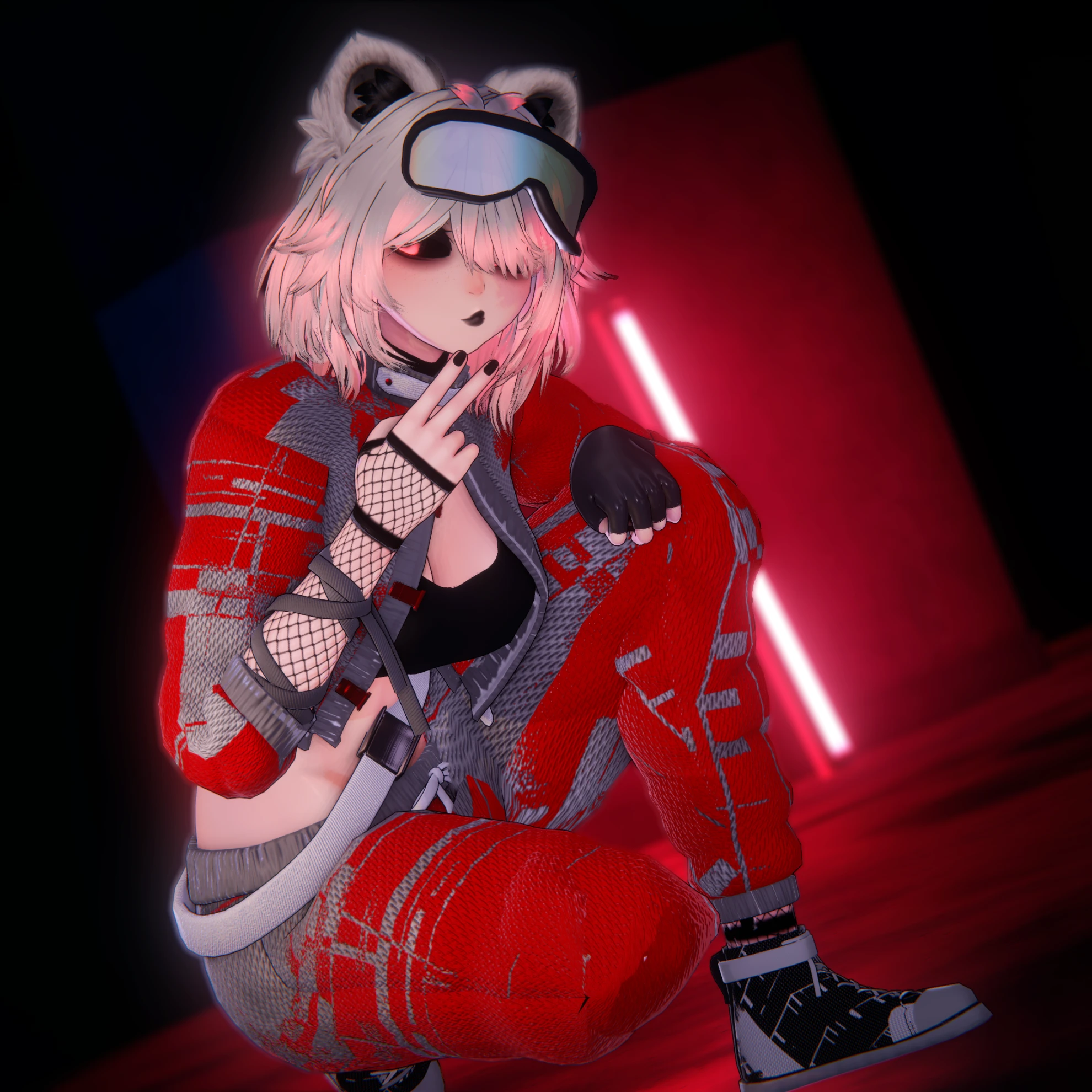
⋆ Jacket
⋆ Loose shirt
⋆ Crop top
⋆ Chest band
Bottoms
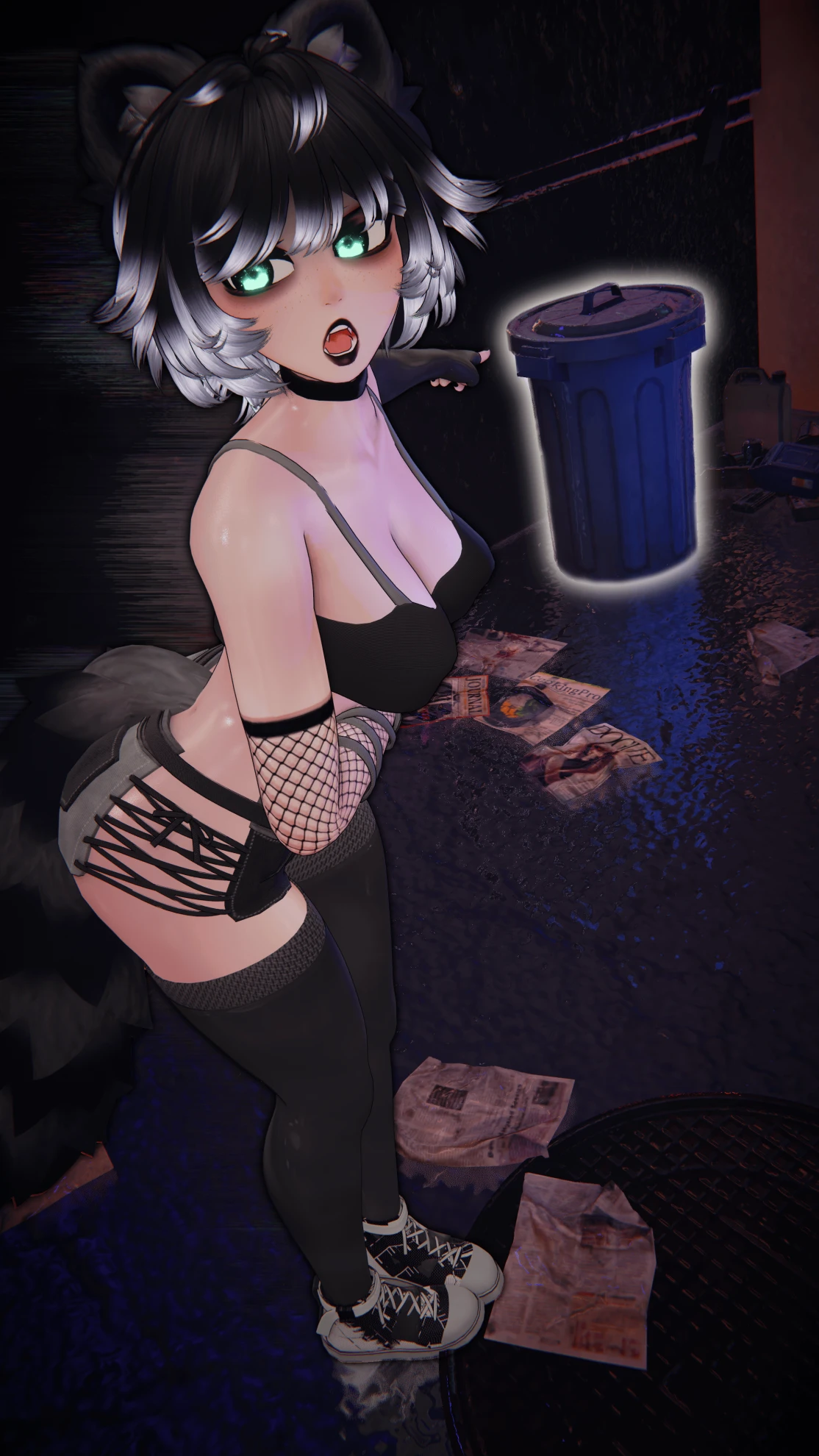
⋆ Shorts
⋆ Half skirt
⋆ Comfy Joggers
Other
⋆ Harness
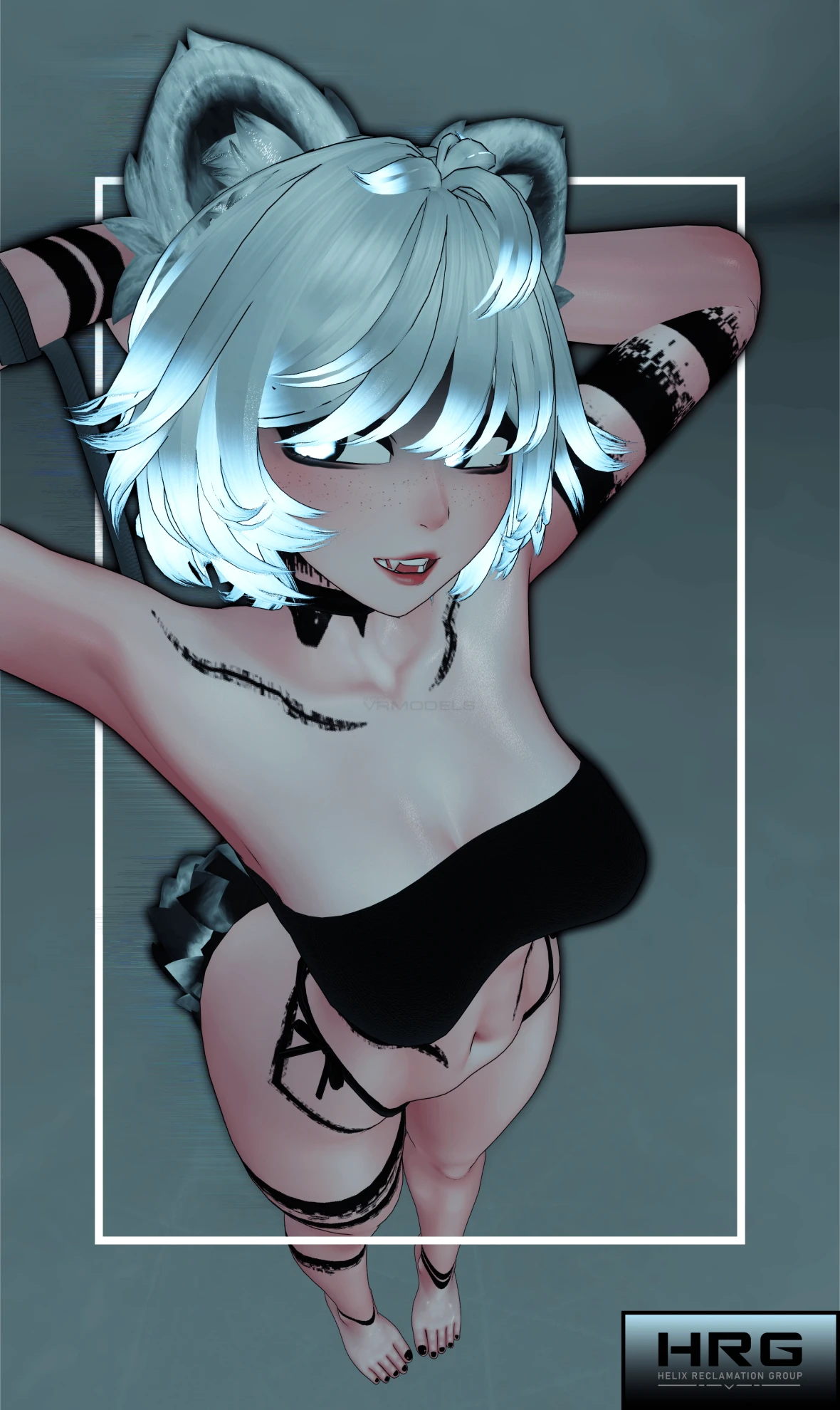
⋆ Bikini
⋆ Shoes
Accessories
⋆ Goggles
⋆ Hat
⋆ Belt
⋆ Fishnets
⋆ Latex thigh highs
⋆ Latex arm warmers
⋆ Arm strap
Outfit features
⋆ Loose shirt transparency
⋆ Harness bottom / top transparency
Including decals for:
⋆ Jacket
⋆ Loose shirt
⋆ Half Skirt
⋆ Comfy Joggers
⋆ Harness
⋆ Shoes
⋆ Goggles
⋆ Thigh highs
⋆ Arm warmers
Body Options:
⋆ Tattoos - Toggle
⋆ Skin wetness - Slider
⋆ Black Sclera (eye whites) - Toggle
⋆ Chest and Butt size - Slider
⋆ Face shadow - Slider
⋆ Top lipstick - Toggle
⋆ Bottom lipstick - Toggle
⋆ Eye bags - Toggle
⋆ Black / White tip hair - Toggle
⋆ Tail Transparency - Slider
⋆ White ear fluff - Toggle
⋆ Eye fog - Toggle
Every clothing item has full multiple HSV (Hue, Saturation, Value) sliders for customization
Along with:
⋆ Eyes
⋆ Hair + Animal parts
⋆ Constellation in eyes
