Model info
Content type:Avatars
Сreated by: Panthervrc
SDK: 3.0 (VRChat)
Unity version: Unity 2022
Platform:
PC
Рhysbones: Yes
Face Tracking: Yes
Full body: Yes
Nsfw: Yes
DРS \ SPS : Yes
Views: 18 853
Noir
To download the model, you need to log in.
Description
Uploader Note: If you have any trouble with the avatar or uploading, please ask for assistance from the VRModels community, so do refrain from private messaging me, I unfortunately have not uploaded this avatar yet, so I may not be able to help you!
✩ IMPORTANT READ ✩
Weapons Licensing
This avatar is sold in two phases:
⋆ PHASE 1 – DEFAULT Avatar The base avatar does NOT include weapons (OPEN ME DEFAULT).
⋆ PHASE 2 – Weapons DLC (Optional) Weapons are created by a third-party creator and have a personal / public-use license only. To use the weapons, you must purchase them directly from the original creator’s store (OPEN ME WEAPONS).
STORE:
⋆ Spas-12 Shotgun
⋆ Throwable SMoke Grenade [FREE]
INSTALLATION: Once purchased/instaled, simply import the weapons package into the avatar. No additional setup required. (UPLOAD THE UNITY PACKAGE ''OPEN ME WEAPONS!'')
NOTES: ''Weapons/Grenade are not included in this product and are not redistributed with this avatar''.
Must be include inside the package.
(Has to be ADDED ON VRChat Creator Companion):
⋆ Poiyomi (Ver. 9.3.64)
⋆ VRCFury (Ver. 1.1279.0)
⋆ VRCFT - Jerry's Templates (Ver. 7.0.4)
⋆ SPS (Ver. 2.0.11)
⋆ GOGO (Ver. 1.8.6)
𝗛𝗼𝘄 𝘁𝗼 𝗨𝗽𝗹𝗼𝗮𝗱 Noir! (2 EASY-WAYS)
1.-
⋆ Unpack the folder you downloaded.
⋆ Open VCC (Unity 2022.3.22f1).
⋆ Click Add → Existing Project.
⋆ Select and open the unpacked folder.
⋆ Manually add the following packages (very important):
• Poiyomi Toon • VRC Fury • GoGoLoco • SPS • VRCFT (Jerry's Templates)
⋆ Open the project in Unity.
⋆ As a final step, open the folder called “NOIR By Panther”, then open “OPEN ME PC!” (Unity icon).
⋆ You ALL SET!
2.-
⋆ Download the Unity package.
⋆ Open VCC (Unity 2022.3.22f1).
⋆ Create a new project.
⋆ Manually add the following packages (very important):
• Poiyomi Toon • VRC Fury • GoGoLoco • SPS • VRCFT (Jerry's Templates)
⋆ Open the project in Unity.
⋆ As a final step, open the folder called “NOIR By Panther”, then open “OPEN ME PC!” (Unity icon).
⋆ You ALL SET!
NOIR’𝘀 (PC) included:
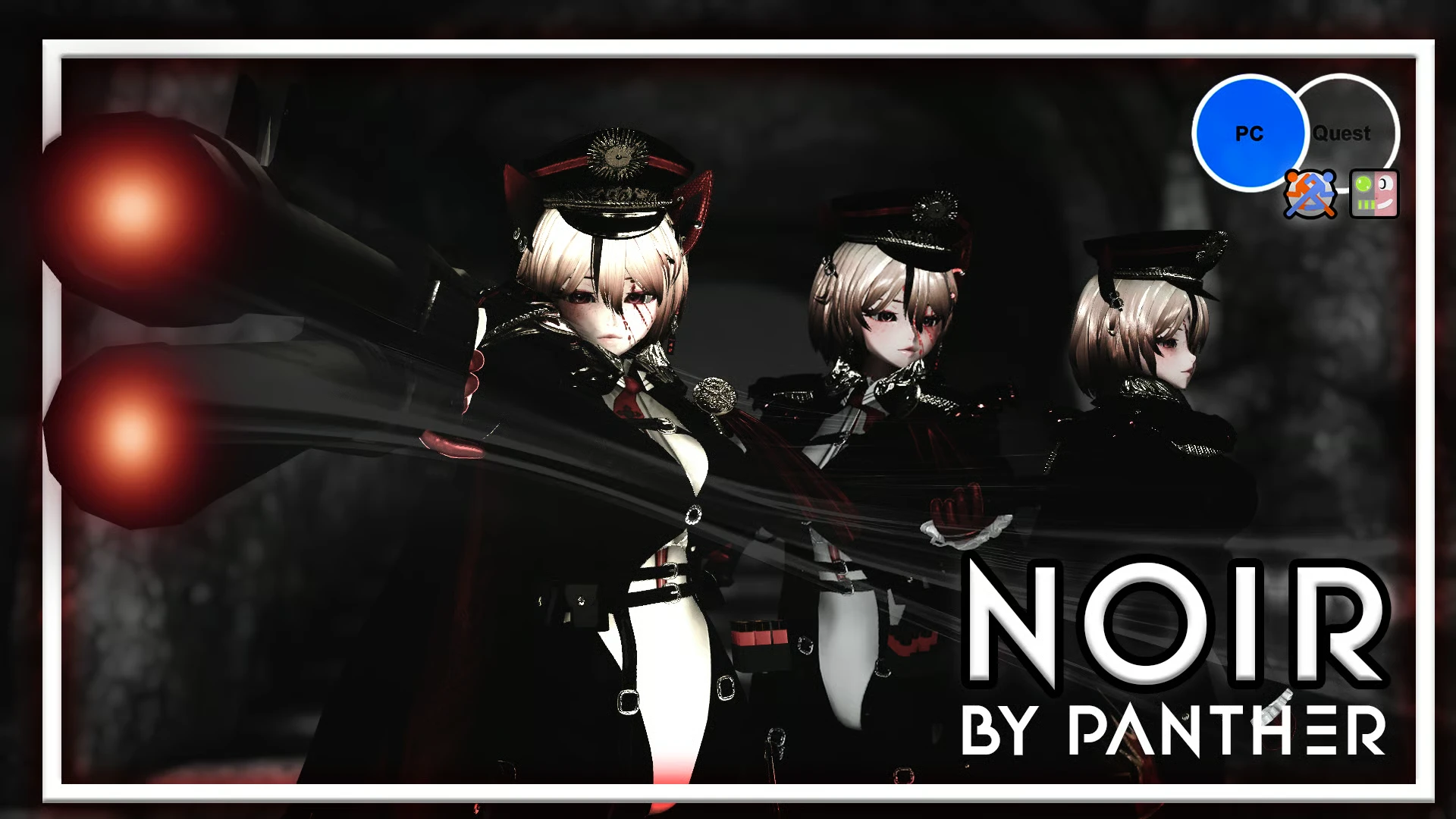
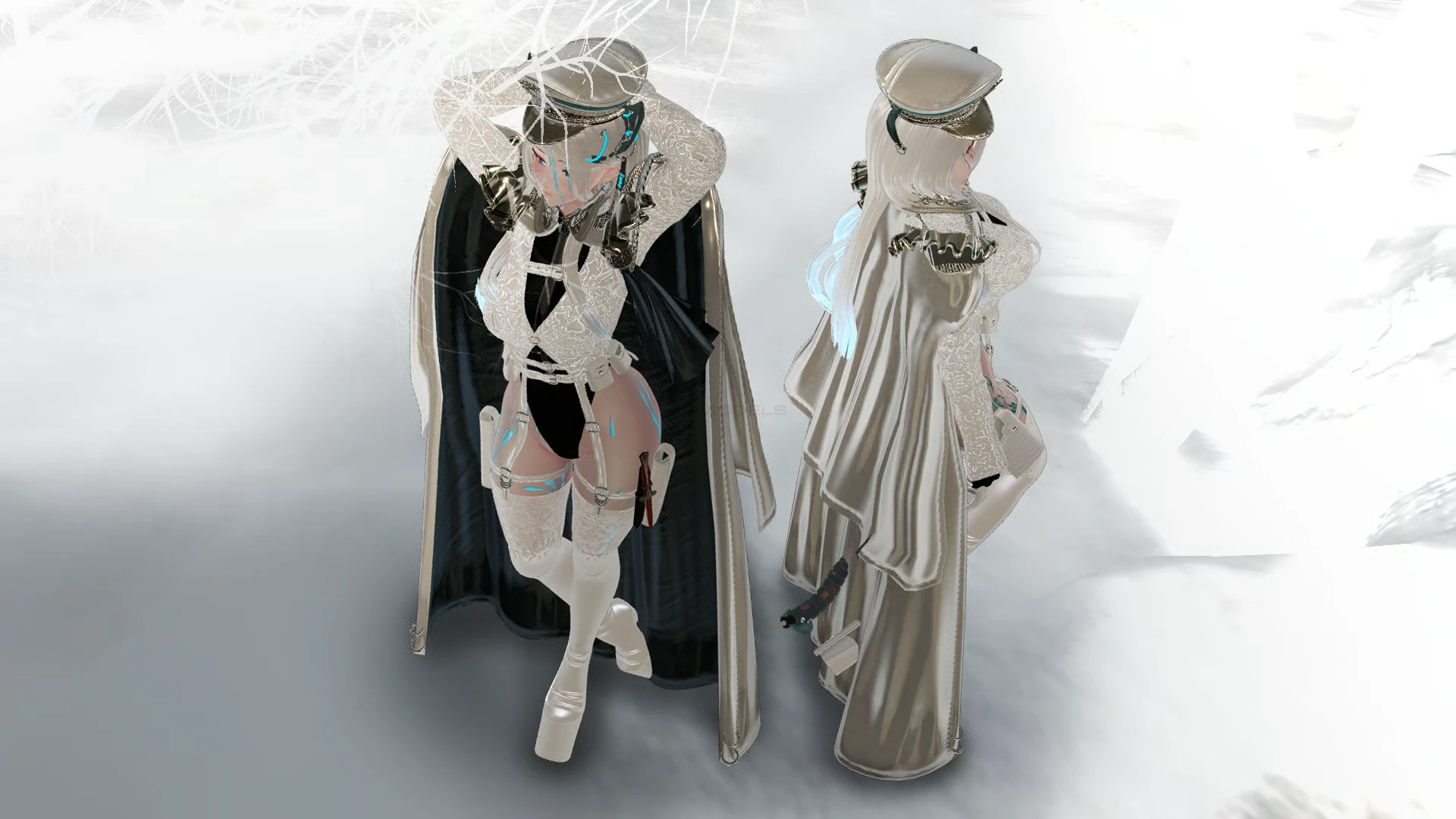
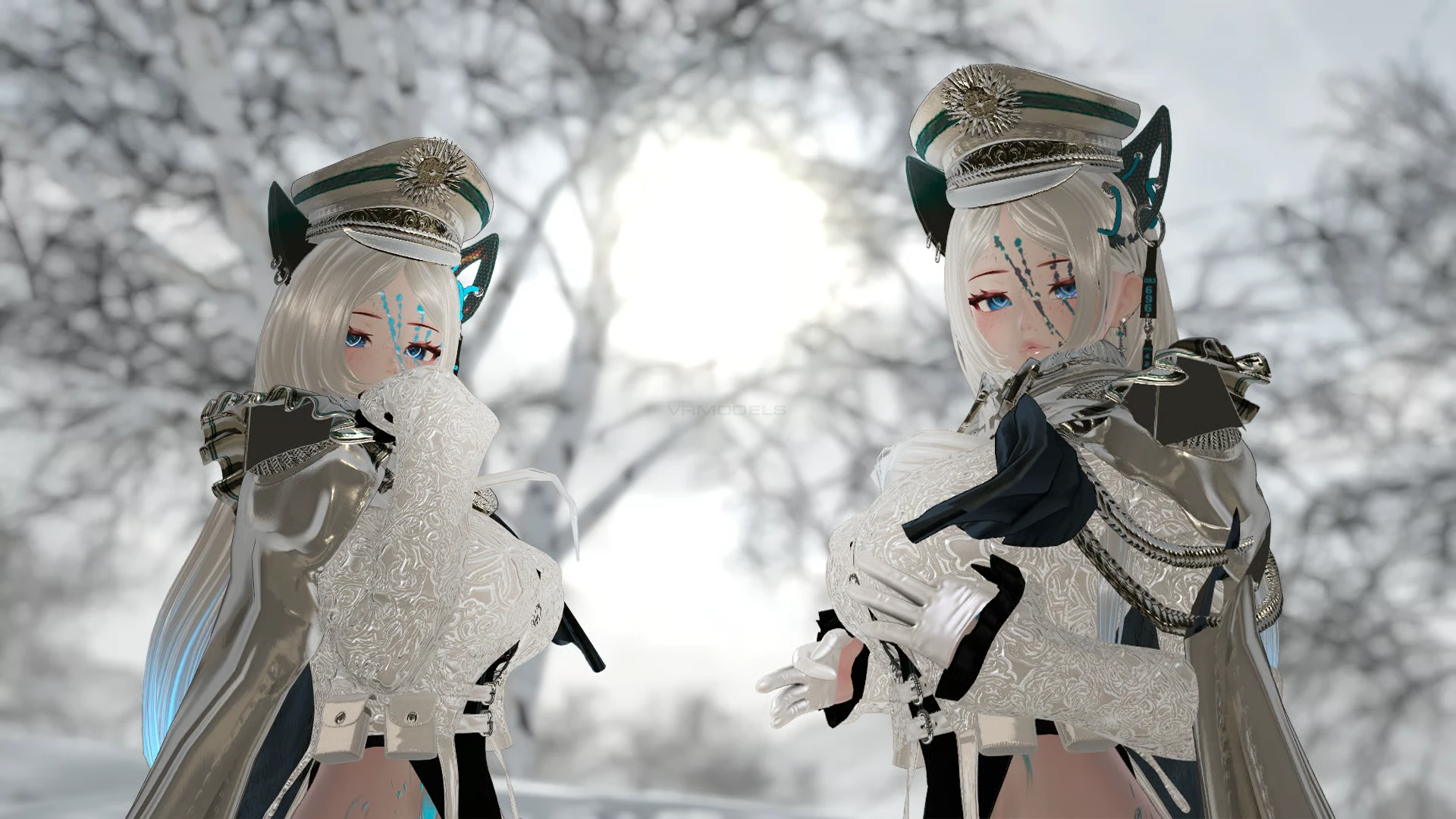
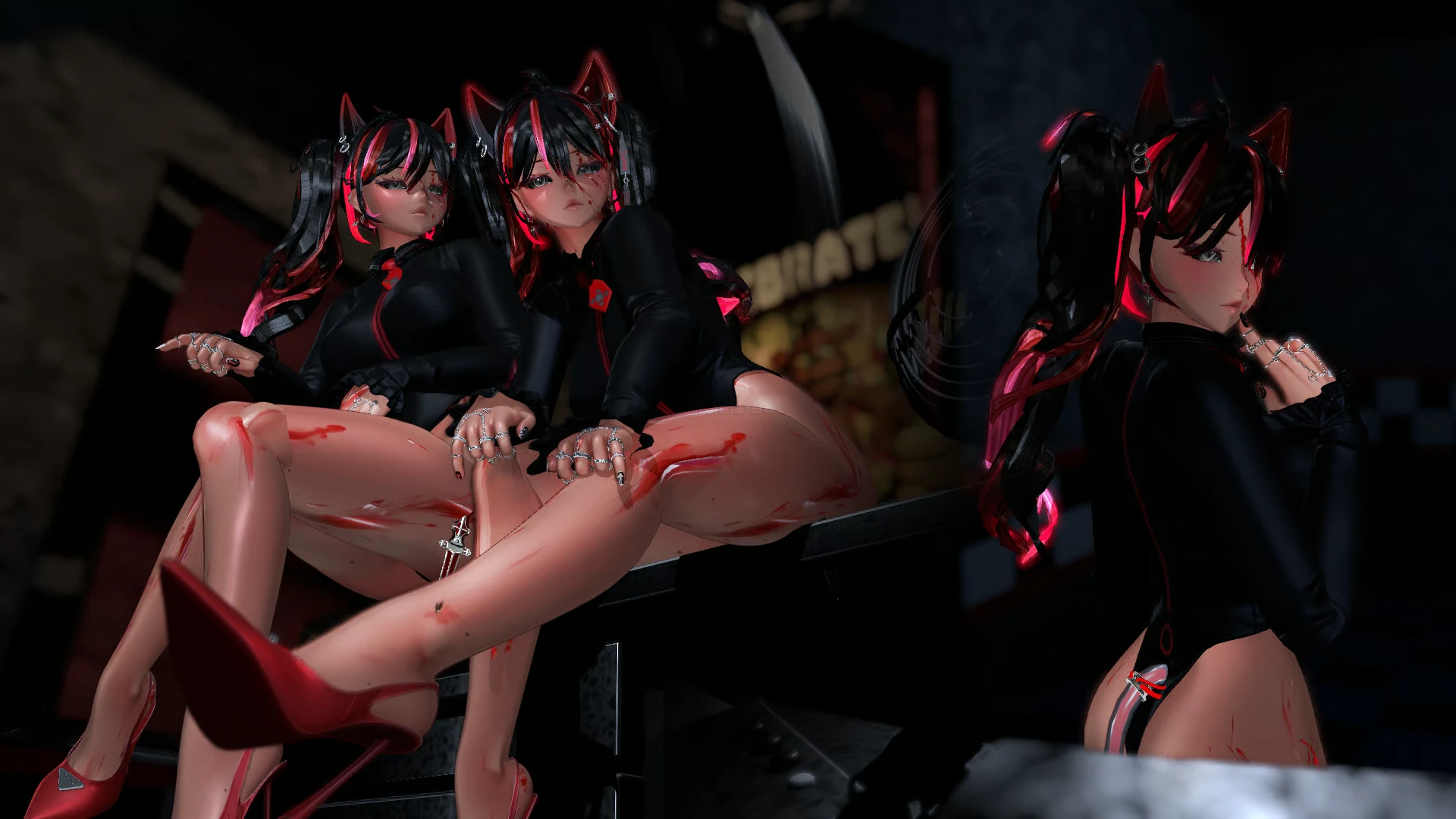
⋆ Hairs: 3 main hairs (short, long, piggy tails).
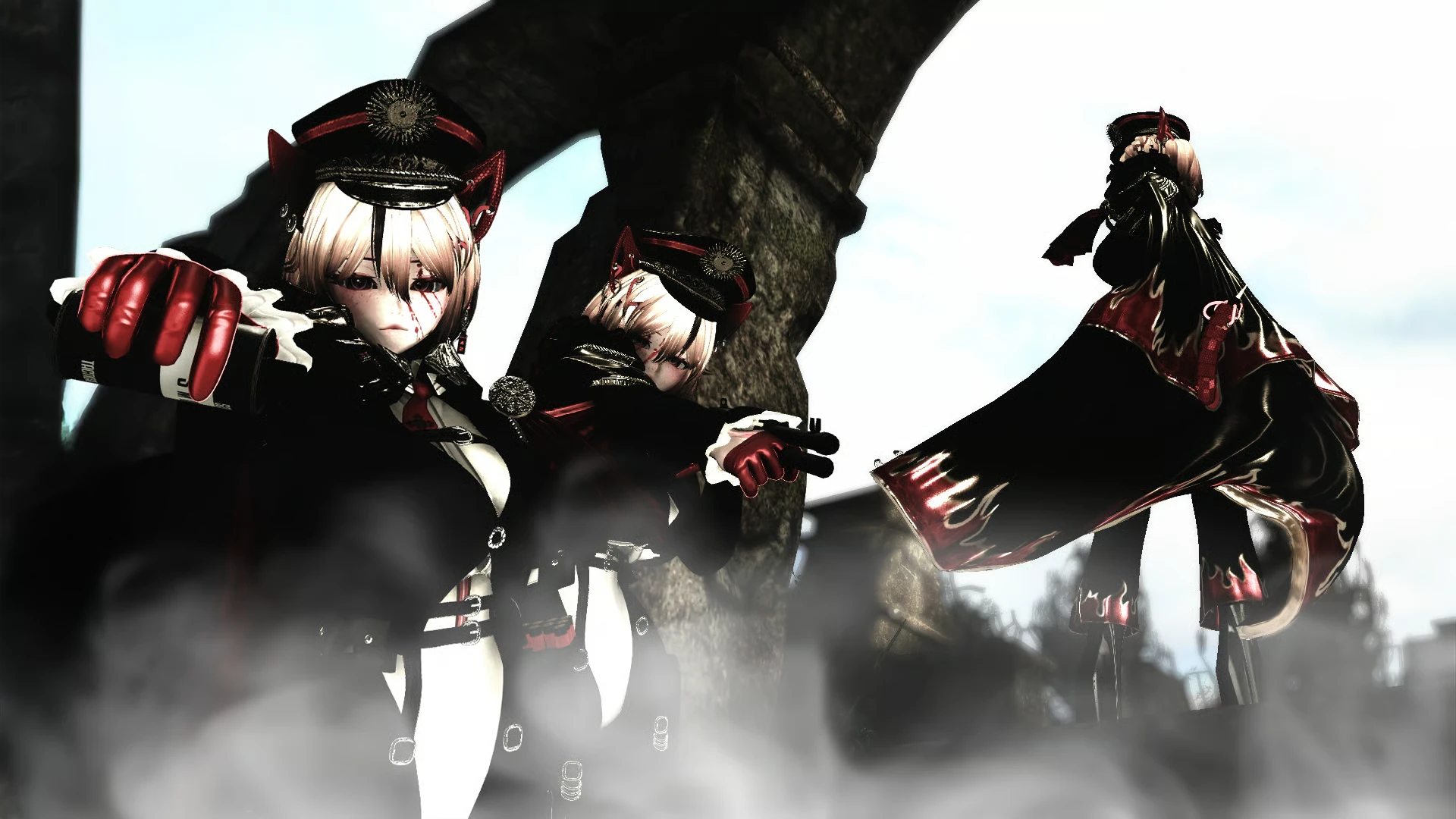
⋆ Clothes: Bodysuit, commander coat, jacket, pants, high heels, shoes.
⋆ Accessories: Coat attachment, commander hat, gloves, harness (gun holster, knife, pockets), strap chest, tie. (Extras with VRFURY; USP Handgun and throwable smoke grenade 'Only with Gestures ON').
⋆ Animal parts: Tech cat ears and tail.
⋆ Color Hue: Black and white clothes, color hue shift, hair (two tones, hair emission) and skin tones (bloody body tattoos).
⋆ Face Expressions and customized blink animation!
⋆ VRchat CC ADD-ONS: GogoLoco All, VRCFT, SPS and Avatar Limb scaling.
