Model info
Content type:Avatars
Сreated by: GraveTeeths
SDK: 3.0 (VRChat)
Unity version: Unity 2022
Platform:
PC + Quest
Рhysbones: Yes
Face Tracking: No
Full body: Yes
Nsfw: No
DРS \ SPS : No
Views: 27 945
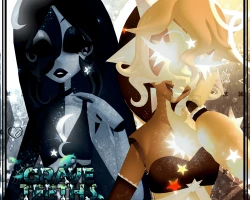
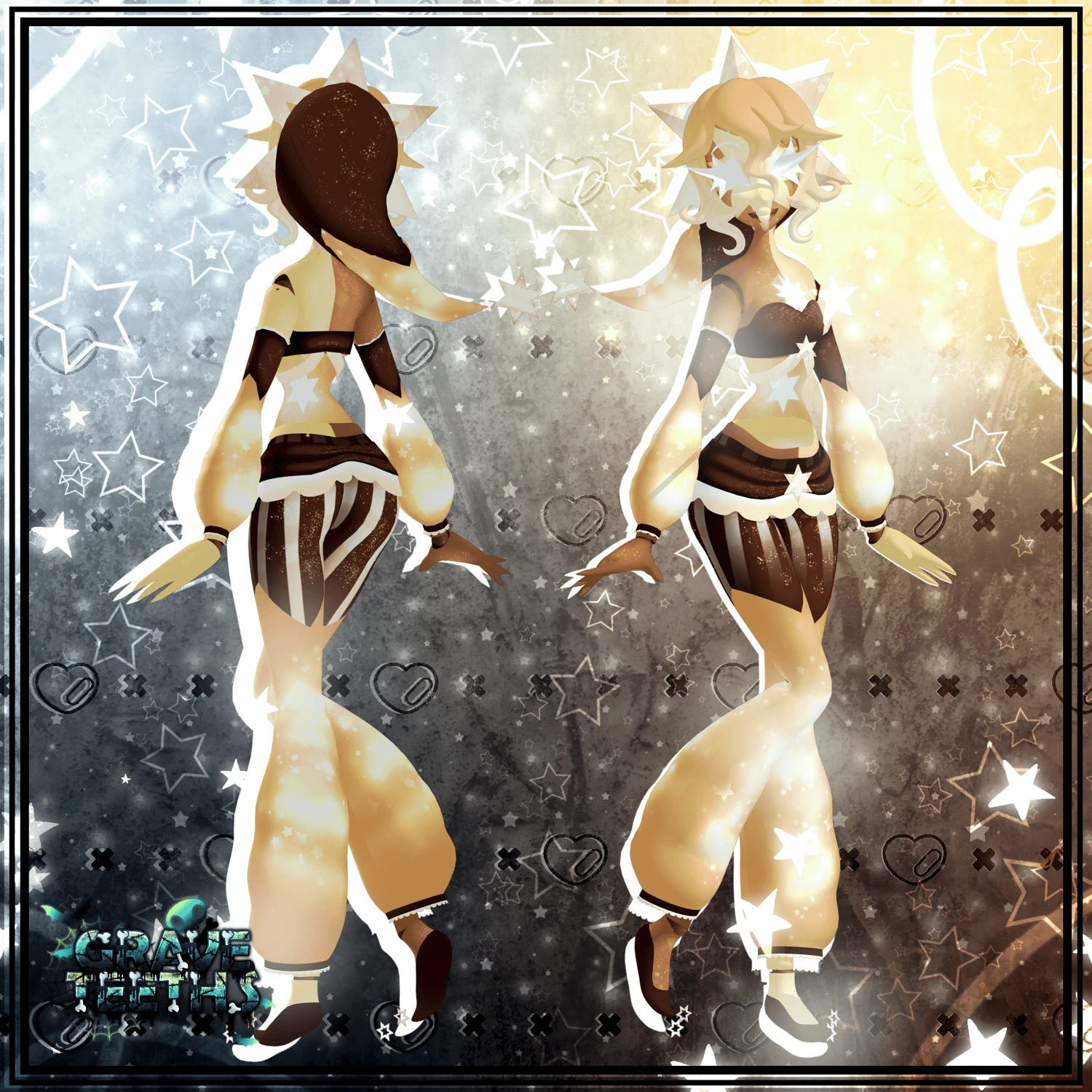
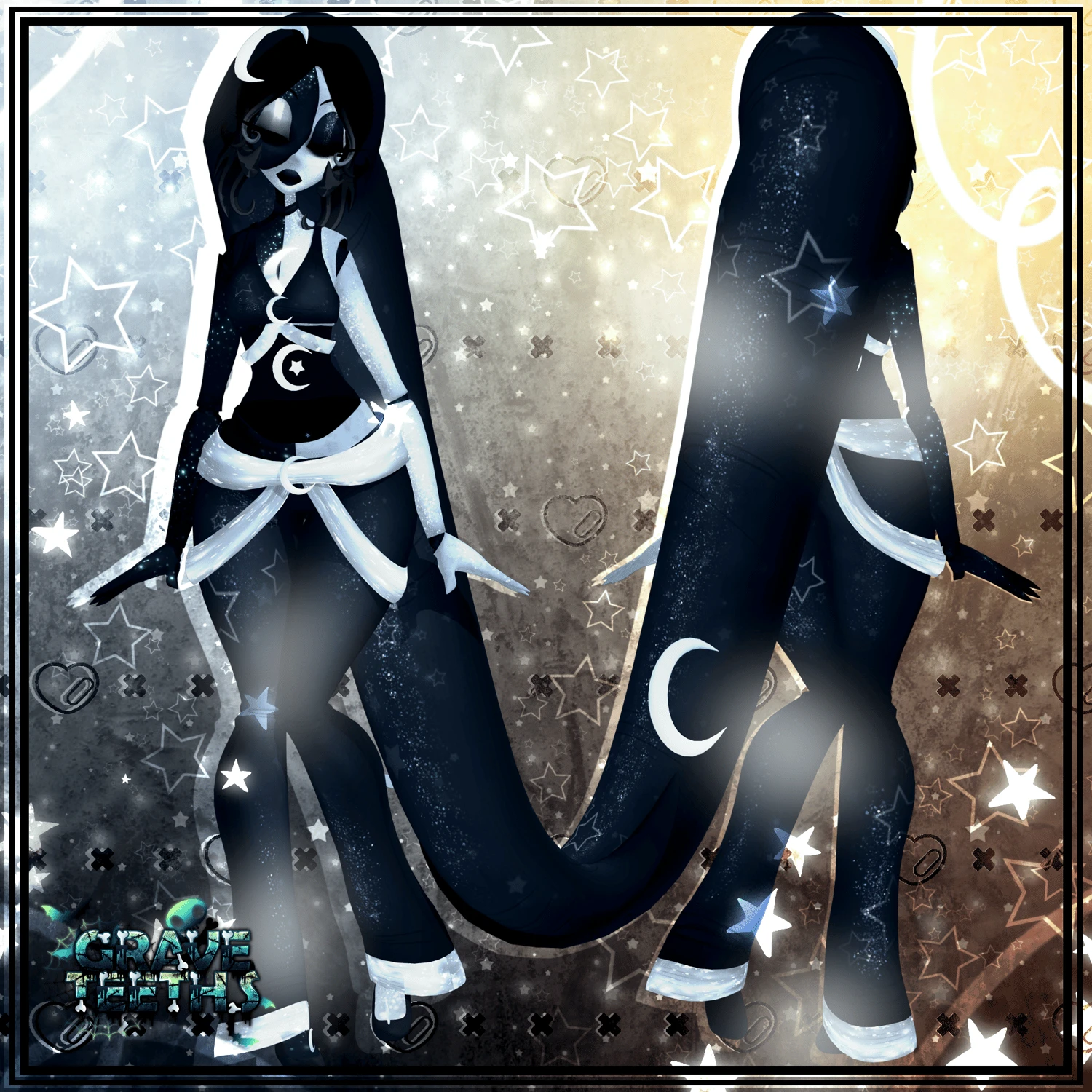
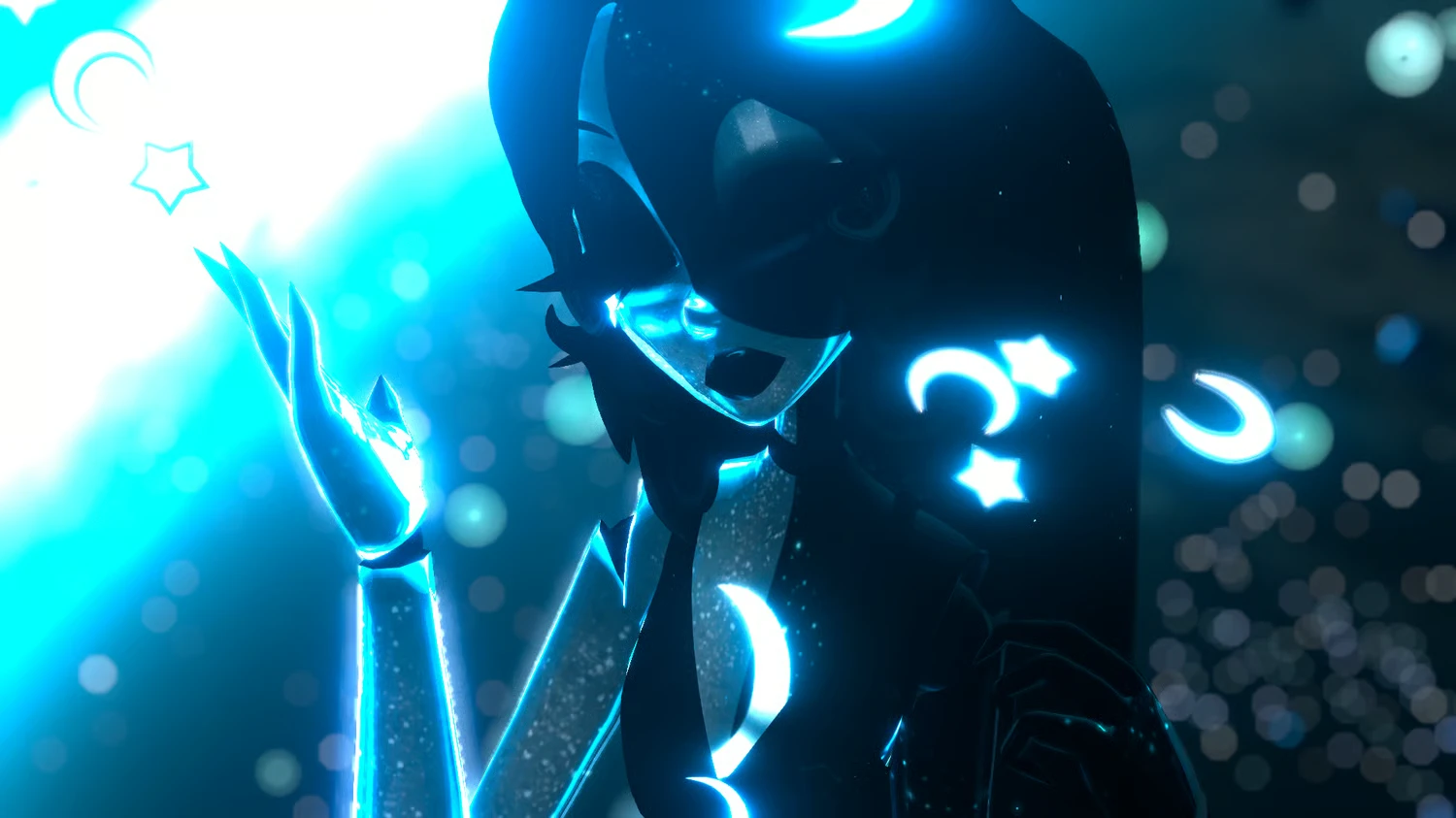
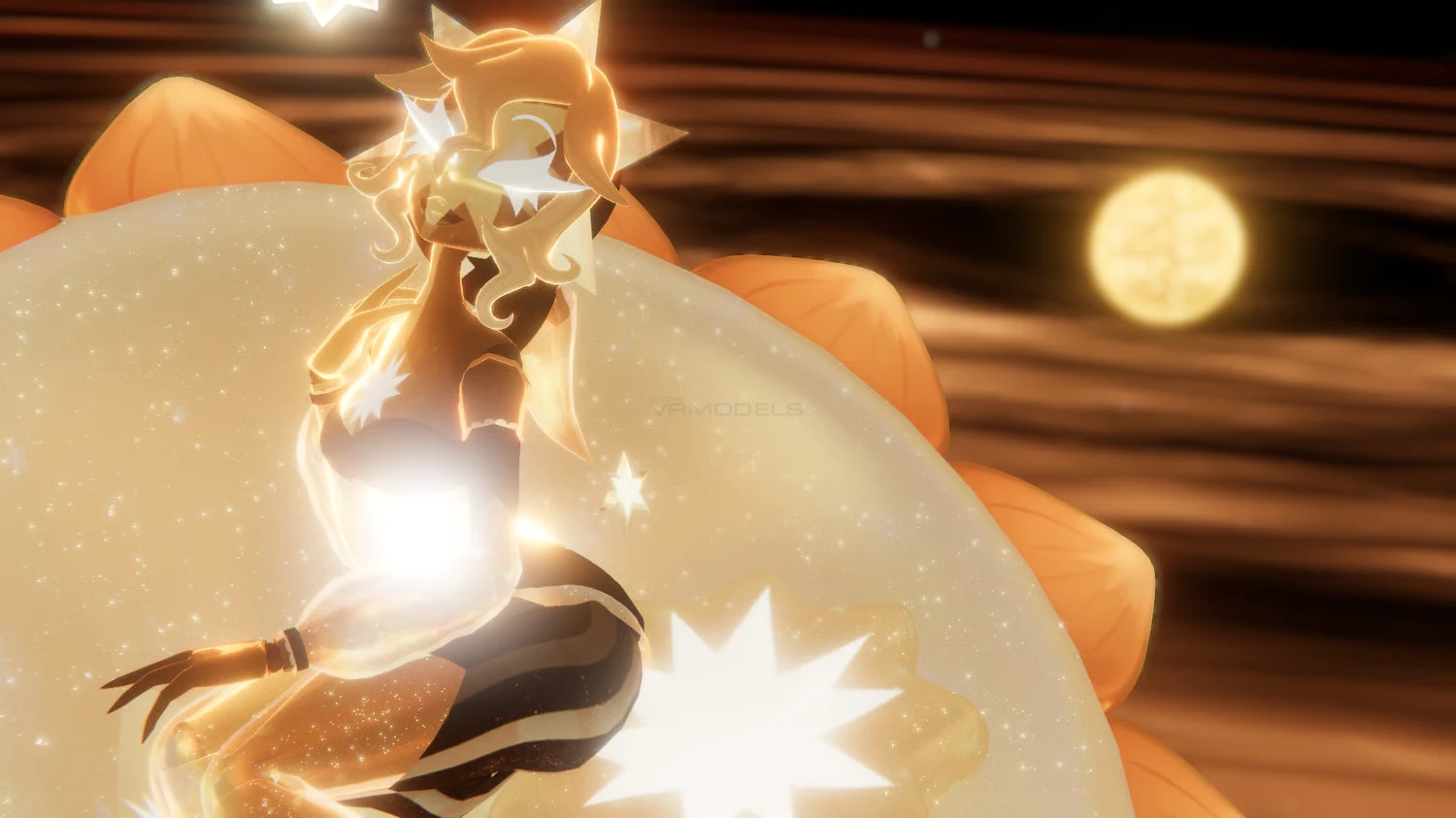
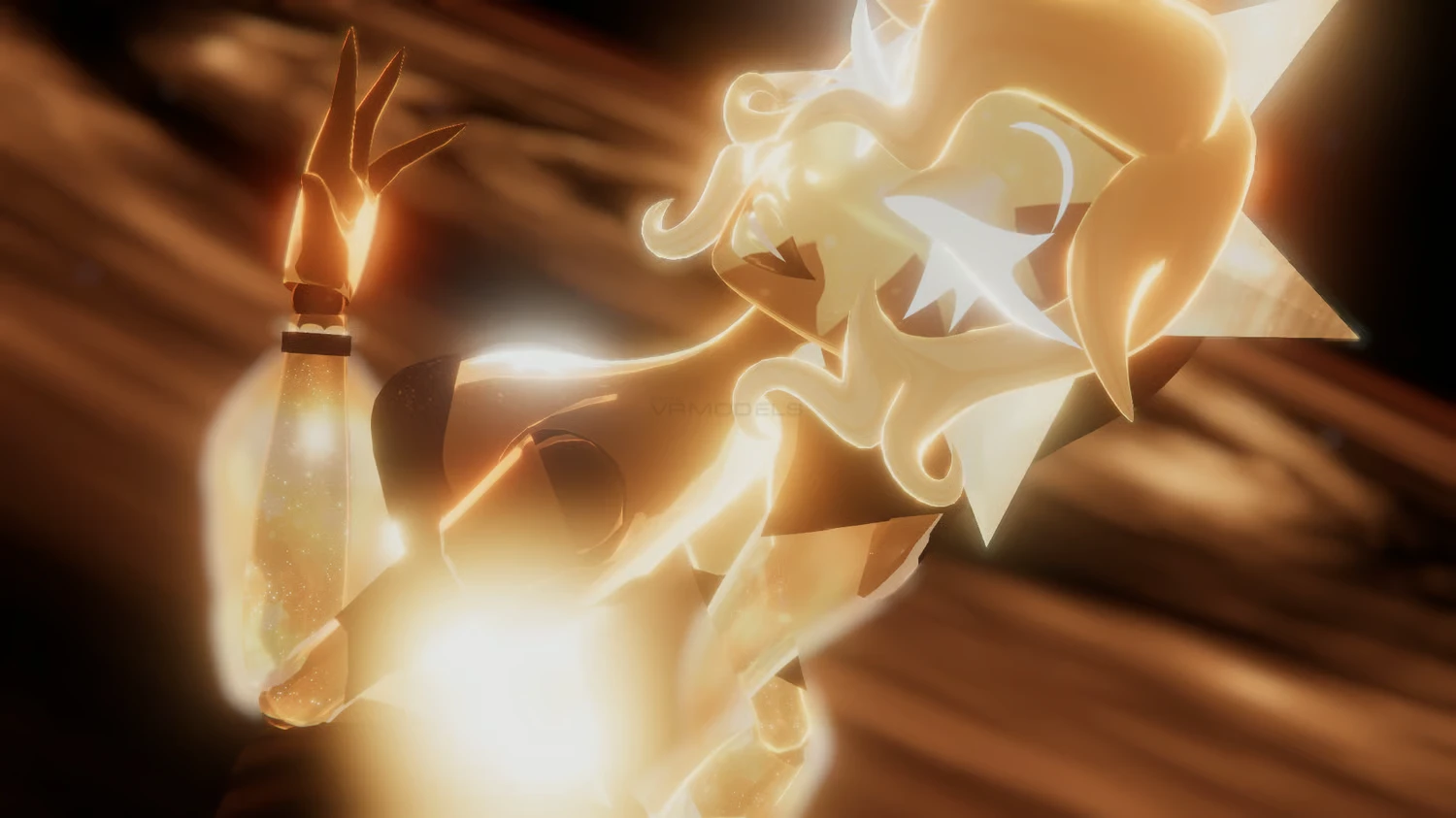
Moonmist & Sunkist
To download the model, you need to log in.
Description
╰┈➤ CLICK HERE TO READ MY T.O.S BEFORE PURCHASE
Click here if you have any concerns/questions about this product Contact Me
It is advised to have prior unity knowledge before purchasing.
THESE AVATARS ARE BIG!!! THEY GO A LITTLE OVER VRCHATS SCALING!
꒷꒦︶꒷꒦︶୨୧ Sunkist & Moonmist ୨୧꒷꒦︶꒷꒦︶
FBX/Blender/PC/Quest Unity Files Included.
FBT/Quest TESTED
THE OLD VERSIONS OF THESE MODELS ARE INCLUDED!
୨୧˚ This product comes with:
⤿ Sunkist
GogoLoco
Chest, Thigh & Waist Sliders
Moon Chair | World Drops where ever you are standing
Star Baby | Will follow your heads movement, Can be grabbed & has physbones
Stars | Acts as a form of Dancing Ribbons
Crayon | Prop
Coloring Page | Prop
Coloring Stages | Changes the coloring stages of the drawing!
Hat | Toggle Off
⤿ Moonmist
GogoLoco
Chest, Thigh & Waist Sliders
Sun Star Chair | World Drops where ever you are standing
StarBaby | Will follow your heads movement, Can be grabbed & has physbones
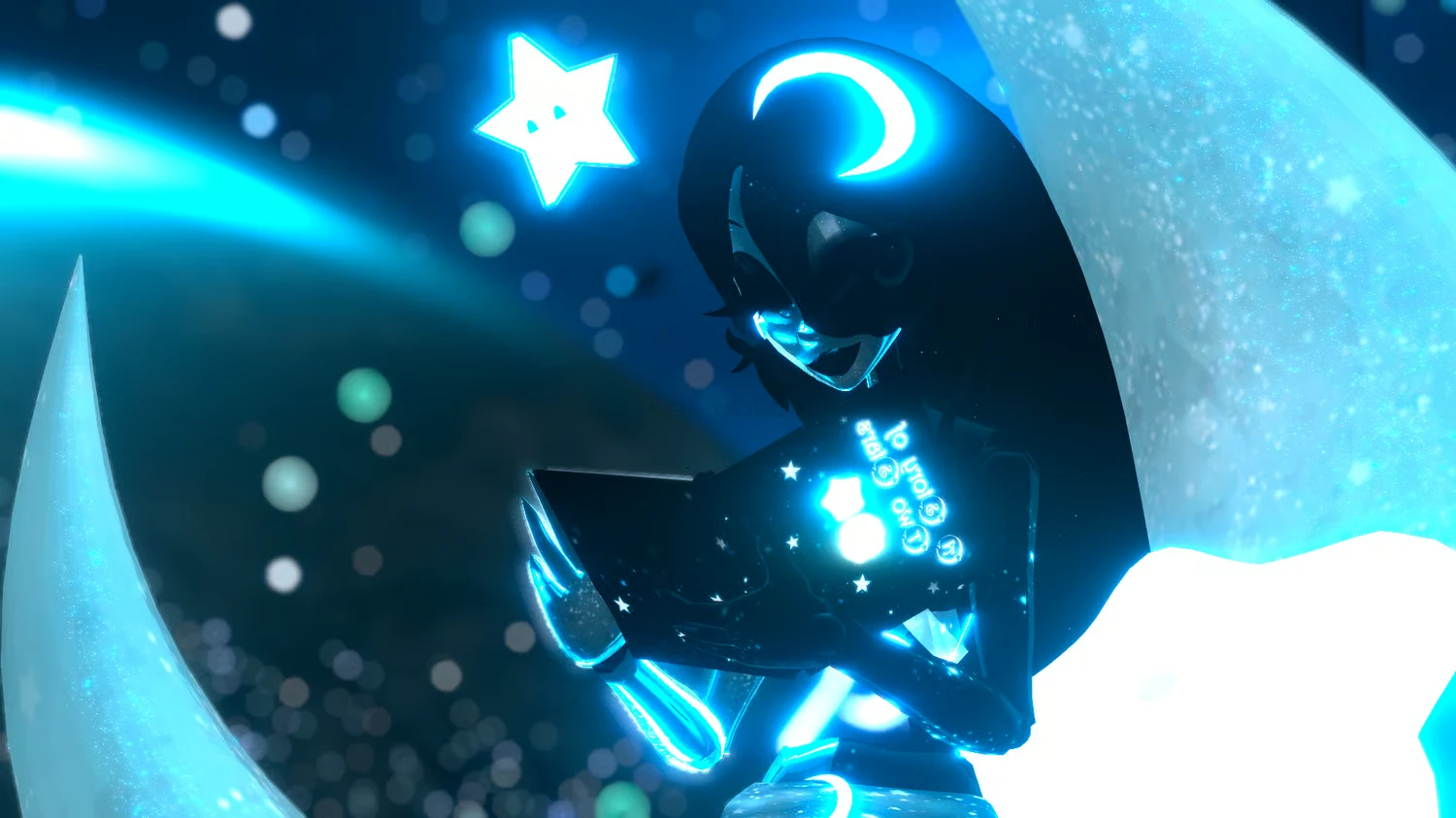
Book | Can open & Close
Pillow | Prop
Stars | Acts as a form of Dancing Ribbons
Hat | Toggle Off
!♡ HOW TO UPLOAD ♡!
Make a new project using VRC's Creator Companion. SDK must be up to date.
Within creator companion, click on manage project & add the following: SDK, Easy Quest Switch, VRCfury. Then open up your project. [MUST MAKE SURE YOU HAVE VRCFURY INSTALLED OR ELSE IT WON'T UPLOAD!]
Once the project has fully loaded. import the following packages: Latest PoiyomiShaders, GogoLoco. If you do not have these installed on your PC, scroll down this page & download the provided links.
Import the unity packages of this avatar that are provided to you once you've purchased. Within unity, click on the Scene Asset.
Log into the SDK, Name your model whatever, make the picture whatever, and click upload. If you've done it correctly, it should upload with ease.
To upload for quest, Make a new unity project. Re-Follow the steps again but with the Quest package & skipping the poiyomi shaders. you do not need them since they are for PC only. Make sure your build mode is Android.
If you have issues with toggles not appearing or locked hands. Make sure you check the Avatars parameters, menu & gesture boxes, sometimes they like to remove themselves. all you have to do is drag the correct ones in.
I do not offer uploads for this model, but if you are still having trouble uploading, I am open to answer questions & try a hand in guidance in my discord server. It is preferred if you make a ticket before hand and specify your issue. Other than that, try looking up a tutorial online for further instructions! That's all!
I classify it as V.3 due to the original upload-only ones being V.1, and the original revamps being V.2
Click here if you have any concerns/questions about this product Contact Me
It is advised to have prior unity knowledge before purchasing.
THESE AVATARS ARE BIG!!! THEY GO A LITTLE OVER VRCHATS SCALING!
꒷꒦︶꒷꒦︶୨୧ Sunkist & Moonmist ୨୧꒷꒦︶꒷꒦︶
FBX/Blender/PC/Quest Unity Files Included.
FBT/Quest TESTED
THE OLD VERSIONS OF THESE MODELS ARE INCLUDED!
୨୧˚ This product comes with:
⤿ Sunkist
GogoLoco
Chest, Thigh & Waist Sliders
Moon Chair | World Drops where ever you are standing
Star Baby | Will follow your heads movement, Can be grabbed & has physbones
Stars | Acts as a form of Dancing Ribbons
Crayon | Prop
Coloring Page | Prop
Coloring Stages | Changes the coloring stages of the drawing!
Hat | Toggle Off
⤿ Moonmist
GogoLoco
Chest, Thigh & Waist Sliders
Sun Star Chair | World Drops where ever you are standing
StarBaby | Will follow your heads movement, Can be grabbed & has physbones
Book | Can open & Close
Pillow | Prop
Stars | Acts as a form of Dancing Ribbons
Hat | Toggle Off
!♡ HOW TO UPLOAD ♡!
Make a new project using VRC's Creator Companion. SDK must be up to date.
Within creator companion, click on manage project & add the following: SDK, Easy Quest Switch, VRCfury. Then open up your project. [MUST MAKE SURE YOU HAVE VRCFURY INSTALLED OR ELSE IT WON'T UPLOAD!]
Once the project has fully loaded. import the following packages: Latest PoiyomiShaders, GogoLoco. If you do not have these installed on your PC, scroll down this page & download the provided links.
Import the unity packages of this avatar that are provided to you once you've purchased. Within unity, click on the Scene Asset.
Log into the SDK, Name your model whatever, make the picture whatever, and click upload. If you've done it correctly, it should upload with ease.
To upload for quest, Make a new unity project. Re-Follow the steps again but with the Quest package & skipping the poiyomi shaders. you do not need them since they are for PC only. Make sure your build mode is Android.
If you have issues with toggles not appearing or locked hands. Make sure you check the Avatars parameters, menu & gesture boxes, sometimes they like to remove themselves. all you have to do is drag the correct ones in.
I do not offer uploads for this model, but if you are still having trouble uploading, I am open to answer questions & try a hand in guidance in my discord server. It is preferred if you make a ticket before hand and specify your issue. Other than that, try looking up a tutorial online for further instructions! That's all!
I classify it as V.3 due to the original upload-only ones being V.1, and the original revamps being V.2
