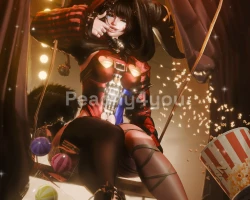
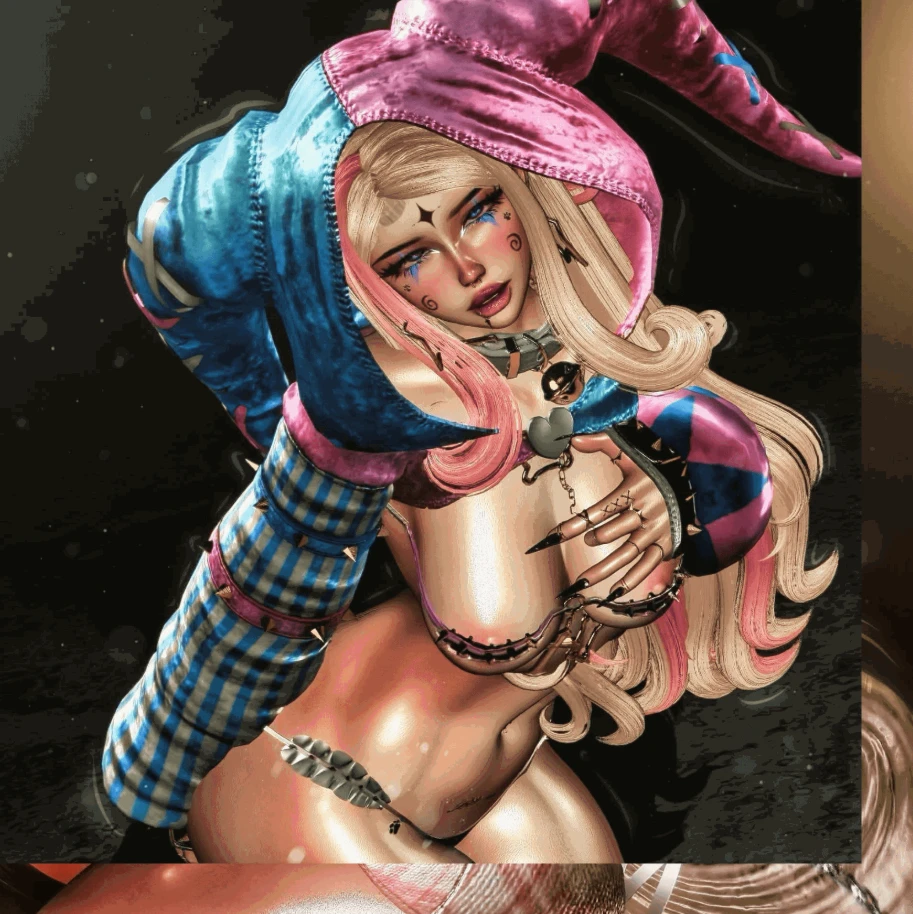
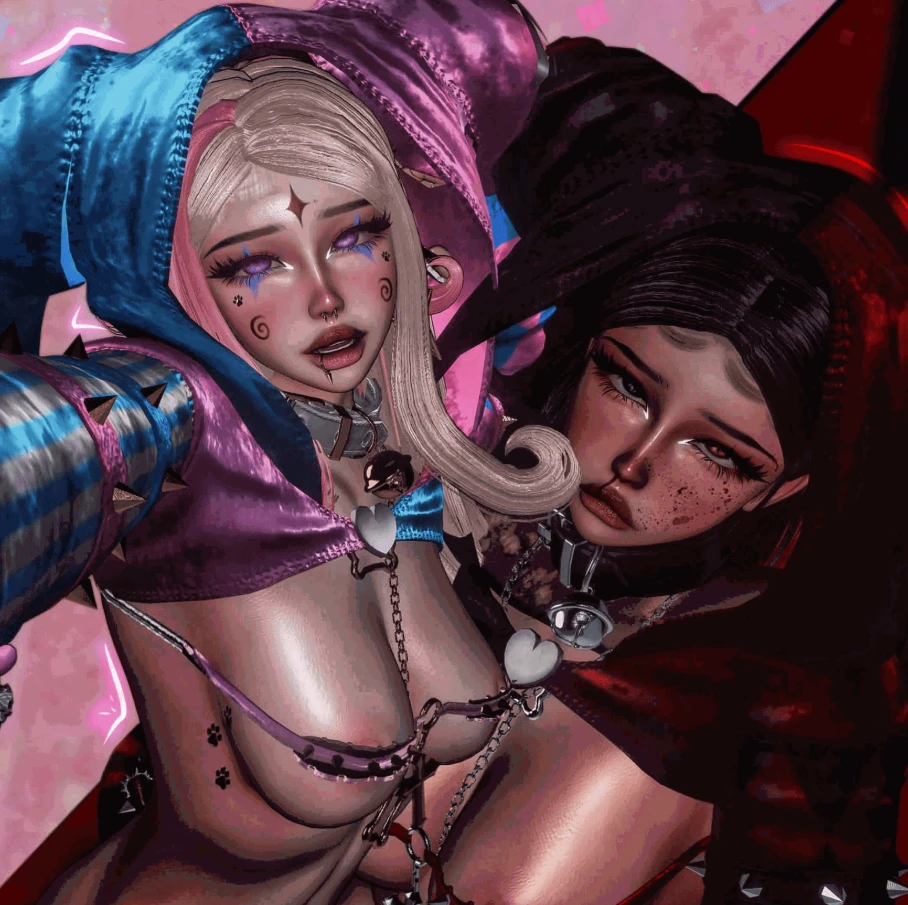
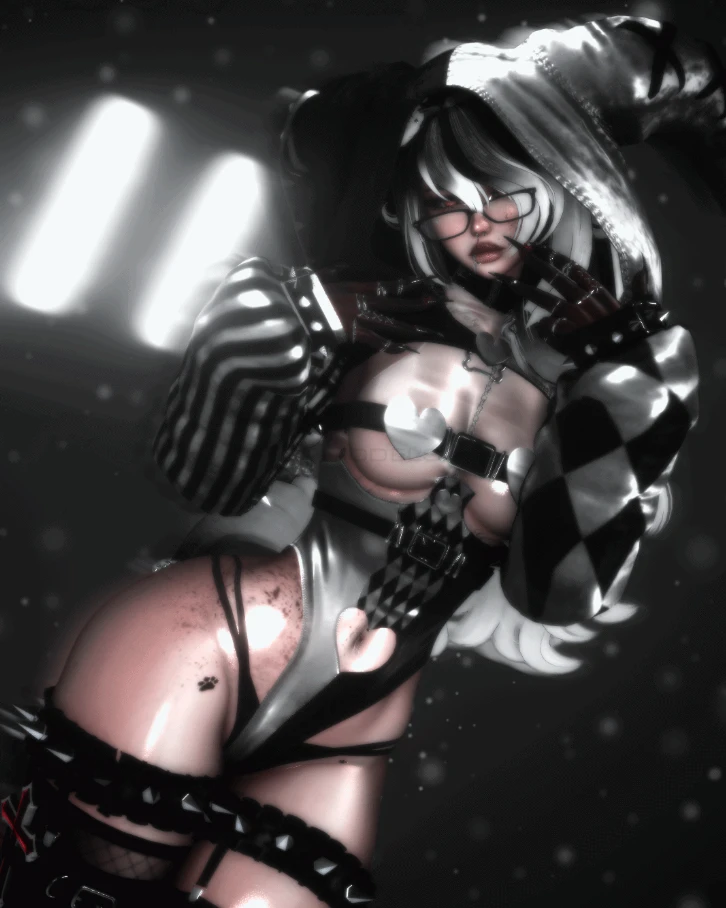

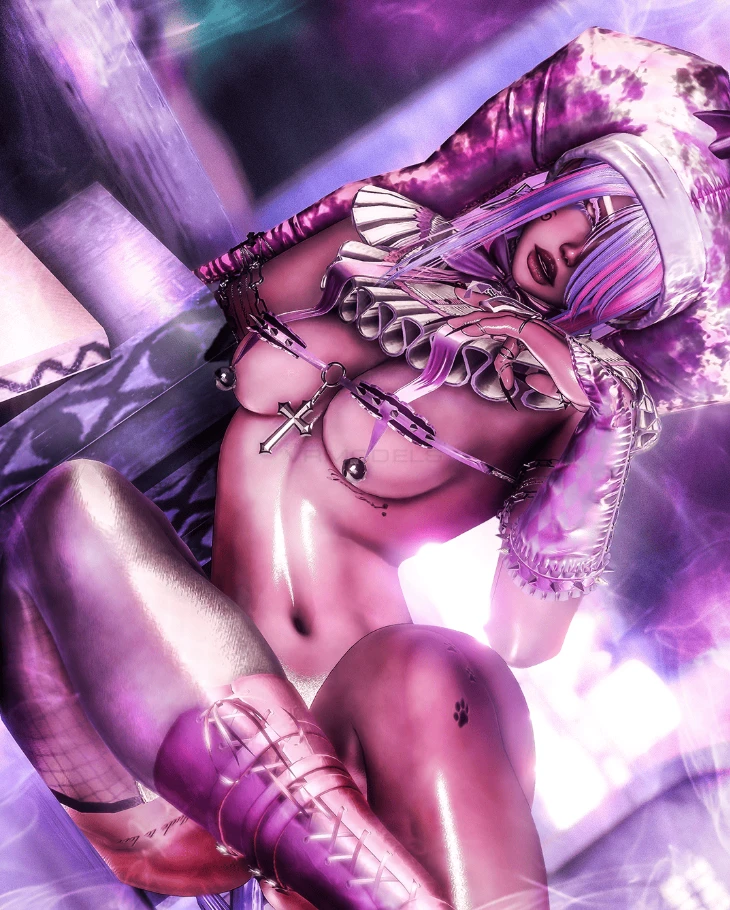

Model info
Content type:Avatars
Сreated by: Peachy
SDK: 3.0 (VRChat)
Unity version: Unity 2022
Platform:
PC
Рhysbones: Yes
Face Tracking: Yes
Full body: Yes
Nsfw: Yes
DРS \ SPS : Yes
Views: 36 131
Zuzi
To download the model, you need to log in.
Description
Features
⤿ ⬩ 𝖵𝖱𝖢𝖥𝖳
⤿ ⬩ 𝖲𝖾𝖺𝗆𝗅𝖾𝗌𝗌 𝖧𝖾𝖺𝖽 & 𝖭𝖾𝖼𝗄 𝖬𝖾𝗋𝗀𝖾
⤿ ⬩ 𝖲𝖯𝖲
⤿ ⬩ 𝖲𝗍𝖺𝗇𝖽𝗂𝗇𝗀, 𝖢𝗋𝗈𝗎𝖼𝗁, 𝖺𝗇𝖽 𝖯𝗋𝗈𝗇𝖾 𝖠𝗇𝗂𝗆𝖺𝗍𝗂𝗈𝗇𝗌
⤿ ⬩ 𝖦𝗈𝗀𝗈 𝖫𝗈𝖼𝗈
⤿ ⬩ 𝖨𝖽𝗅𝖾 𝖠𝗇𝗂𝗆𝖺𝗍𝗂𝗈𝗇𝗌
⤿ ⬩ 𝖦𝖾𝗌𝗍𝗎𝗋𝖾𝗌
⤿ ⬩ 116𝖬𝖡 𝖽𝗈𝗐𝗇𝗅𝗈𝖺𝖽 𝗌𝗂𝗓𝖾
♡ Uploads♡
Need Zuzi uploaded for you?
1 Create a project with Creator Companion using Unity 2022.3.22f1.
2 Add required packages and any optional systems you want to use through Creator Companion.
3 Import the latest Poiyomi version. Poiyomi Pro was used, but regular Poiyomi can be used.
4 Import the .unitypackage into Unity
5 Drag the prefab into your scene
6 Upload to VRChat with the SDK
⤿ ⬩ 𝖵𝖱𝖢𝖥𝖳
⤿ ⬩ 𝖲𝖾𝖺𝗆𝗅𝖾𝗌𝗌 𝖧𝖾𝖺𝖽 & 𝖭𝖾𝖼𝗄 𝖬𝖾𝗋𝗀𝖾
⤿ ⬩ 𝖲𝖯𝖲
⤿ ⬩ 𝖲𝗍𝖺𝗇𝖽𝗂𝗇𝗀, 𝖢𝗋𝗈𝗎𝖼𝗁, 𝖺𝗇𝖽 𝖯𝗋𝗈𝗇𝖾 𝖠𝗇𝗂𝗆𝖺𝗍𝗂𝗈𝗇𝗌
⤿ ⬩ 𝖦𝗈𝗀𝗈 𝖫𝗈𝖼𝗈
⤿ ⬩ 𝖨𝖽𝗅𝖾 𝖠𝗇𝗂𝗆𝖺𝗍𝗂𝗈𝗇𝗌
⤿ ⬩ 𝖦𝖾𝗌𝗍𝗎𝗋𝖾𝗌
⤿ ⬩ 116𝖬𝖡 𝖽𝗈𝗐𝗇𝗅𝗈𝖺𝖽 𝗌𝗂𝗓𝖾
♡ Uploads♡
Need Zuzi uploaded for you?
1 Create a project with Creator Companion using Unity 2022.3.22f1.
2 Add required packages and any optional systems you want to use through Creator Companion.
3 Import the latest Poiyomi version. Poiyomi Pro was used, but regular Poiyomi can be used.
4 Import the .unitypackage into Unity
5 Drag the prefab into your scene
6 Upload to VRChat with the SDK
