Model info
Content type:Avatars
Сreated by: Arkoren
SDK: 3.0 (VRChat)
Unity version: Unity 2022
Platform:
PC
Рhysbones: Yes
Face Tracking: Yes
Full body: Yes
Nsfw: Yes
DРS \ SPS : Yes
Views: 9 039
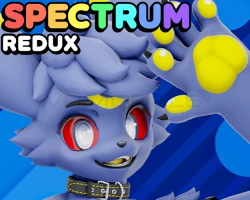
Spectrum Redux
To download the model, you need to log in.
Description
Complete Avatar Customization
Spectrum Redux can be customized fully through the included Spectrum Setup Tool with the following pre-configured prefab options:
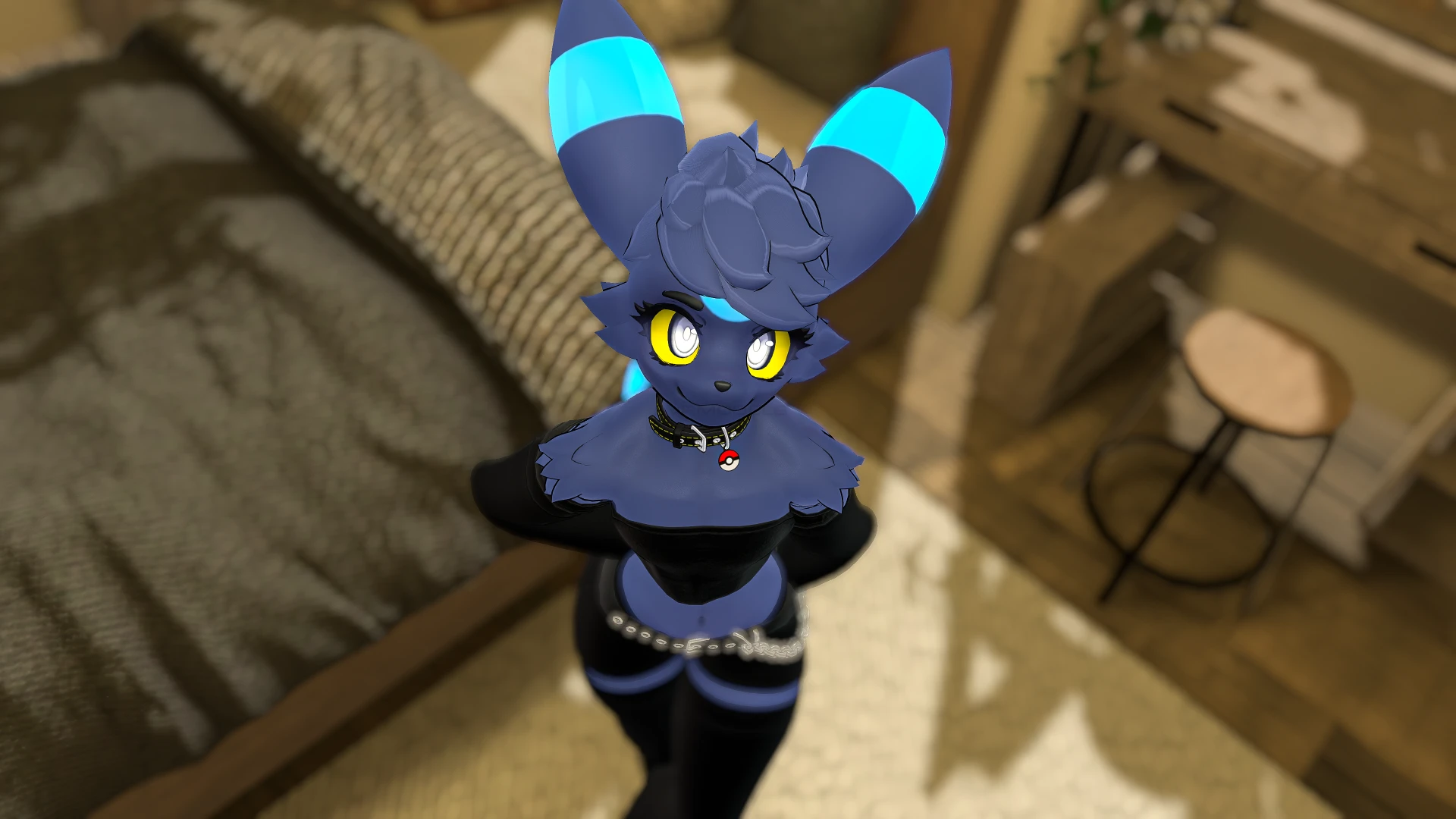
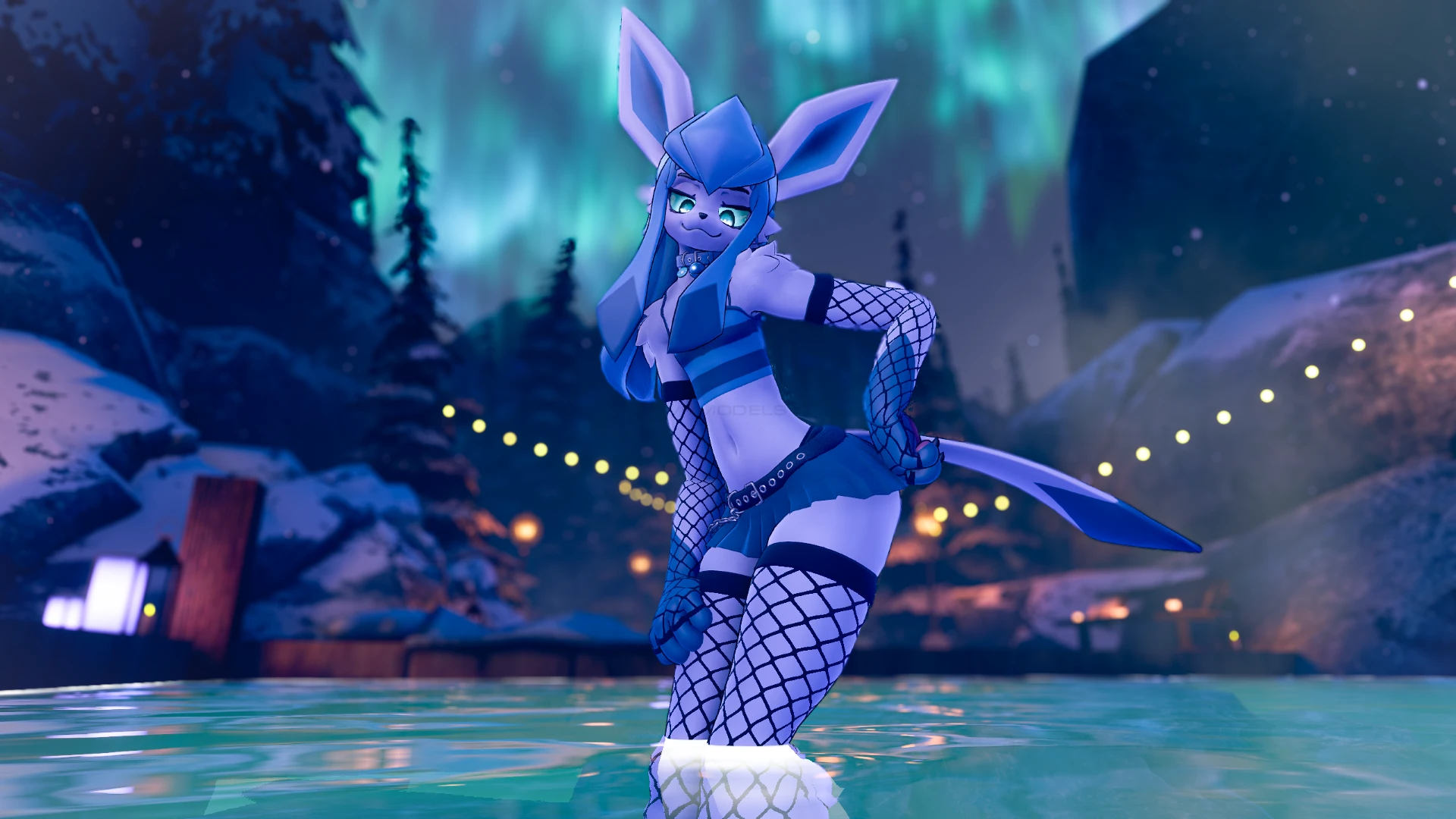
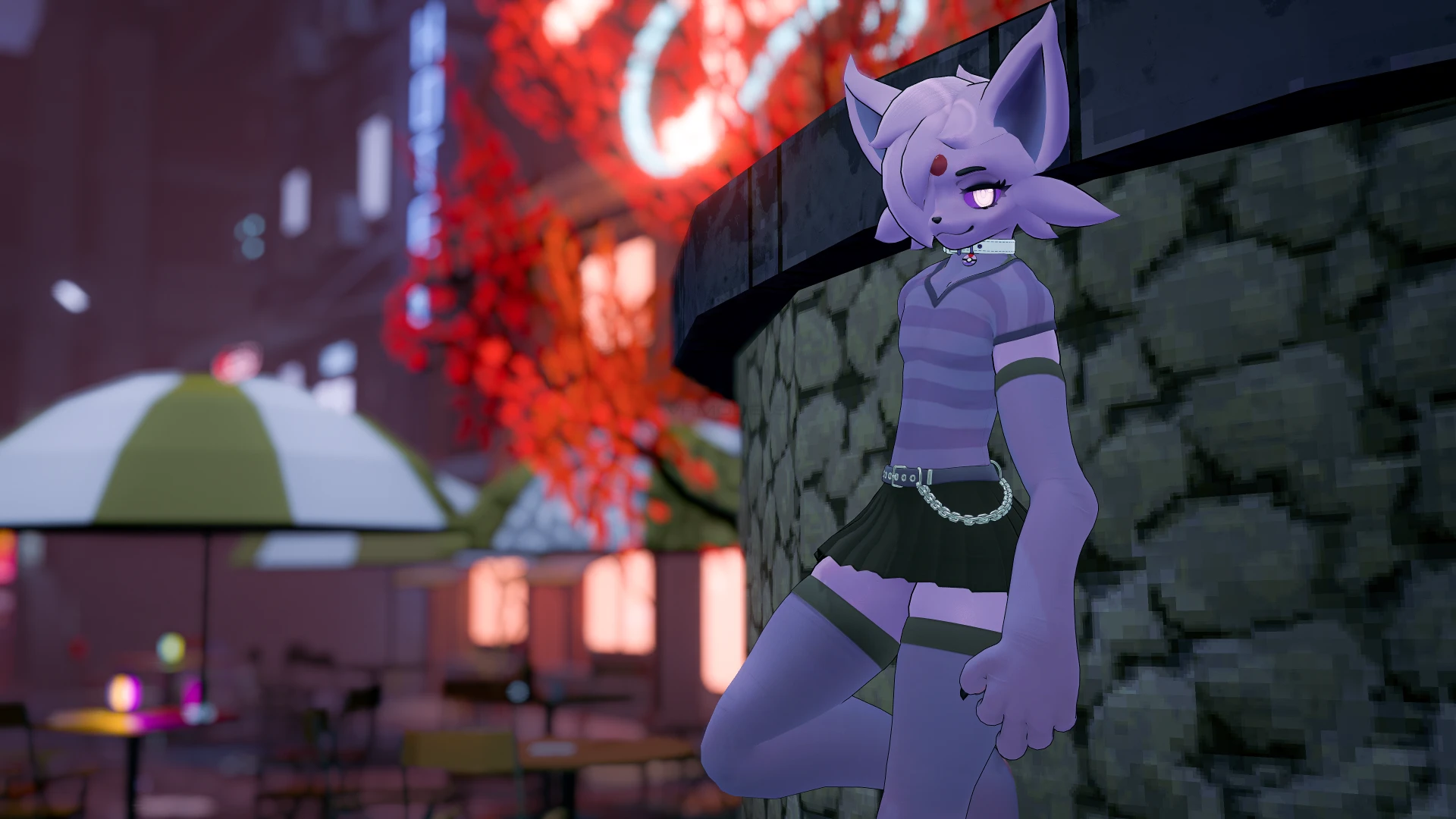
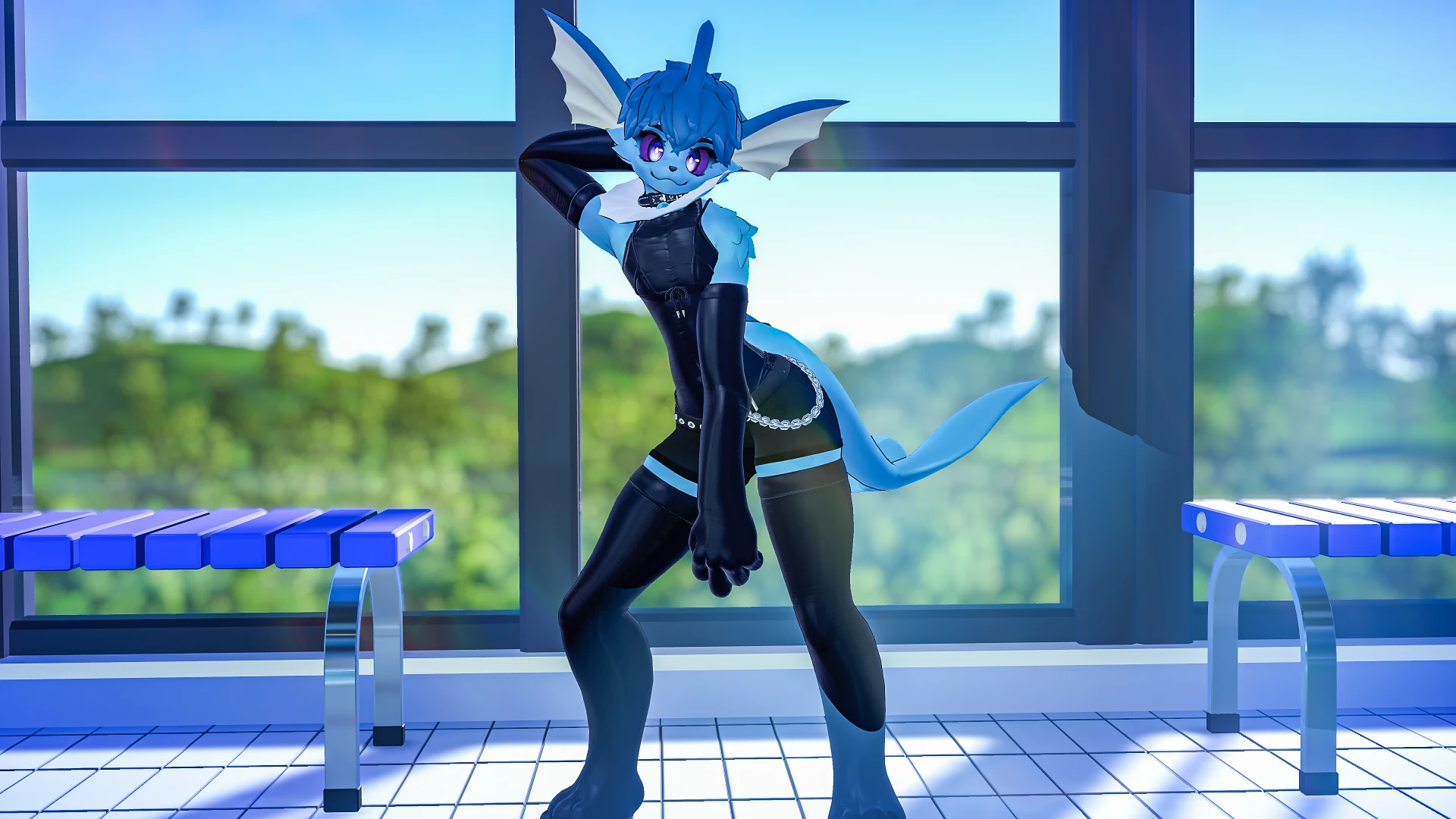
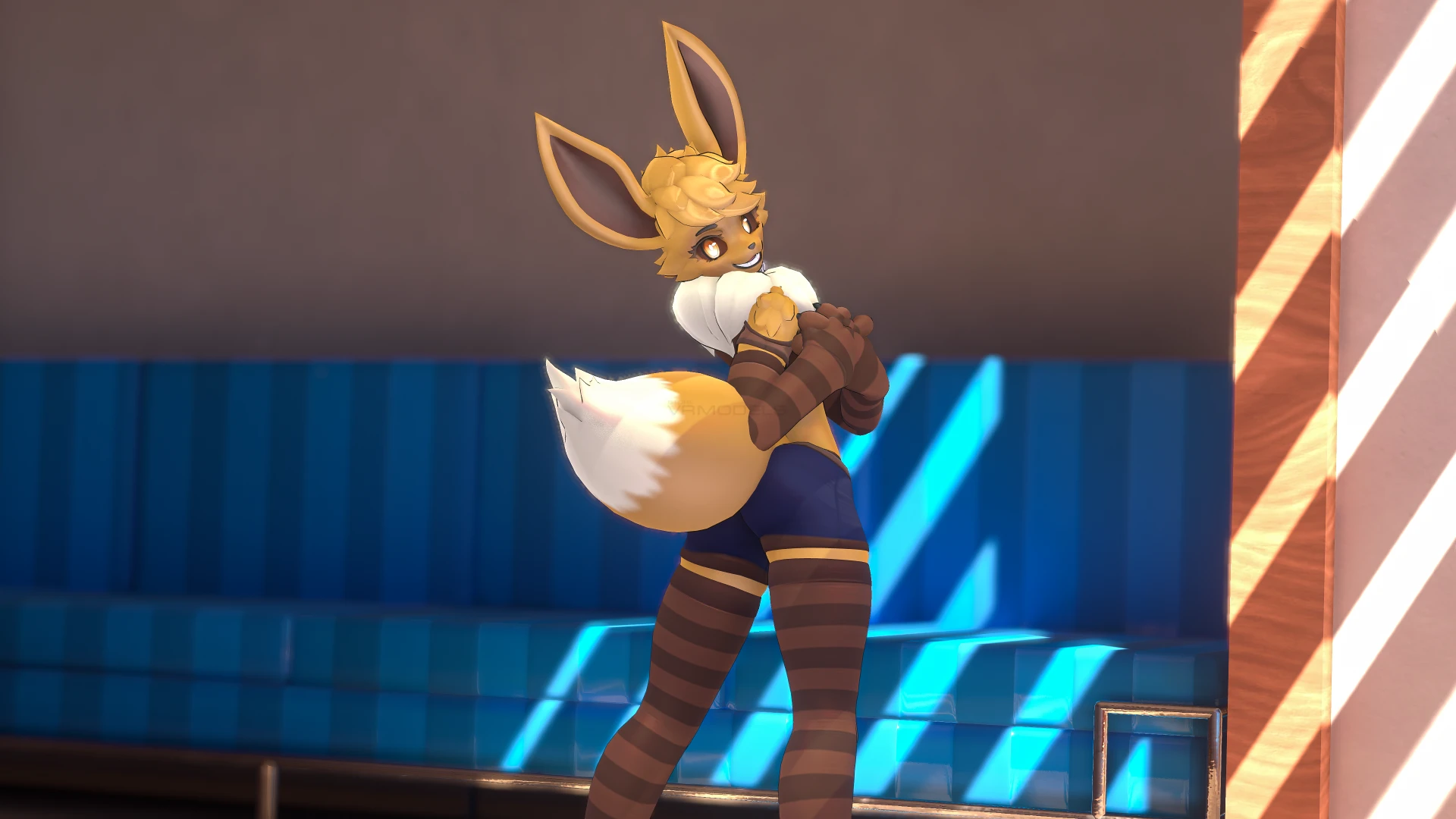
- 9 Elemental type presets (Water, Electric, Fire, Psychic, Normal, Dark, Grass, Ice, and Fairy) to automatically choose matching ears, hair, tails, and extras.
- 9 Ear options
- 9 Tail options
- 8 Hair options
- 3 Headpiece options (Psychic, Grass, and Ice)
- 4 Neck fluff options (Normal, Fire, Electric, and Water)
- 4 Extras (Alternate cheek fluffs, body leaves, and Head and Chest ribbons)
- 9 secret presets! (Hold SHIFT on the preset selection tab!)
Plus, you can mix and match clothing with the following options:
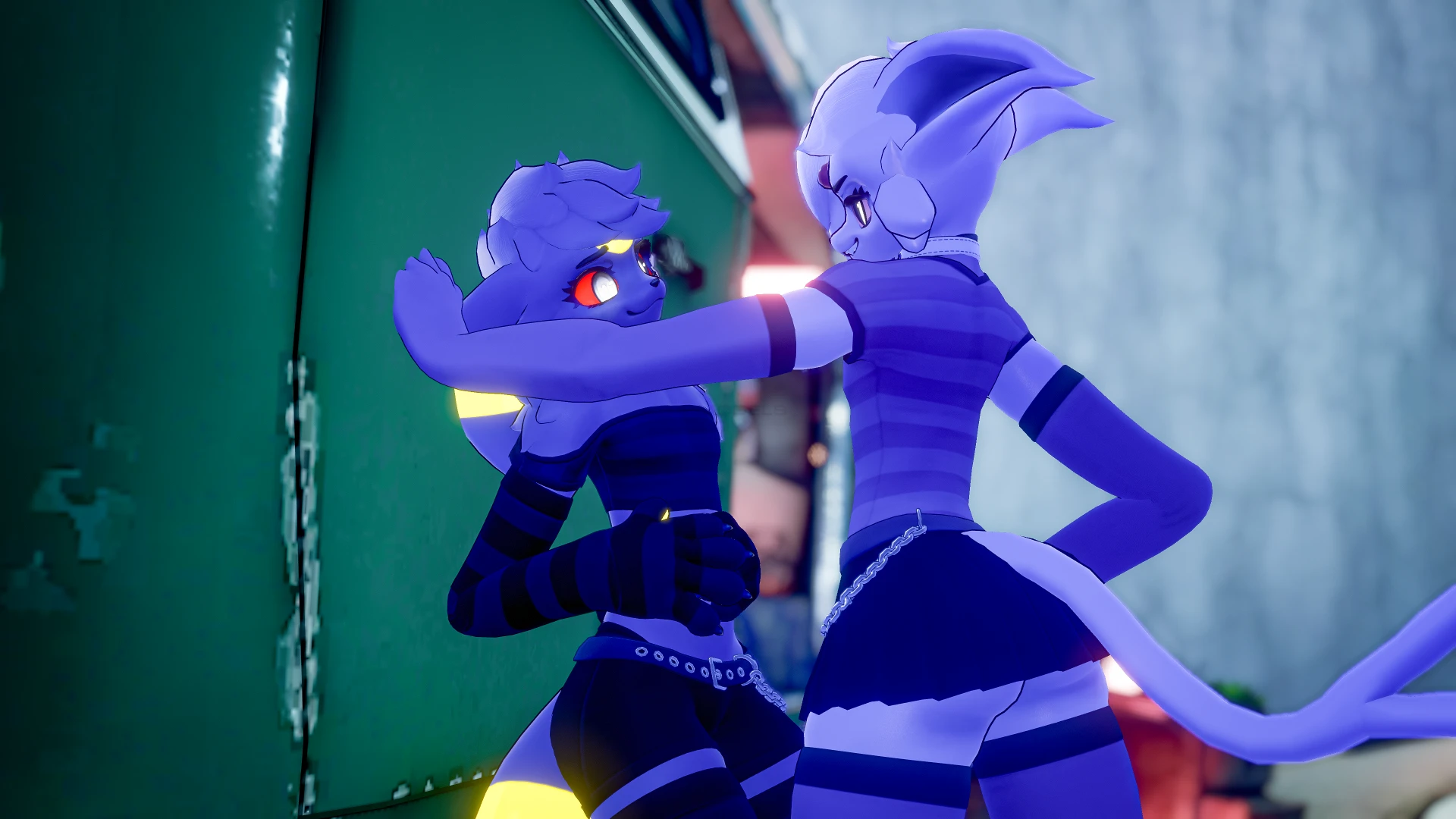
- 8 Clothes options: Camisole, Croptop, Shirt, T-Shirt, Shorts, Pants, Skirt, and Miniskirt
- 7 Undies options: Thighhighs, Arm Warmers, Bodysuit, Crop, Bikini top, Bikini bottom, and Thong
- 5 Material types for Undies: Fabric, Knit, Latex, or Fishnets (large or small holes)
- Collar with fully customizable colors
- Collar tag with 27 texture options and Physbone
- Collar bell with toggle-able bell jingle sounds triggered by Physbone movement
Color Customization
Fully customize your avatar's body, eyes, and clothing colors through the setup tool, synced automatically between the PC and Quest avatar. Or use the included color sliders to customize and adjust colors in-game (PC version only). If you don't need them, you can remove the sliders with one click to save on avatar performance!
Prefer to texture your avatar manually? You can easily switch the avatar's materials to Textured mode to use your own textures with simplified materials! Premade textures are included for each Element version of the avatar, plus.
All PC materials are configured with Poiyomi Shaders.
Body Customization
Every body blendshape can be edited through the setup tool to match exactly the body you want. If you prefer, every single blendshape can be added as an in-game slider to change or adjust your avatar's body straight from VRChat. Breasts are adjusted separately in-game for gender expression and compatibility with other systems.
The following blendshape categories are available for customization:
- Head: Jaw, chin, and cheeks
- Eyelashes: Length and on/off toggles
- Eye Shapes: Smug, Almond, Round, Half-Circle, Square, and Oval
- Eye Adjusts: Eye size/position, and pupil roundness
- Eyebrows: Round, Square, and Thickness
- Face: Nose shape/size/toggle, Snout shape/size/length, Mouth size/position, and Fangs
- Body Mods: Kemono, Digitigrade, and Toned body
- Body Types: Fem/Masc, and body thickness (from Thin to fully Chubby/Round)
- Body Adjusts and Limbs: Full control over the size/thickness of each individual part of the body
- Claws toggle, Pawpads toggle/size, and Fluff toggles
Plus, extra size and adjustment sliders for Hair, Tails, Ears, and other prefabs!
Extra Features
Expressions
13 Toggle or Gesture-enabled expressions are included: Angry, Happy, Upset, Smile (Teeth), Silly, Smug, Shy, Sad, Wink (L/R), Shocked, Eyes Closed, Squint. Plus 5 extra Toggle-only expressions: Smile Open, Smile, Pout, Eyes Happy, and Lewd
Expressions include ear movement on all ear prefabs and face blush! Plus, a heart-pupil toggle is included separately.
This avatar is also MMD compatible!
Face Tracking
Spectrum Redux was designed fully with face tracking in mind. After adding Jerry's Face Tracking Templates to your project, you can add fully-featured face tracking with a single button click! Spectrum face tracking includes reactive ear movement, blush, and VTuber-style eye wobble, each able to be toggled off separately. This avatar also works with tongue tracking!
Updates to the avatar for compatibility with the new VRChat Face Tracking systems may be considered in the future once more information is available.
Physbones & Body Tracking
The avatar comes fully configured with Physbones for the Breasts, Head fluff, Thighs, Butt, Toes (Toggleable), and Belly (at larger body sizes). It also includes multiple helper and constraint bones for optimal body movement, especially for Full Body Tracking.
Don't have FBT? Once installed, you can add Gogo Loco to the avatar with one click using the Setup Tool! Or if you find the avatar's proportions to not match your body, you can do the same to add Avatar Limb Scaling easily.
Animations
Several extra animations and puppets are included in the avatar:
- Tail puppet, works with all tail prefabs!
- Automatic random ear flick, with toggle
- Toggleable breathing animation
- Boop contact that squishes the snoot!
- Toes puppet
- Audiolink with toggle, for any enabled emissions!
Mature Package Features
The Mature package contains extra files and features not available in the Basic package. These features include:
- An alternate body mesh with fully modeled and toggle-able anatomy for the groin and chest.
- "Humanoid" and "Canine" penetrator prefabs with physbones, blendshape customization, sizing sliders, and custom animations.
- SPS orifaces and penetrators added through setup tool, with automatic opening blendshapes and toggle-able bulge effects.
- Fully functional Chastity system and prefab, compatible with included penetrators. Compatible with all 27 Tag textures for customizing the design!
- Chastity can be configured through the setup tool to be fully locked and un-toggleable unless contacted with the "Chastity Key" prefab with a matching code!
Optimization
This avatar is optimized to the best of my ability without compromising the fidelity and appearance of the avatar. Every single model and prefab has a separate lower-poly Quest version and optimized materials and textures. However, due to its modular nature, most versions/configurations will quickly reach Very Poor performance rank. Without clothing, most presets are Medium-Poor (PC). You can also upload the Quest version of the avatar to PC with minimal loss in visuals. I also suggest only including what sliders and prefabs you need, even though adding all of them at once is possible. Further optimization improvements may be explored in the future, especially if VRChat releases official avatar optimization tools.
