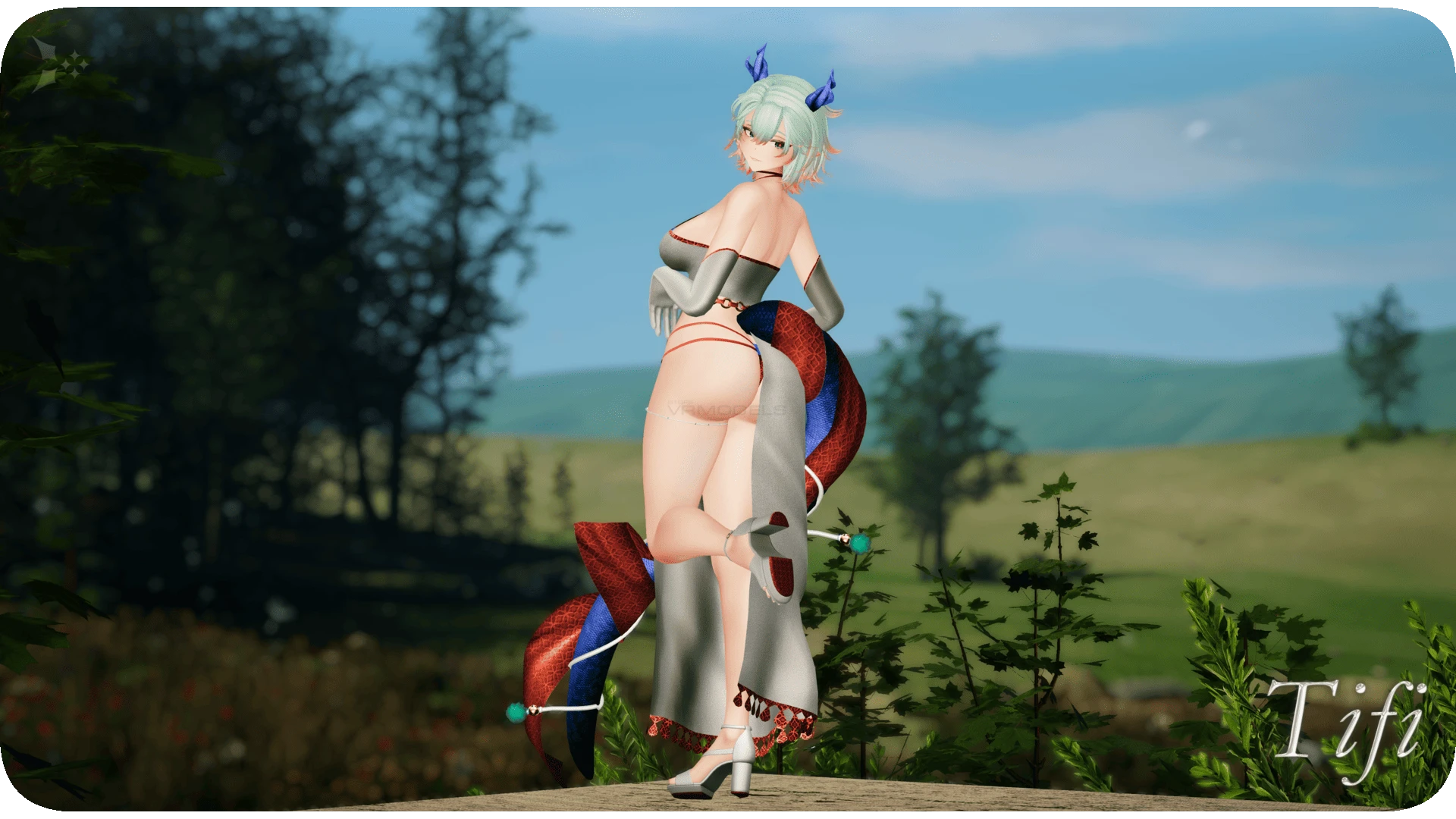
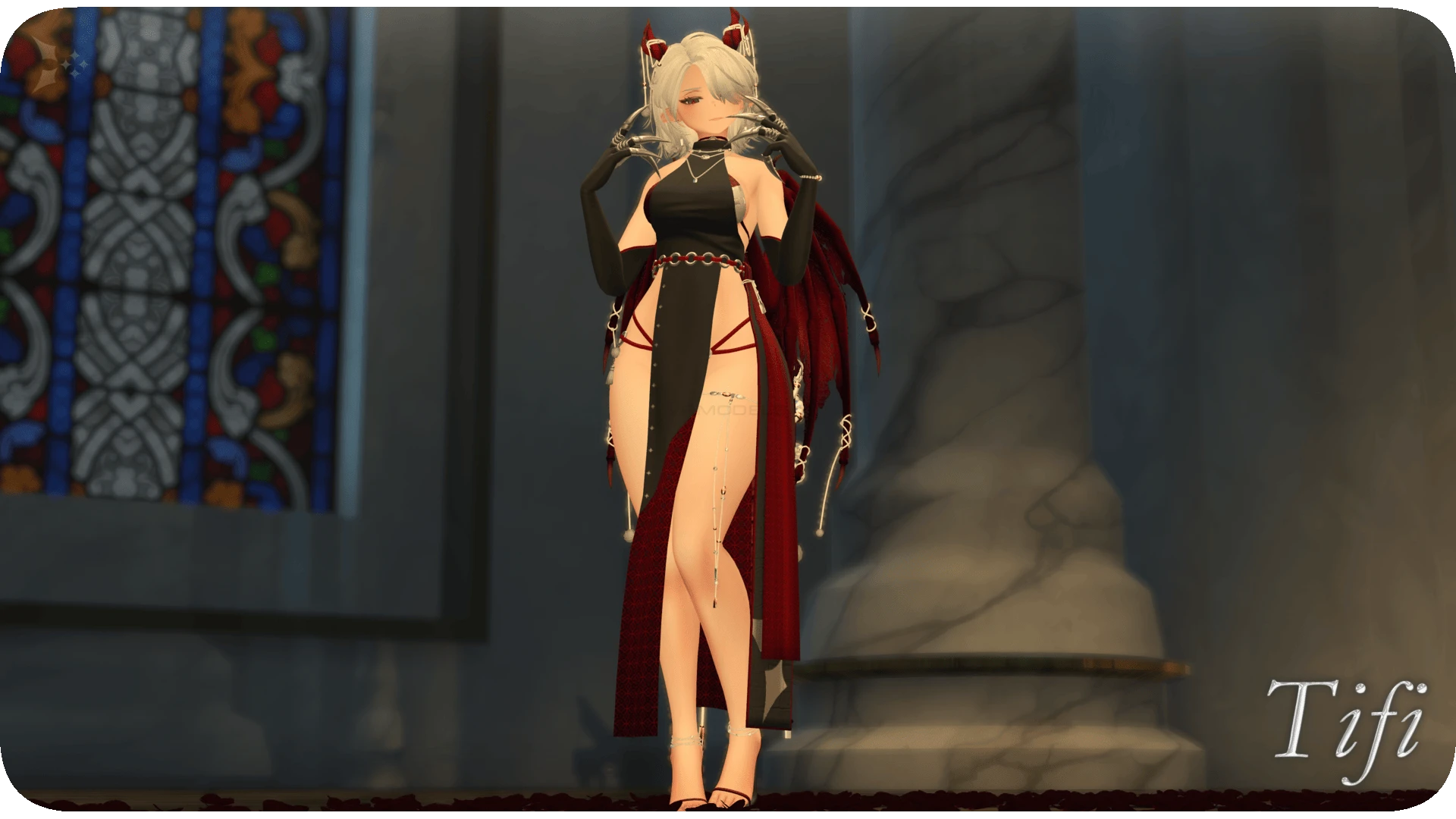
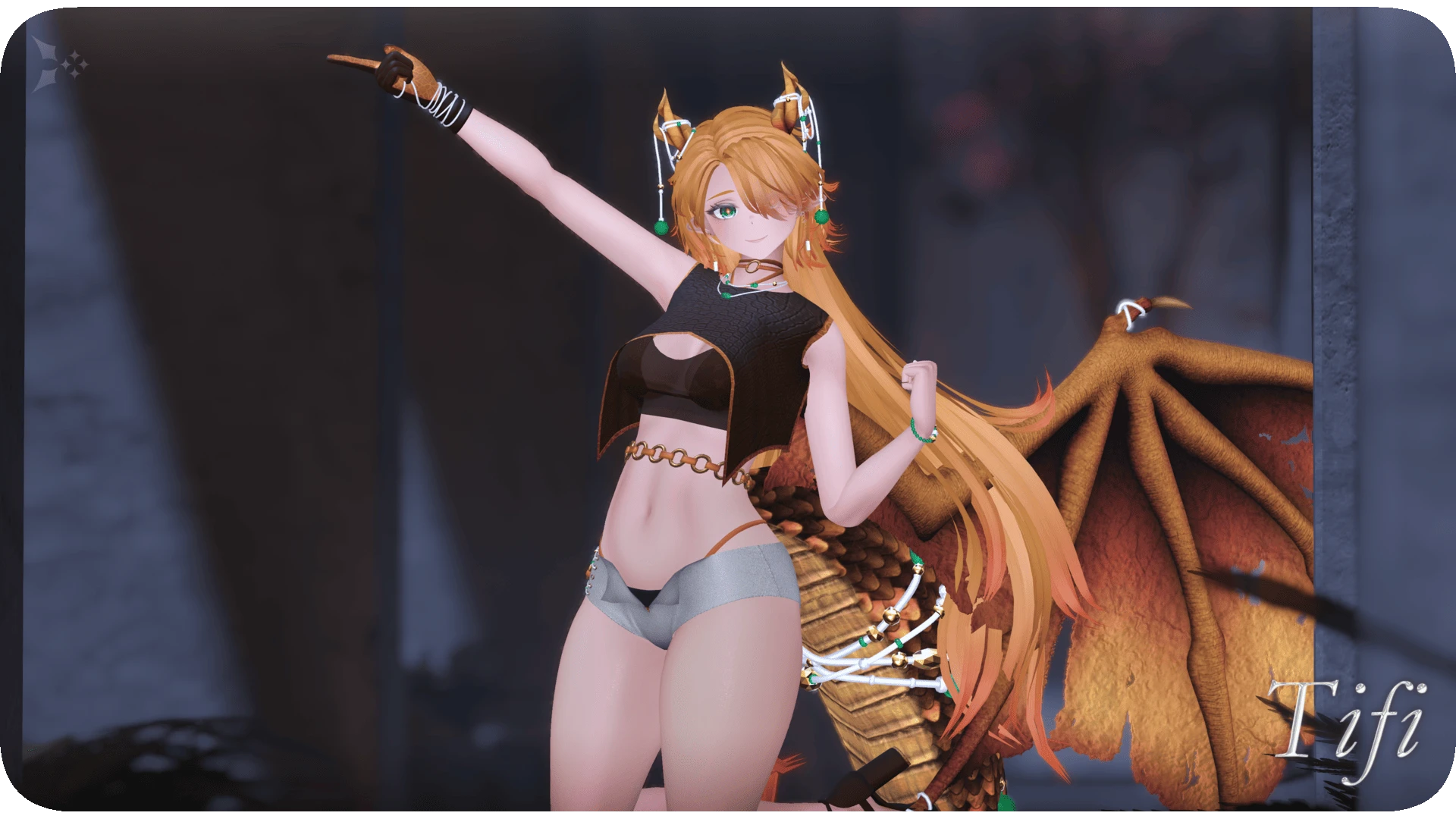
Model info
Content type:Avatars
Сreated by: Mondei
SDK: 3.0 (VRChat)
Unity version: Unity 2022
Platform:
PC
Рhysbones: Yes
Face Tracking: Yes
Full body: Yes
Nsfw: Yes
DРS \ SPS : Yes
Views: 15 749
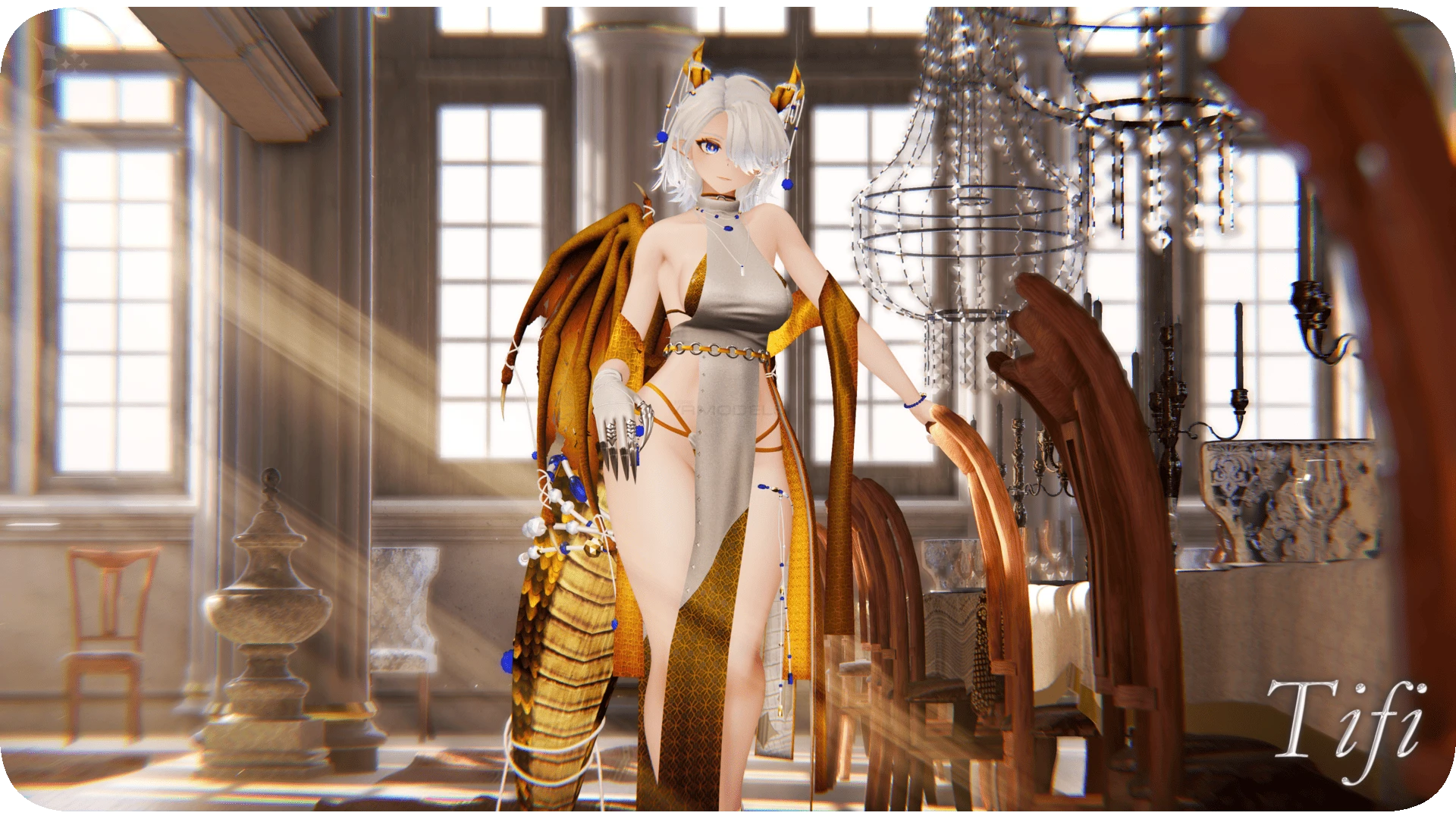
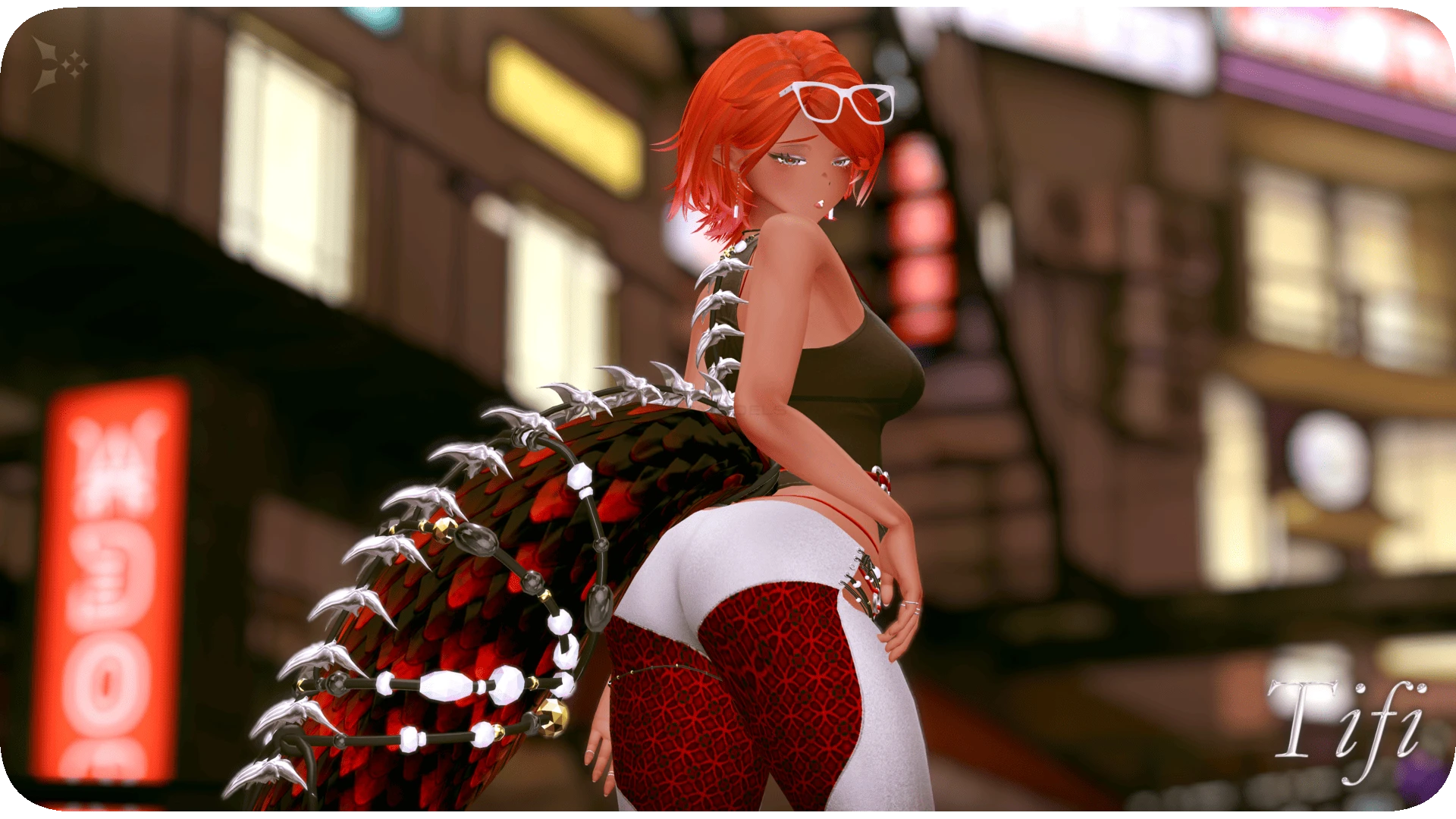
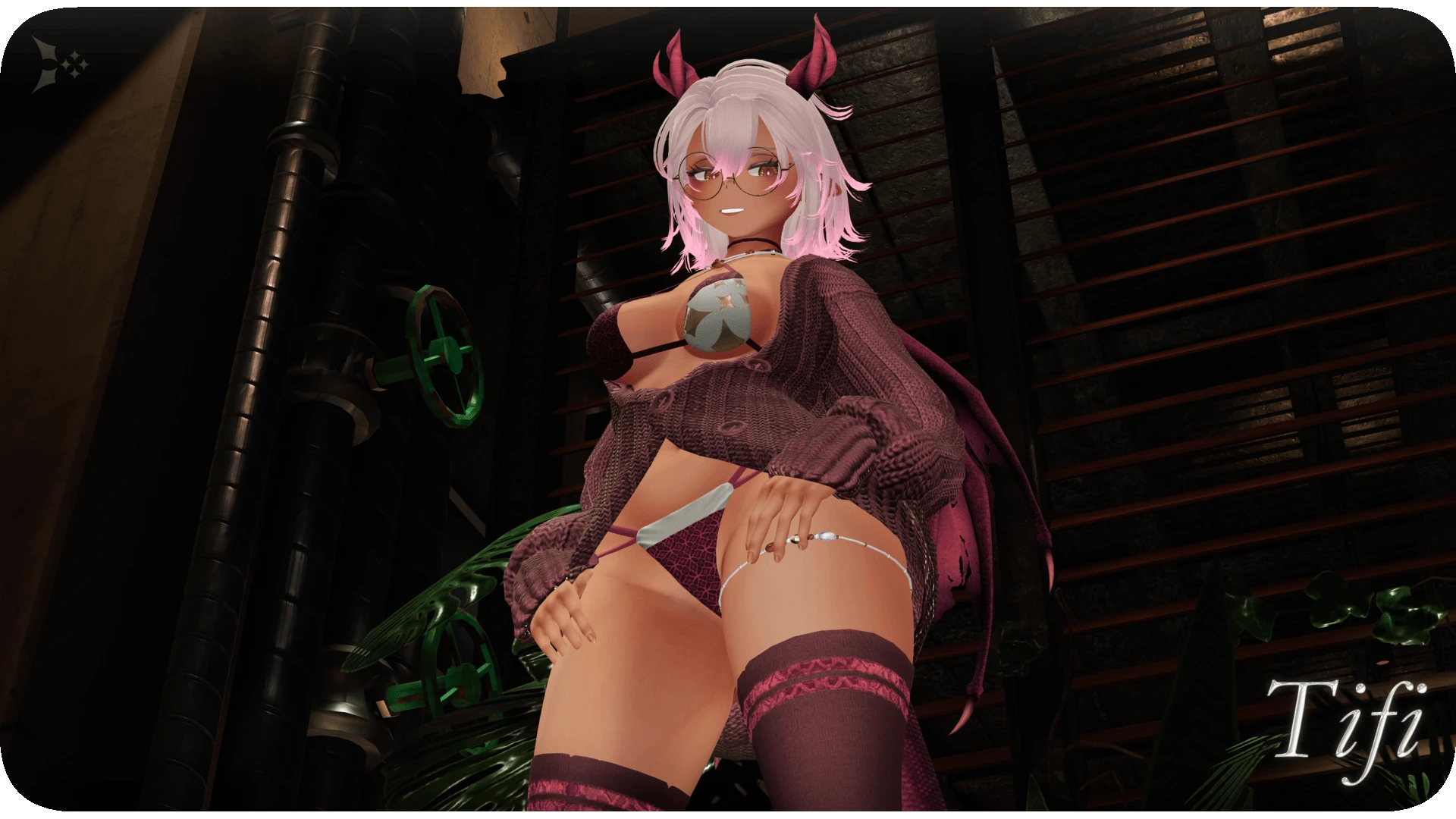
Tifi
To download the model, you need to log in.
Description
✦ From Scratch
Everything on this model is custom made from scratch. You will not find any of this elsewhere!
✦ UV Tile Discarded
This method greatly improves performance.
✦ Gimmicks
Sit down on a sofa, draw with markers, and spread your wings!
✦ Responsive Face
Your eyes and mouth animate when touched- Give it a go!
✦ Dynamic Contacts
Pat your head or boop your nose~
Get angry when your tail is tugged, and stare in shock if your ears are pulled!
✦ Advanced Physbones
Perfectly refined, featuring a floor collider to keep everything above ground.
✦ Face Tracking
Smile! It's all set up ready to use!
✦ Proximity Darkness
Simulate intimacy in real-time.
✦ Audio Link
Get your groove on by glowing to the sound of the music~
Everything on this model is custom made from scratch. You will not find any of this elsewhere!
✦ UV Tile Discarded
This method greatly improves performance.
✦ Gimmicks
Sit down on a sofa, draw with markers, and spread your wings!
✦ Responsive Face
Your eyes and mouth animate when touched- Give it a go!
✦ Dynamic Contacts
Pat your head or boop your nose~
Get angry when your tail is tugged, and stare in shock if your ears are pulled!
✦ Advanced Physbones
Perfectly refined, featuring a floor collider to keep everything above ground.
✦ Face Tracking
Smile! It's all set up ready to use!
✦ Proximity Darkness
Simulate intimacy in real-time.
✦ Audio Link
Get your groove on by glowing to the sound of the music~
