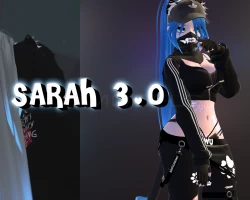
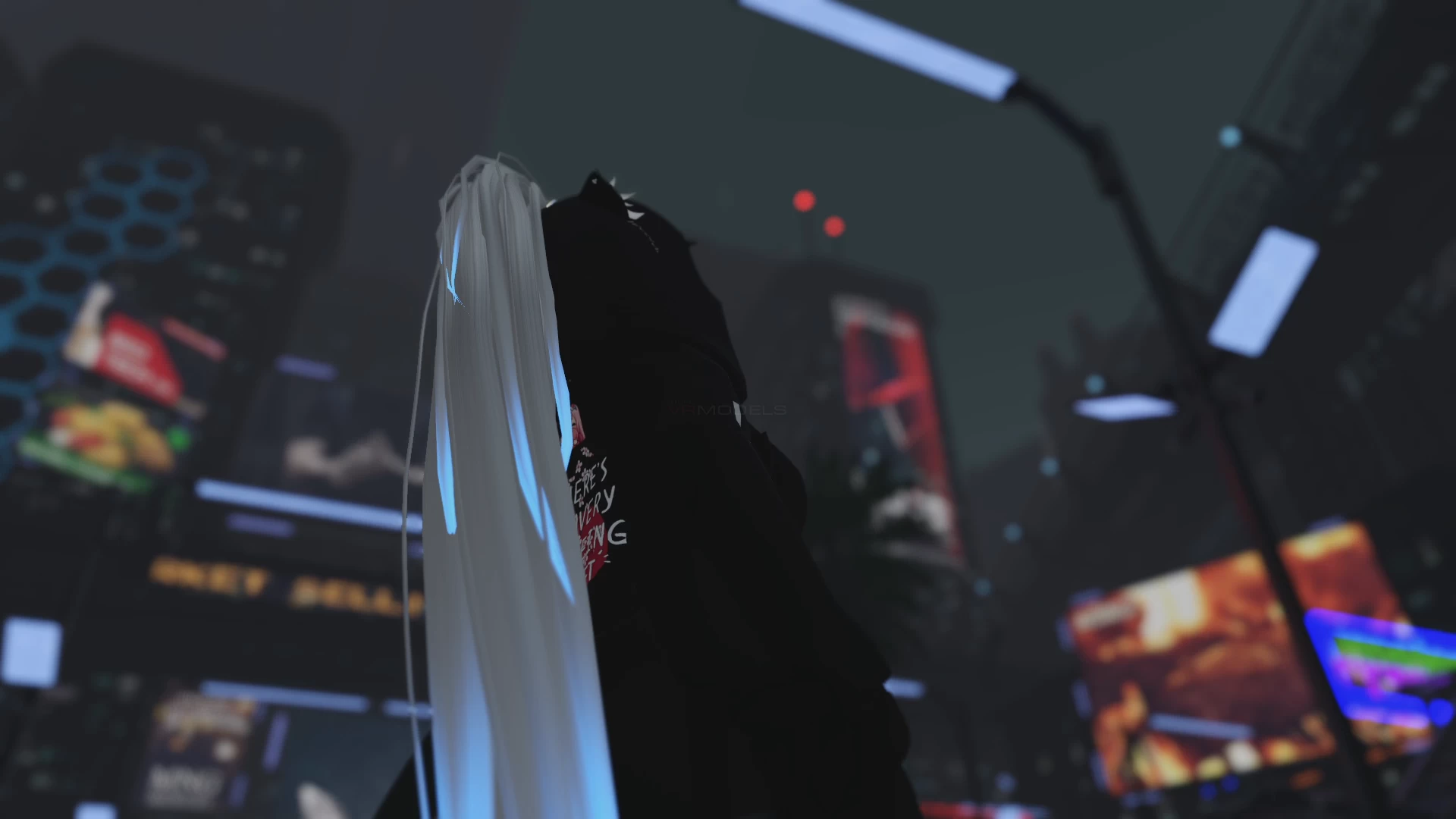
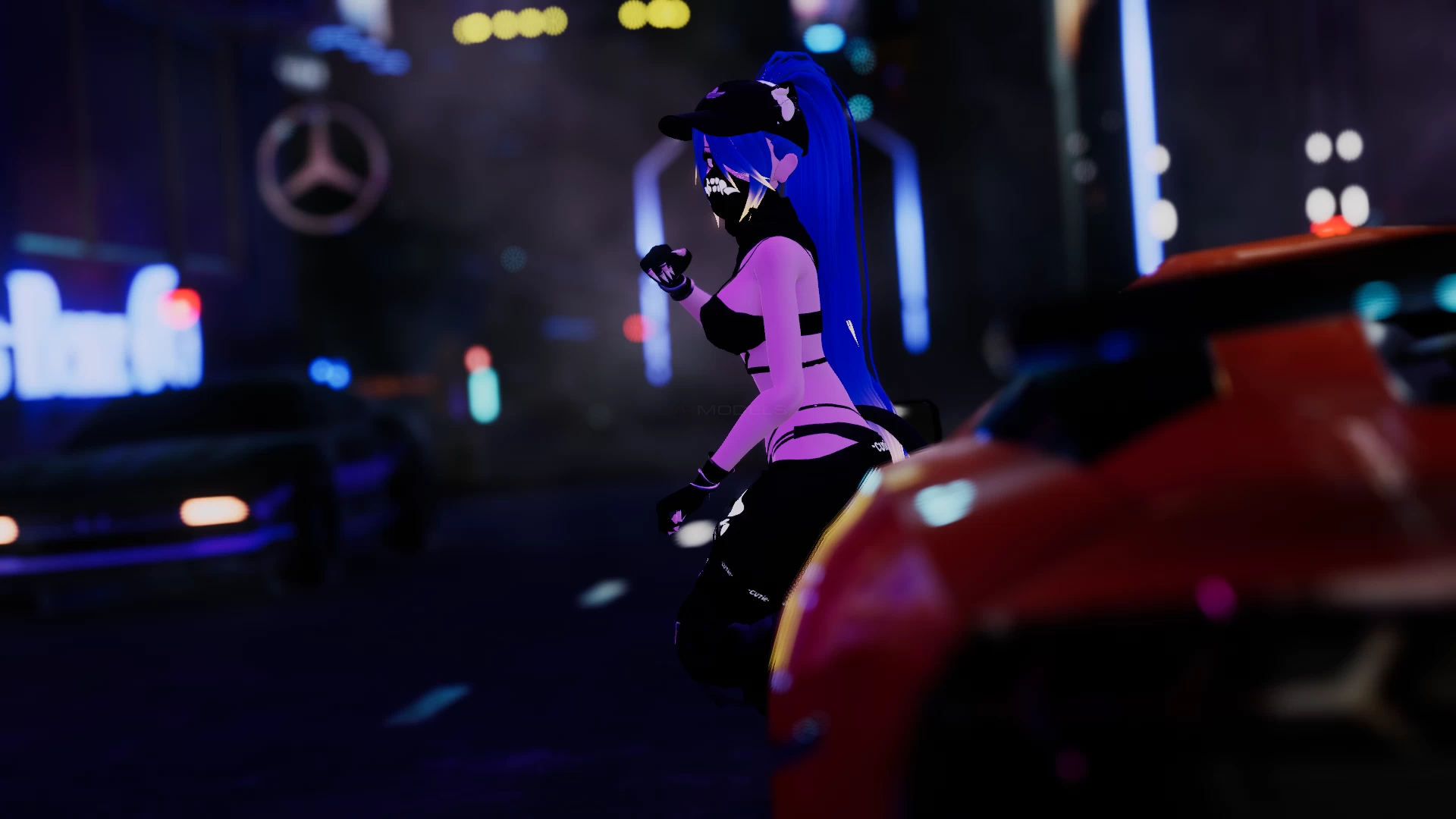
Sarah 3.0
To download the model, you need to log in.
Description
How to use this package and upload to VRChat.
1. Open Unity 2019.4.29f1
2. Import VRChat Avatar SDK (3.0).
3. Import a Shader you want to use, Poiyomi Pro is recommended.
4. Import Dynamic Bones.
5. Import Dynamic Pen System
6. Import The Avatar Package.
Avatar Special Features
- 4 Different Hair Colors and Hue shift on the Emission
- 2 Tops | 2 bottoms and thigh highs | 2 Bikini's or none NSFW
- 8 Accessories | Audio Link Support | DPS on it (two versions, one without it)
- Dynamic Bones on: Butt, Boobs, Hoodie Straps, Hair, Ears n Tail,
- Face expressions,
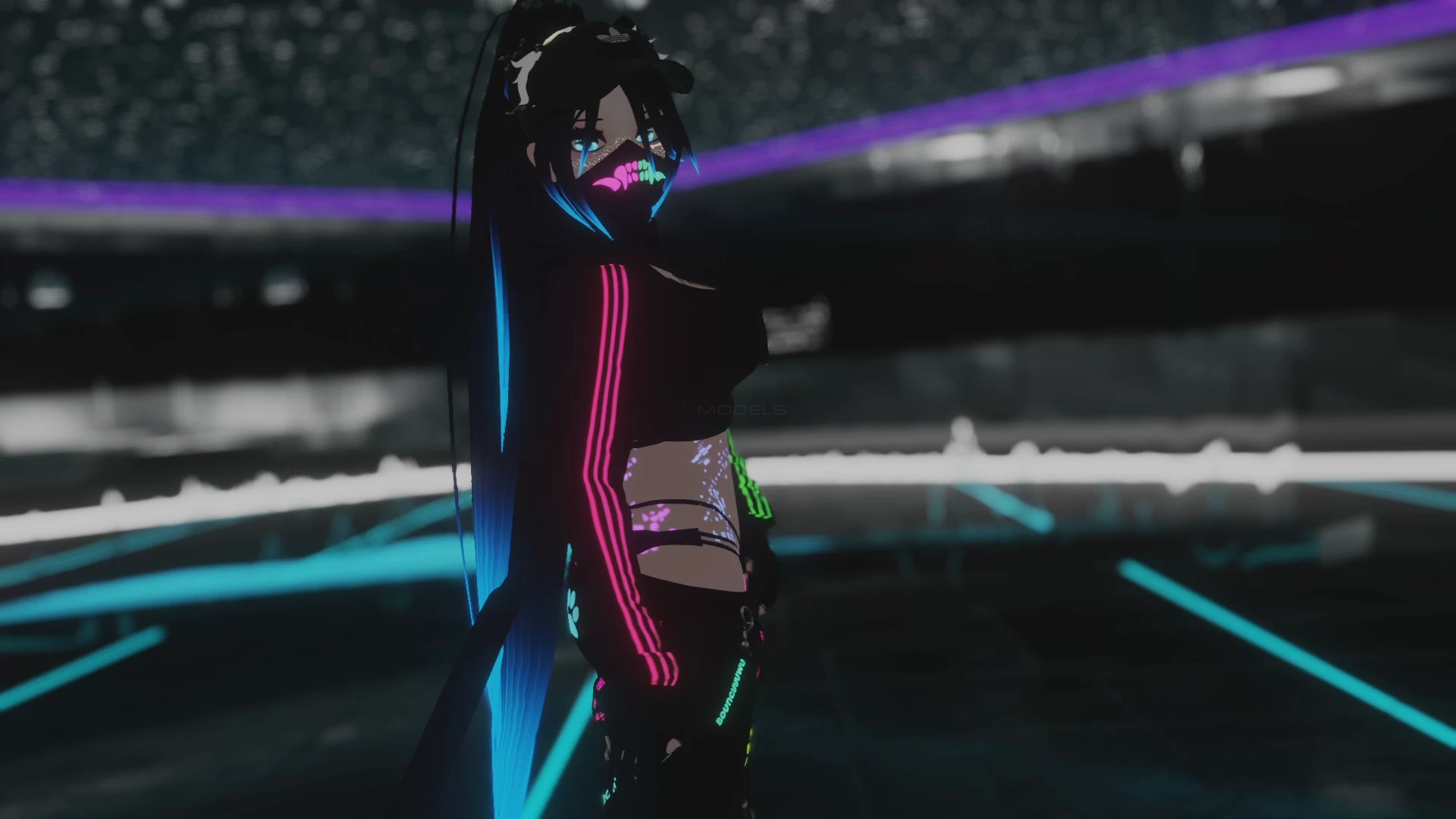
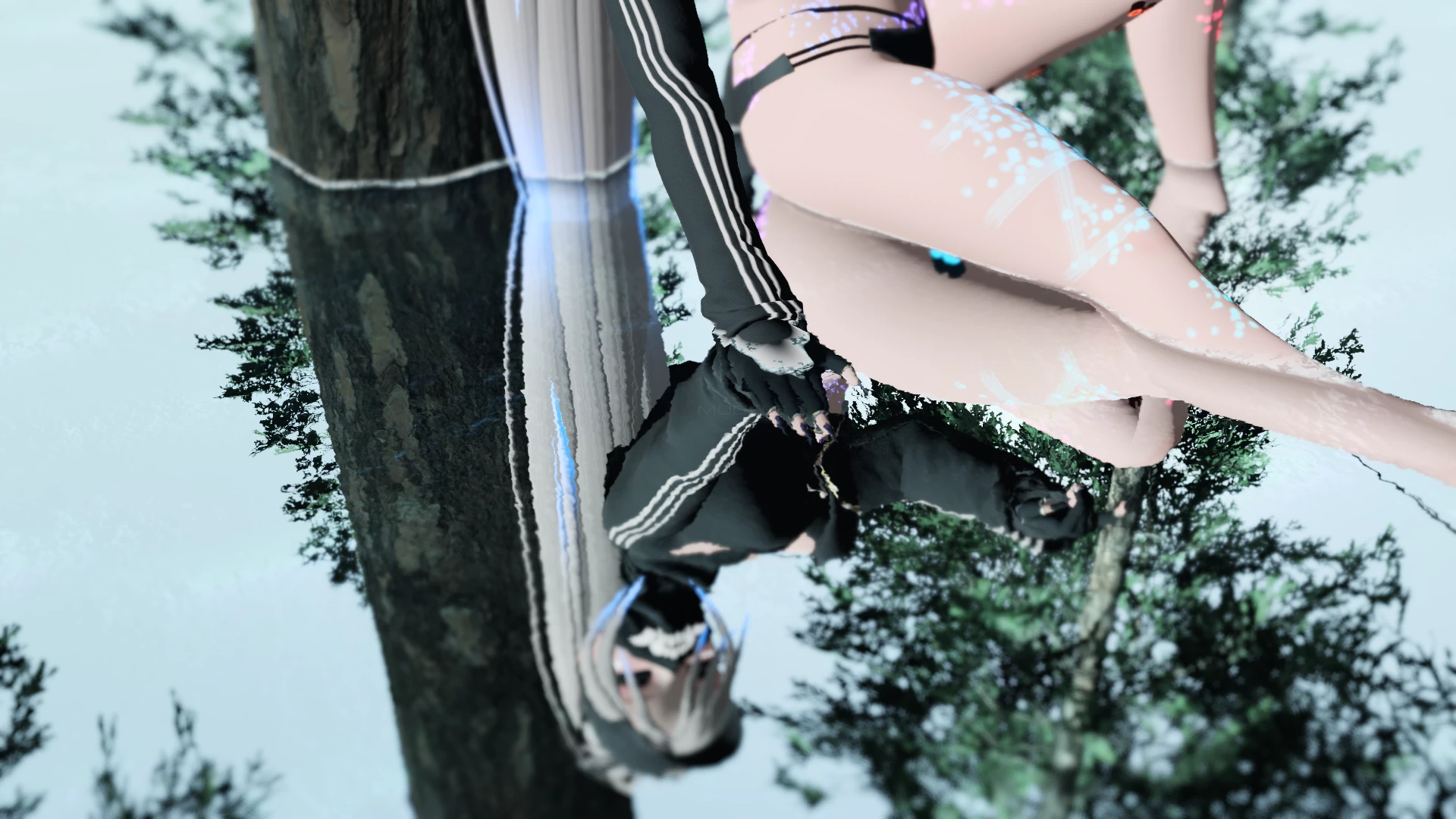
Yo if anyone could tell me the world from the 2nd and 4th pic that be great
1. Open Unity 2019.4.29f1
2. Import VRChat Avatar SDK (3.0).
3. Import a Shader you want to use, Poiyomi Pro is recommended.
4. Import Dynamic Bones.
5. Import Dynamic Pen System
6. Import The Avatar Package.
Avatar Special Features
- 4 Different Hair Colors and Hue shift on the Emission
- 2 Tops | 2 bottoms and thigh highs | 2 Bikini's or none NSFW
- 8 Accessories | Audio Link Support | DPS on it (two versions, one without it)
- Dynamic Bones on: Butt, Boobs, Hoodie Straps, Hair, Ears n Tail,
- Face expressions,
Yo if anyone could tell me the world from the 2nd and 4th pic that be great
