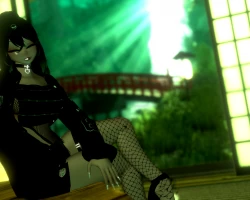
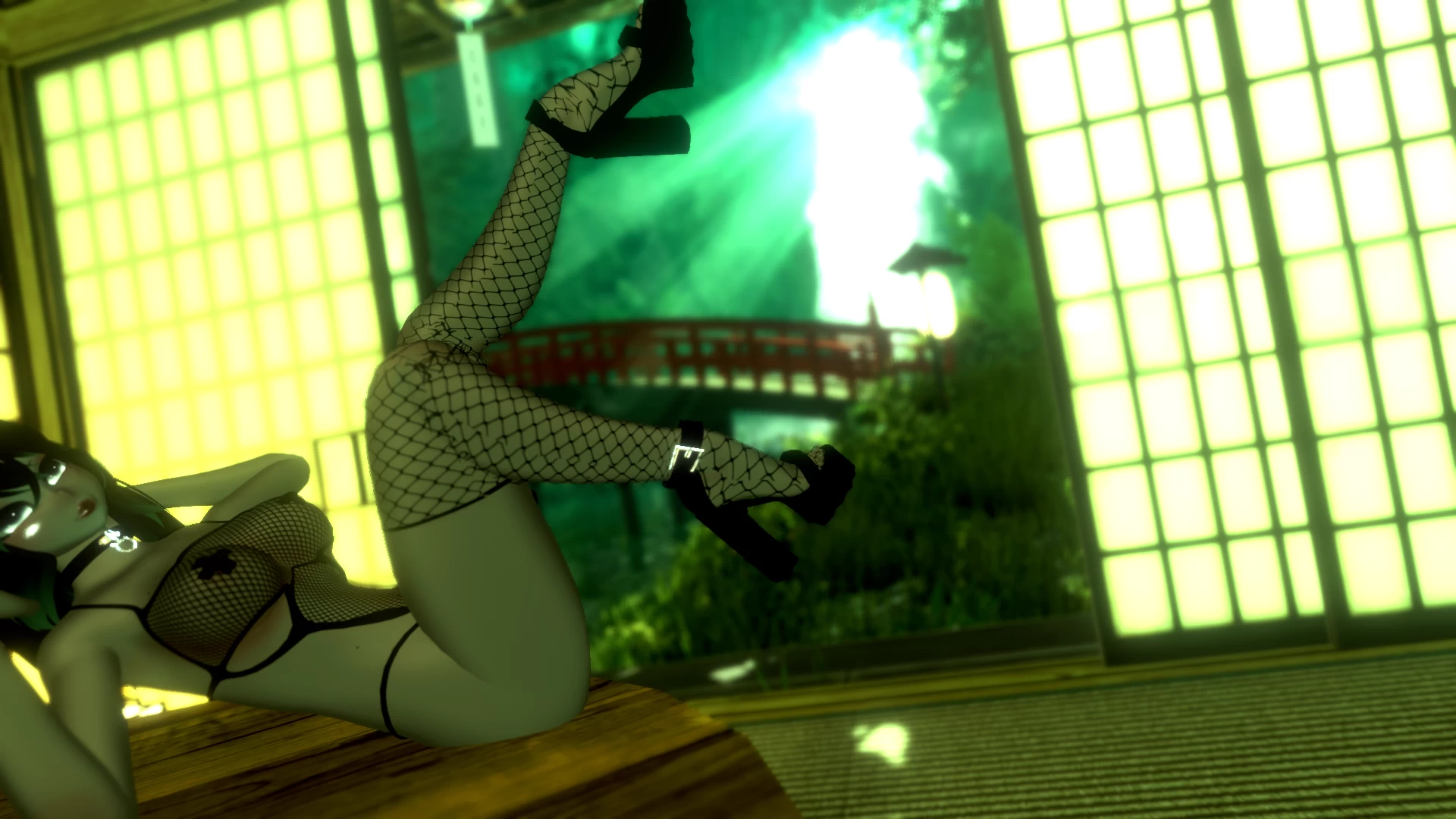
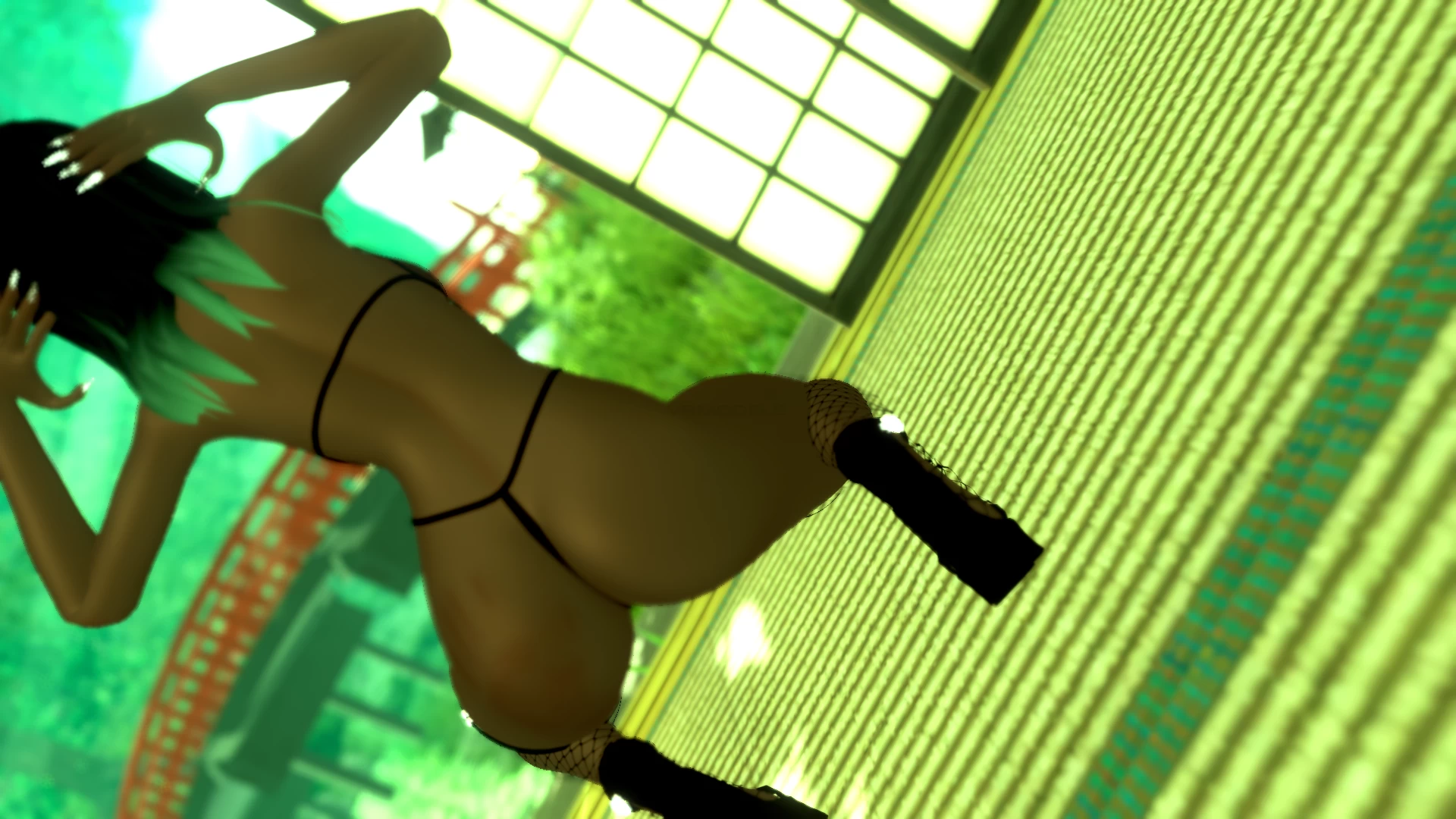
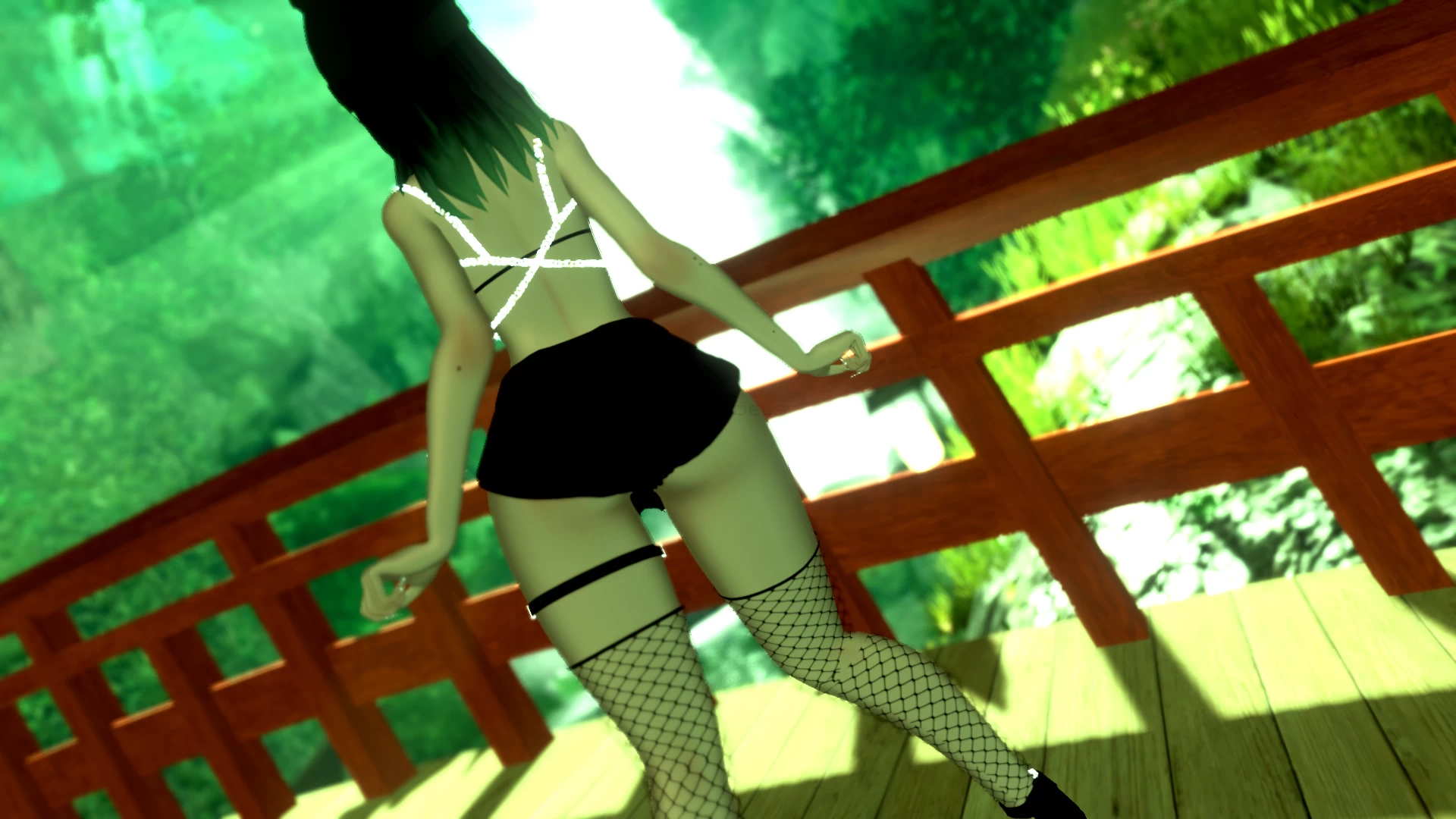
Nilly
 The link to the model was removed from the site at the request of the copyright holder
Description
How to use this package and upload to VRChat.
1. Open Unity 2019.4.31
2. Import VRChat Avatar SDK (3.0).
3. Import a Shader you want to use, Poi is recommended
4. Import Dynamic Bones.
5. Import The Avatar Package.
Avatar Special Features
- 𝓙𝓲𝓰𝓰𝓵𝓮 𝓟𝓱𝔂𝓼𝓲𝓬𝓼.
- 𝓕𝓪𝓬𝓮 𝓐𝓷𝓲𝓶𝓪𝓽𝓲𝓸𝓷𝓼.
- 𝚃𝚘𝚐𝚐𝚕𝚎𝚜 𝚘𝚗: 𝙹𝚊𝚌𝚔𝚎𝚝, 𝚃𝚘𝚙, 𝚂𝚑𝚘𝚛𝚝𝚜, 𝙵𝚒𝚜𝚑𝚗𝚎𝚝𝚜, 𝙷𝚊𝚝, 𝚂𝚑𝚘𝚎𝚜 + 𝙼𝚘𝚛𝚎
1. Open Unity 2019.4.31
2. Import VRChat Avatar SDK (3.0).
3. Import a Shader you want to use, Poi is recommended
4. Import Dynamic Bones.
5. Import The Avatar Package.
Avatar Special Features
- 𝓙𝓲𝓰𝓰𝓵𝓮 𝓟𝓱𝔂𝓼𝓲𝓬𝓼.
- 𝓕𝓪𝓬𝓮 𝓐𝓷𝓲𝓶𝓪𝓽𝓲𝓸𝓷𝓼.
- 𝚃𝚘𝚐𝚐𝚕𝚎𝚜 𝚘𝚗: 𝙹𝚊𝚌𝚔𝚎𝚝, 𝚃𝚘𝚙, 𝚂𝚑𝚘𝚛𝚝𝚜, 𝙵𝚒𝚜𝚑𝚗𝚎𝚝𝚜, 𝙷𝚊𝚝, 𝚂𝚑𝚘𝚎𝚜 + 𝙼𝚘𝚛𝚎

Due to spam in the comments, comments have been disabled.
All comments already added to this material have been hidden.Comments disabled: NomNom
We apologise for any inconvenience.