Home » Avatars » TI:NI (💎)

Model info

Content type:Avatars
Сreated by: Cam's Avis
SDK: 3.0 (VRChat)
Unity version: Unity 2022
Platform: PC + Quest
Рhysbones: Yes
Face Tracking: No
Full body: Yes
Nsfw: Yes
DРS \ SPS : Yes
Views: 227 363
TI:NI (💎)

To download the model, you need to log in.

Description


What you'll need:


Poiyomi Toon v8.1.165
Creator Companion/VRCSDK3
VRLabs FinalIK Stub
VCC Version of VRLabs AV3Manager (for Avatar Creator script)
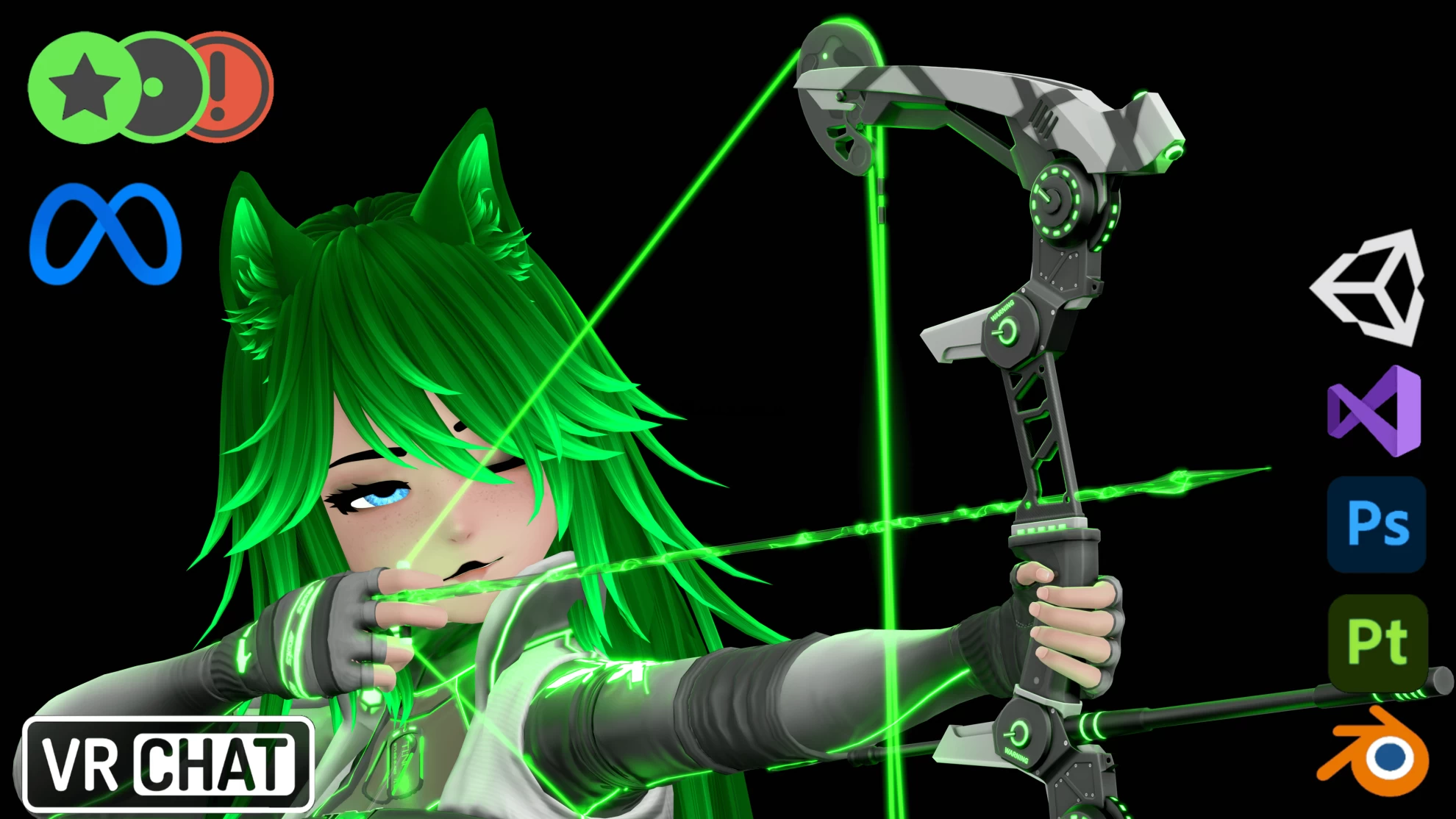
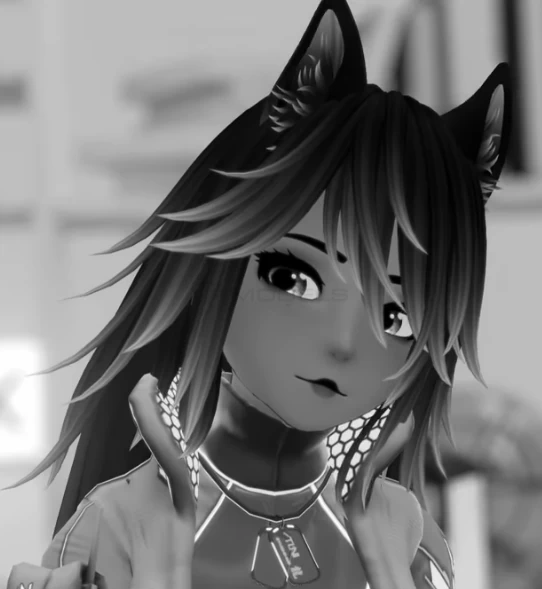
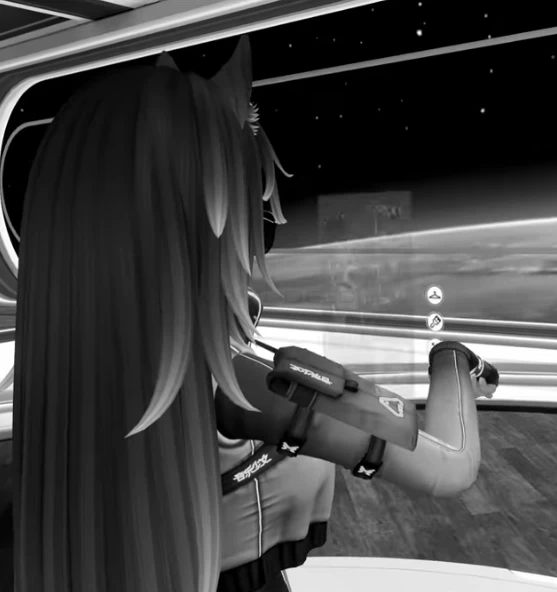
Screenshots of model TI:NI (💎) in the game
Uploaded by

Mother


Comments: 113
Add comment

Information

To add your comment you need to log in.

  • foto
    LucianaVexx #33
    +1
    Cam over prices his models its RIDICULOUS
    11 June 2023 00:50
  • foto
    MakingOfAHero #32
    0
    if you guys watch the second video, it literally gives a full explanation on how to upload it. its not hard. I was able to do it very easily and i suck at this
    11 June 2023 00:20
  • foto
    Rubberduck.com, #31
    0
    Assets\!Cam\MAC\Scripts\MACInstallScriptFunctions.cs(80,49): error CS0234: The type or namespace name 'ExtensionMethods' does not exist in the namespace 'VRC.Core' (are you missing an assembly reference?)
    10 June 2023 23:39
  • foto
    BrxkenThoughts #30
    0
    Autumnsune, blue means its loading still. if you wait it should change
    10 June 2023 22:48
  • foto
    Autumnsune #29
    0
    Does anyone know why the avatars face is blue or if it's supposed to be like that
    10 June 2023 22:01
  • foto
    Ivy (user blocked for violating site rules) #28
    I love the model
    10 June 2023 21:20
  • foto
    TTVSuicidalOkami OkamiFamily #27
    0
    same
    10 June 2023 20:07
  • foto
    Ivy (user blocked for violating site rules) #26
    Gremlinrave27, NVM I GOT IT
    10 June 2023 19:59
  • foto
    Lugia #25
    +2
    Blishing, there was a quest model with diamond, ik how to make them quest friendly, but why waste time when theres a premade one, just requires an update to the link
    10 June 2023 18:26
  • foto
    Blishing #24
    0
    Justaweirdo, sharkboy70343, VRCQuesTools is a thing.. learn use is way better than ask about quest versions or wait.. is a simple tool and get the job done.
    10 June 2023 18:05
  • foto
    sharkboy70343 #23
    0
    do you have the quest version?
    10 June 2023 17:49
  • foto
    Phrog Hate #22
    +1
    Mírek Snorry, did you find a fix?
    10 June 2023 17:27
  • foto
    ghostyy #21
    0
    does anyone have nova by pursu? it looks similar
    10 June 2023 17:15
  • foto
    xRosex #20
    0
    I fucking love Cam's Avis, they're so dope! Thank you Mother for this upload!
    10 June 2023 17:10
  • foto
    BrxkenThoughts #19
    +1
    vazeraptor, These should be the links you need.
    https://github.com/VRLabs/Final-IK-Stub/releases/tag/v1.0.0

    https://github.com/VRLabs/Avatars-3.0-Manager/releases/tag/2.0.23

    If you cant click on them just copy and paste “VRLabs FinalIK Stub“ and “VCC Version of VRLabs AV3Manager” in google and it will come up
    10 June 2023 17:07
  • foto
    Phrog Hate #18
    0
    vazeraptor, if you go to cams gumroad and scroll to the bottom it shows you what you need and some words are highlighted so that you can click them as there links and they take you to download pages


    Mírek Snorry, i actually have same problem did you find a fix?
    10 June 2023 16:46
  • foto
    kirakitann #17
    0
    is there a good ver with it? i dont see it
    10 June 2023 16:42
  • foto
    vazeraptor #16
    0
    where do u get the other two things from the vrlabs finalik stub and the vcc version of vr labs av3manager
    10 June 2023 16:35
  • foto
    Lugia #15
    0
    Veruda, how do i find it?
    10 June 2023 16:24
  • foto
    xBigBoss #14
    +1
    darkknight, the errors I was getting were all related to the custom scripts, deleting them worked but i was kinda hoping for the custom scripts in this project to work but Im having no luck lol
    10 June 2023 16:23
  • foto
    Mírek Snorry #13
    0
    FileNotFoundException: C:/Users/holde/AppData/Local/Temp/DefaultCompany/TINI/prefab-id-v1_avtr_a4cb650d-1cfd-4bd9-b3fa-c5070497b0cd_3856730830.prefab.unity3d does not exist


    How do I solve this?
    10 June 2023 15:39
  • foto
    weenus #12
    +1
    make sure to watch the second video listed before uploading this avatar, it will leave barely any room for confusion.
    10 June 2023 15:30
  • foto
    darkknight #11
    0
    sharkboy70343, update your vrc compainon
    10 June 2023 15:21
  • foto
    sharkboy70343 #10
    0
    says there are too many parameters
    10 June 2023 15:17
  • foto
    darkknight #9
    0
    xBigBoss, all i did was import and upload and had no problems
    10 June 2023 15:16
  • foto
    xBigBoss #8
    0
    Im getting a bunch of ImportFBX warnings about generating blendshapes that prevent me from uplading? Am I doing something wrong
    10 June 2023 15:10
  • foto
    darkknight #7
    0
    Mother, ah ok
    10 June 2023 14:38
  • foto
    Mother #6
    +1
    darkknight, nah i just figured i'd upload it
    10 June 2023 14:21
  • foto
    Veruda #5
    0
    Justaweirdo, It's in the project package already.
    10 June 2023 14:16
  • foto
    Lugia #4
    +2
    10 June 2023 13:23
  • foto
    medis #3
    +1
    What is that mean? "unity extension methods does not exist in the namespace vrc.core" can't find a solution
    10 June 2023 12:50
  • foto
    darkknight #2
    +2
    mother def hates cam or someething cause this release was ON SITE
    def downloading this
    10 June 2023 12:43
  • foto
    Gremlinrave27 #1
    +1
    Compiler errors MAC?Nevermind me Dumb
    10 June 2023 12:37