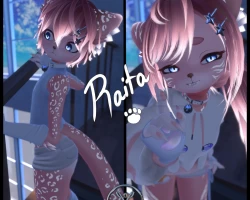
Raita
To download the model, you need to log in.
Description
FEATURESSFW, All clothes can be toggled, but no details anywhere
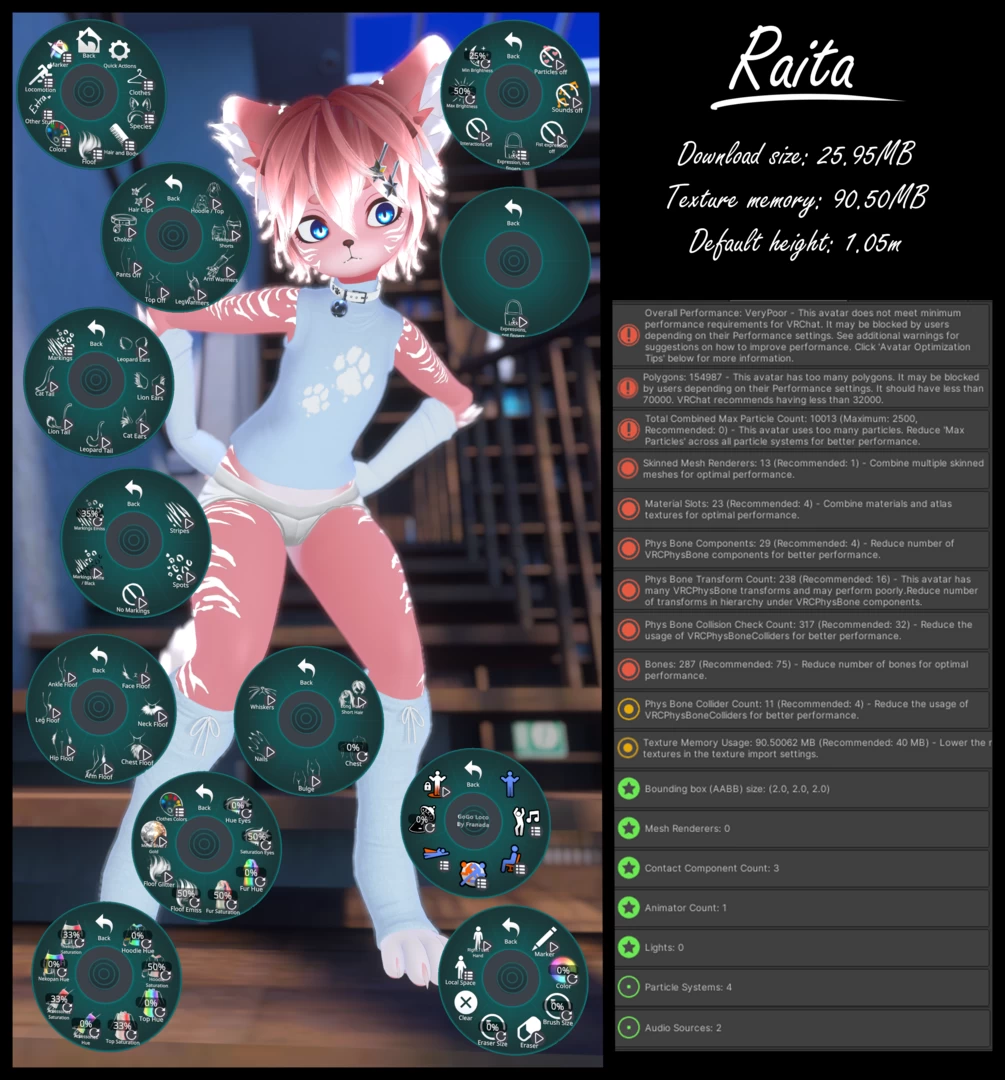
☆ Outfit toggles:
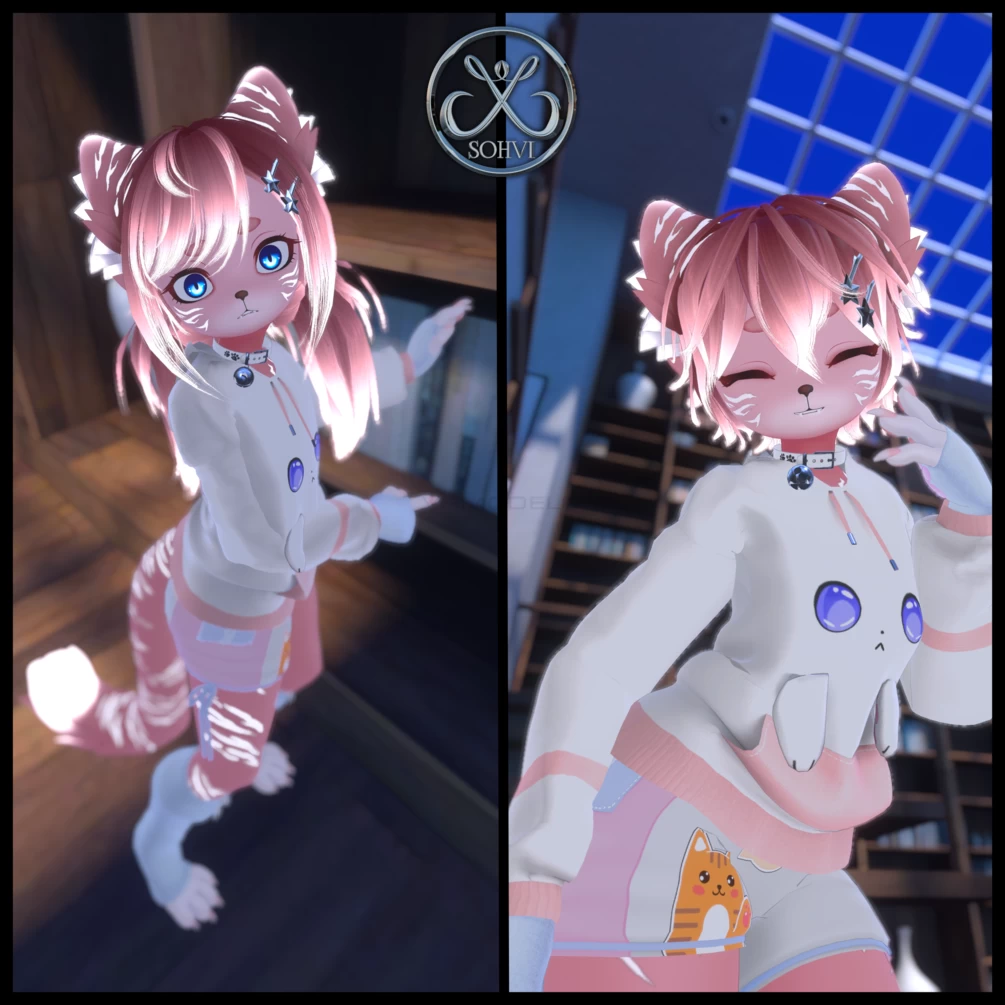
Hoodie, Top, Top off, Nekopan (Cat shorts), Mini Shorts, Bottom off, Leg Warmers, Arm Warmers, Bell Choker, Hair Clip
☆ Hair and body toggles:
Pigtails Hair, Short Hair, Nails, Whiskers, Chest side radial, Bulge toggle
☆ Species Toggles
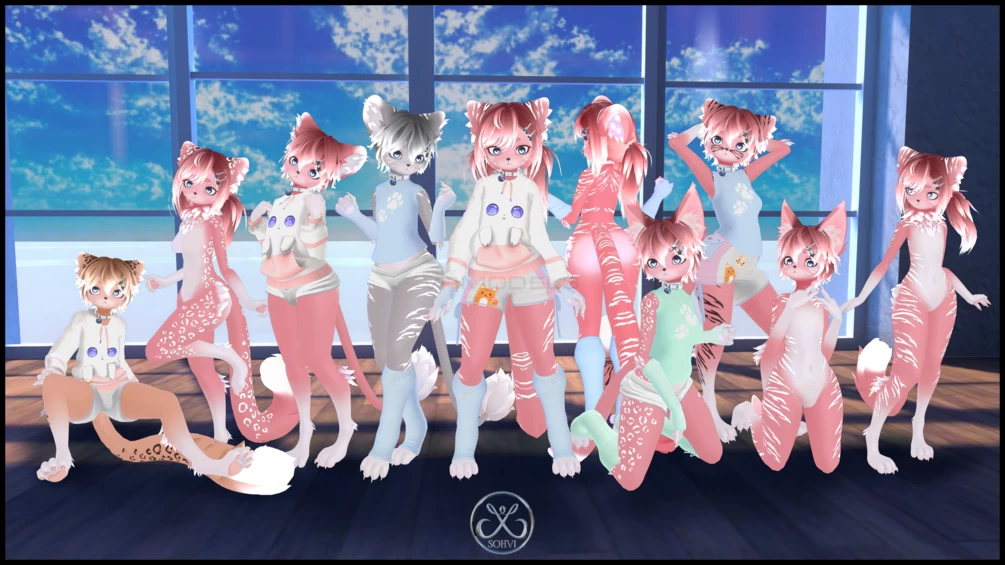
Leopard, Lion and Cat ears, Leopard, Lion and Cat tail
Toggles for all body floof bits (can't be toggled on if there is clothing on it)
☆Avatar interactions:
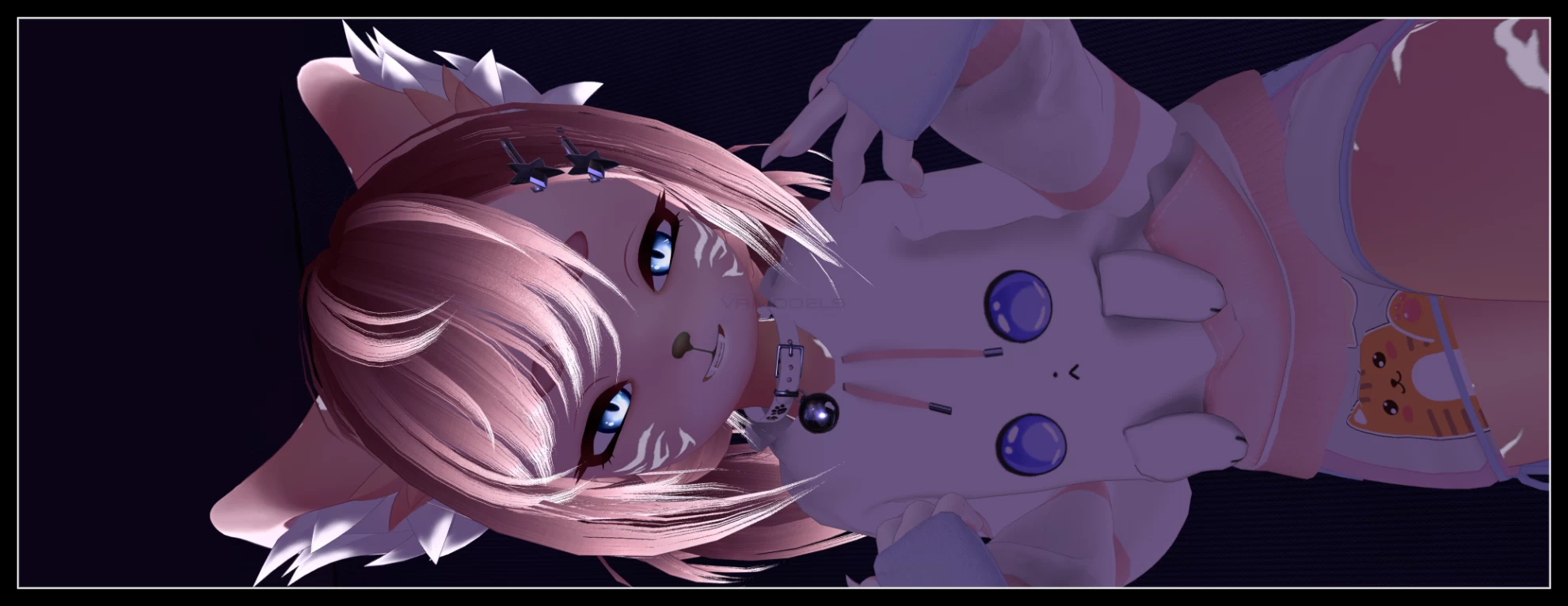
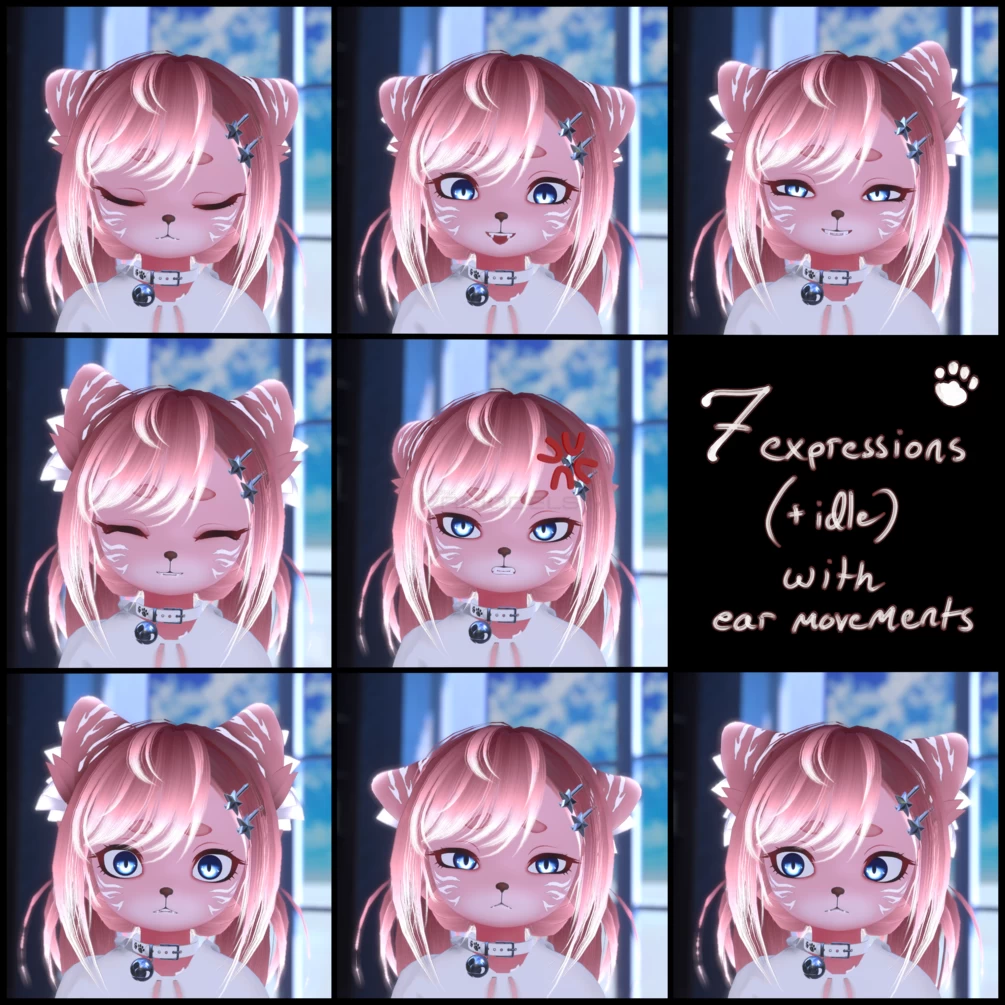
Head pat with facial expression, purring sound, particles and ears + tail moving
Nose boop with facial expression and particles
Choker bell can be touched and it makes sound!
Toggles to turn off particles, sounds and all interactions
☆Color and texture changes:
Stripes, Spots and no markings toggles
Markings color white/black toggle
Markings emission radial
Metal silver/gold toggle
Eye color hue and saturation radial
Hair color hue and saturation radial
Skin shade hue and saturation radial
Hoodie hue and saturation radial
Top hue and saturation radial
Nekopan hue and saturation radial
Accessory hue and saturation radial
☆Extra:
Facial expression lock for non-index users. You can lock your facial expression to idle or any other expression and still use your hand gestures!
Toggle to turn off expression when making a fist (if you are using other than index controller and like to use fist as idle)
VRLabs Marker -> Edited to work with both hands! Stick to your drawings to your body, change colors and brush size and more.
Gogo Beyond locomotion with lots of different poses for half-body and desktop, floating and flying.
Avatar maximum brightness to adjust your avatar's brightness especially in bright worlds
Avatar minimum brightness to adjust your avatar's brightness especially in dark worlds
-> All the stats available on the last image!
-> Bounding boxes adjusted so objects won't disappear from view
-> Anchor overrides set up so lighting is consistent
-> Overall lighting is adjusted so avatar isn't too dark or bright in different worlds (also sliders for in-game adjustment)
-> The base has by default SRanipal Shape Keys, ARKit Shape Keys and MMD Shape Keys, but there is no premade setups for them (facial expressions use some of the shape keys included in these)
This avatar is NOT Quest compatible!
Please note that this model needs other assets to work. You need purchase paid assets by yourself. I can’t help you if you decide to use different assets than stated below and have some problems.
-Unity 2019.4.31f1 or 2022.3.6f1
-VRC Creator Companion (free)
-Poiyomi Toon 8.1.166 (included in the downloads, free)
-> You must have basic unity knowledge to upload this avatar. Avatar comes with uploading instructions. Please read them. For more help please join to my server link at end of the page.
