Home » Avatars » Obsi

Model info

Content type:Avatars
Сreated by: kaiylast
SDK: 3.0 (VRChat)
Unity version: Unity 2022
Platform: PC+ Opti + Quest
Рhysbones: Yes
Face Tracking: Yes
Full body: Yes
Nsfw: Yes
DРS \ SPS : Yes
Views: 141 184
Obsi

To download the model, you need to log in.

Description


Face Gestures
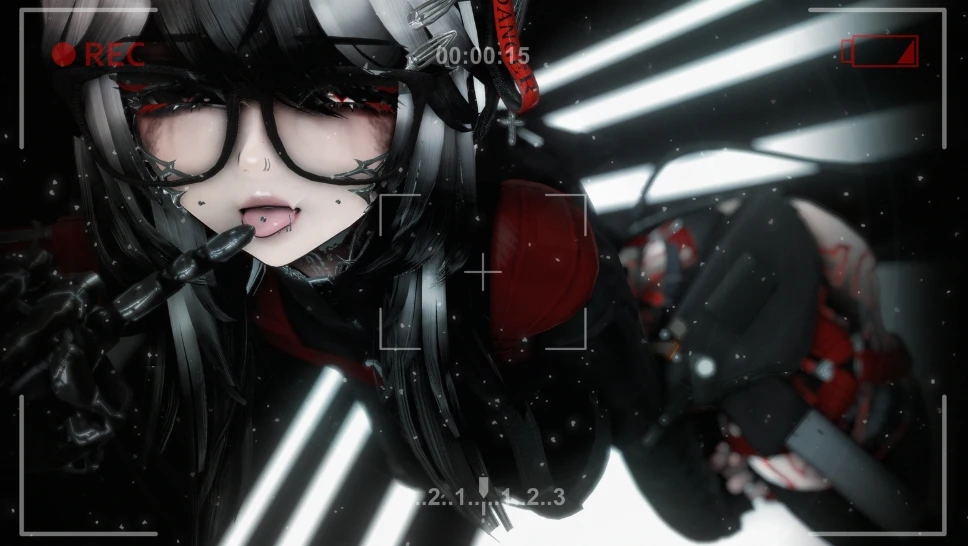
14 Different Face Gestures With Ear Movement (All Species) and No Overlapping (you can mix them to create new face gestures !)
Animated Tears for Sad Expression

Extras
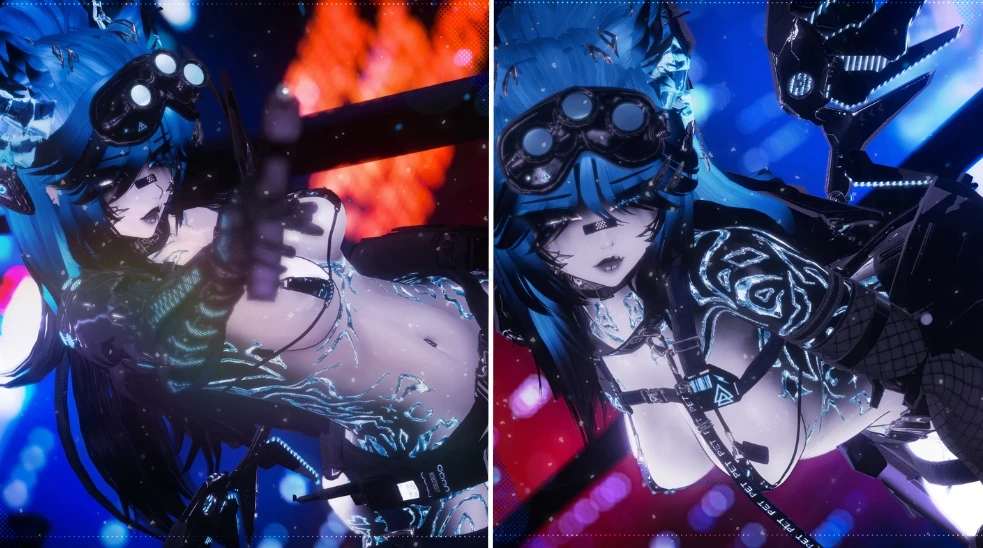
Super Cool working HandGun !
Retractable Blade on her Robot Arm !

Colors
Hue Shift (Clothes, Hair, Hair Emission, Eyes, Tattoos)
Saturation (Clothes, Hair, Hair Emission, Eyes, Tattoos)
Brightness (Hair)
Black/White Swap (Clothes, Accs, Hair Tips)
Skin Color
Skin Saturation
Emission Strength (Hair)
Avatar Lightning Adjustement : Light Multiplier, Grayscale Lightning and Minimum Brightness Radials
Toggles
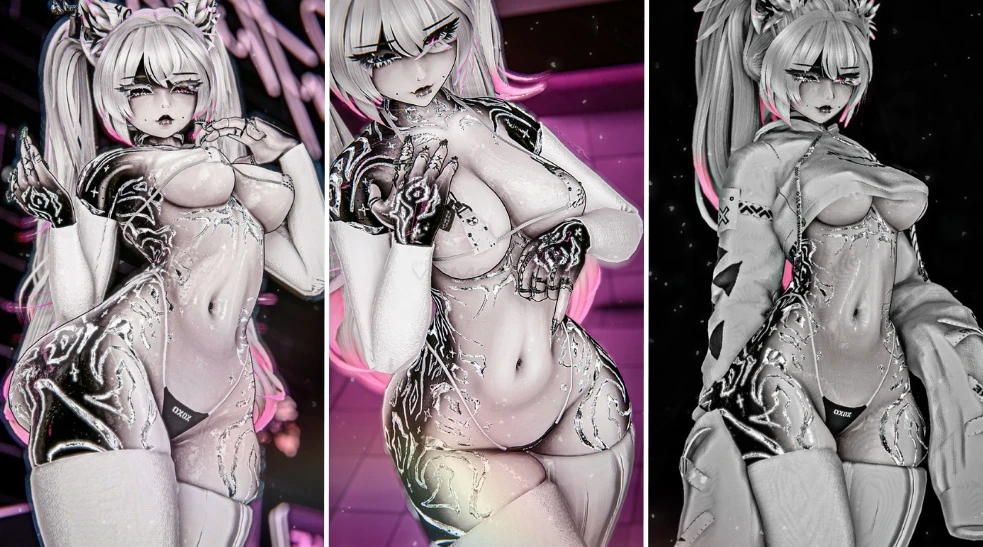
13 Tops
4 Jackets
9 Bottoms
6 Shoes
4 Bodysuits
40+ Accessories
Multiple Hair Options
Robot Parts : Robot Skeleton, Arm, and Legs
Stencil (See Through Hair) Toggle
So Much Face Customization
Extras (Handgun, Retractable Blade, GogoLoco...)
More... (See Toggle Video)
Animations
Gogo Loco
Cute Custom Idle: With Custom Blinking Animation, Tail and Ear Movement
Custom Made Idle, Prone & Crouch Animations
Fake Index Gestures
Physbones Everywhere Expected
Body Sliders (Bobas & B_tt)
More... (See Toggle Video)
Other
Audio Link For Emissions
Audio For Spicy Features
SFX for Contacts (Headpat, Boop, B_tt Slap)
16 Ori Points
Arms & Legs Limbs Scaling for FBT

PC Instructions
Required VCC Packages:

⚠️ Use ALCOM if Creator Companion won't open for you (works the same) ⚠️

VRC Fury: Add to VCC
Poiyomi Toon Shader: Add to VCC
Avatar Optimizer: Add to VCC or Direct Link
Non-Destructive Modular Framework : Add to VCC or Direct Link
Avatar Texture Compressor: Add to VCC or Direct Link
Don't import Jerry's Face Tracking as it's already in the package !!

Create a project with CreatorCompanion (Unity 2022.3.22f1)
Import VRC Fury (ver 1.1371.0)
Import latest Poiyomi version
Import latest version of the Non-Destructive Modular Framework
Import latest version of the Avatar Optimizer and of the Avatar Texture Compressor
Import the Avatar Package
Upload !
Use Ticket System in the server for free upload help or a 5$ upload.

Optimized Instructions
Required VCC Packages:

⚠️ Use ALCOM if Creator Companion won't open for you (works the same) ⚠️

VRC Fury: Add to VCC
Poiyomi Toon Shader: Add to VCC
Don't import Jerry's Face Tracking as it's already in the package !!

Create a project with CreatorCompanion (Unity 2022.3.22f1)
Import VRC Fury (ver 1.1371.0)
Import latest Poiyomi version
Import the Avatar Package
Upload !
Use Ticket System in the server for free upload help or a 5$ upload.

Quest Instructions
Required VCC Packages:

⚠️ Use ALCOM if Creator Companion won't open for you (works the same) ⚠️

VRC Fury: Add to VCC
Avatar Optimizer: Add to VCC or Direct Link
Non-Destructive Modular Framework : Add to VCC or Direct Link
Avatar Texture Compressor: Add to VCC or Direct Link
Don't import Jerry's Face Tracking as it's already in the package !!

Create a project with CreatorCompanion (Unity 2022.3.22f1)
Import VRC Fury (ver 1.1371.0)
Import latest version of the Non-Destructive Modular Framework
Import latest version of the Avatar Optimizer and of the Avatar Texture Compressor
Import the Avatar Package
Upload !
Use Ticket System in the server for free upload help or a 5$ upload.
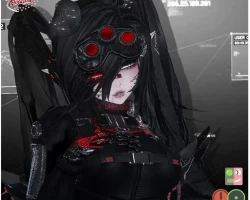
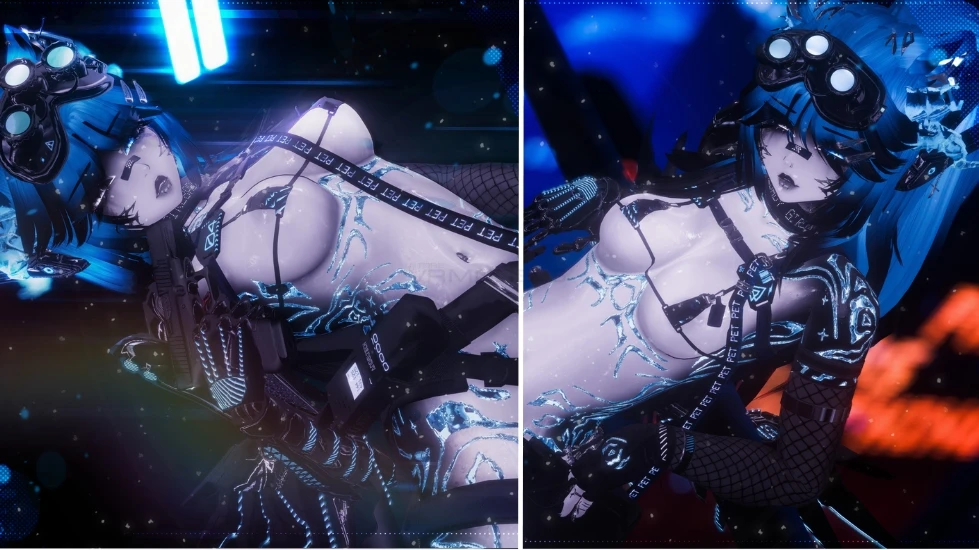
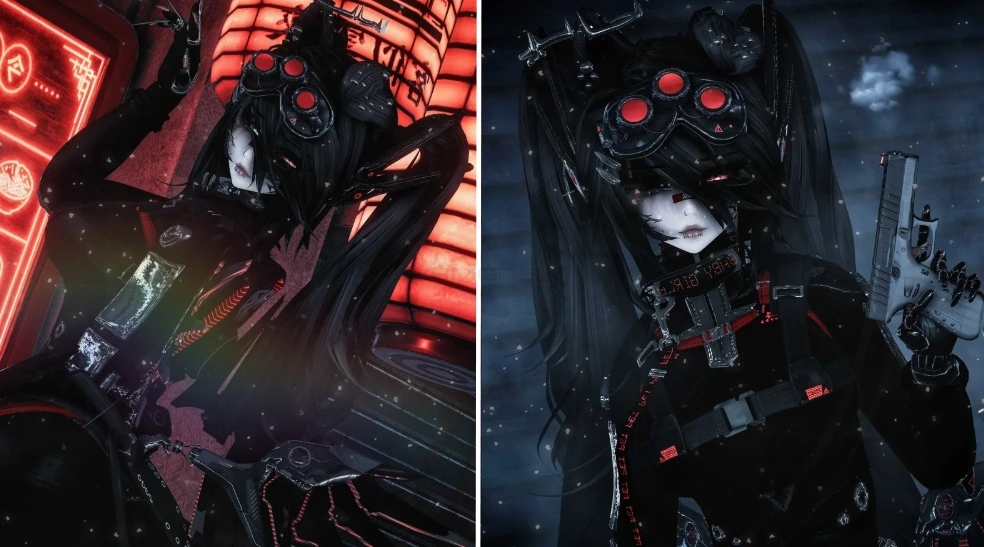
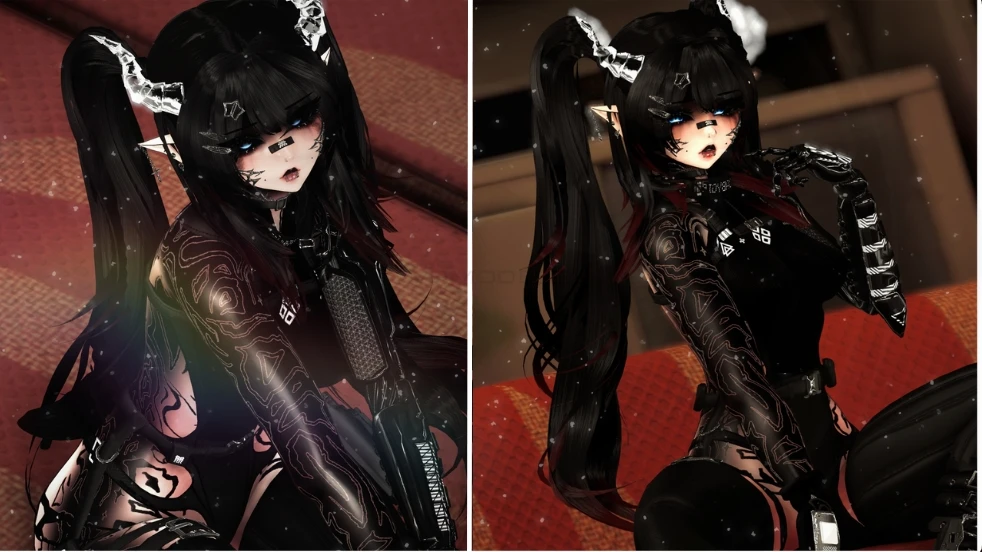
Screenshots of model Obsi in the game
Uploaded by

Anonymous


Comments: 106
Add comment

Information

To add your comment you need to log in.

  • foto
    fernpng #26
    is anyone else unable to veiw the file? it says "The Gofile API is currently unavailable. The app cannot be used right now. Please retry later." im able to refresh but it does nothing.
    25 July 2026 17:03
  • foto
    Supex0 #25
    0
    Quote: Carter Meyer
    Hey to ANYONE needing to upload it and it keeps say NULL, just add a, tag, Primary style, and Content warnings!!!

    Just add a tag and an description and that error is gone
    25 July 2026 13:23
  • foto
    Kiley #24
    0
    anyone else having trouble being able to open the species tab?
    25 July 2026 13:08
  • foto
    zues thunder #23
    0
    neko_mellow, for me im tryna figure out how to get her human form lol
    25 July 2026 12:10
  • foto
    neko_mellow #22
    +5
    y'all don't read her upload instructions. I followed it and it worked for me
    25 July 2026 11:00
  • foto
    zues thunder #21
    +4
    hey so i port to unity and no avi shows up only gun lol
    24 July 2026 18:26
  • foto
    Saint404 #20
    -2
    can someone upload this for me, my computer is being stupid
    24 July 2026 17:00
  • foto
    Nez Mew #19
    go to the creators website if the file is to big and click on instructions and add in vrc avatar compressor
    24 July 2026 15:23
  • foto
    EZModels #18
    +1
    CreamyNoodz, if you havent gotten it, make sure to add vrcfury, d4rksavataroptimizer, avatar compressor, and non destructive modular framework, i personally added wholesome sps on top of it as well
    24 July 2026 15:05
  • foto
    Carter Meyer #17
    +2
    Hey to ANYONE needing to upload it and it keeps say NULL, just add a, tag, Primary style, and Content warnings!!!
    24 July 2026 13:43
  • foto
    CreamyNoodz #16
    0
    having an issue with missing fbx, can anyone help please??
    24 July 2026 10:49
  • foto
    Jaderock #15
    0
    i put in the compreser and stuff and it still wont work can i have help
    24 July 2026 09:55
  • foto
    justauseronvr #14
    +7
    Can't wait to lose frames from everyone and their grandmother using this triple A gamesized avatar.
    24 July 2026 09:37
  • foto
    Ayanoshi #13
    -1
    xXLadyAlinaXx, try adding avatar compressor to ur project
    24 July 2026 09:00
  • foto
    xXLadyAlinaXx #12
    -1
    When ur tryin too upload the avi, it has like 1GB of parameters and u cant lower them, anyway too fix this?
    24 July 2026 08:41
  • foto
    Atropai #11
    +1
    Some avis arent uploading on 3.10.4 dunno why, something about Null :D
    24 July 2026 08:26
  • foto
    ୨୧Ӽʀʏǟ୨୧ #10
    +1
    Instructions r on kaiylast website
    24 July 2026 07:34
  • foto
    Breezemily #9
    -2
    can someone put the instructions its not working for me?
    24 July 2026 07:15
  • foto
    Claraa_2 #8
    0
    files to huge to upload the questie gulp!! little help here anime13
    24 July 2026 07:10
  • foto
    ishatmyselfanditwaswarmandsticky #7
    -1
    i had some errors uploading but should go through fine if you put in name, tags and a description (i put version 1 but do whatever u want) then just close and open sdk should work
    24 July 2026 06:15
  • foto
    Creative Engineering Inc #6
    -1
    the fbx is broken :/
    24 July 2026 05:37
  • foto
    Manos1990 #5
    0
    i love it

    anime8
    24 July 2026 05:23
  • foto
    Atropai #4
    0
    Yeah im getting errors too and i never do with uploads :/ is there something different about this one?
    24 July 2026 05:14
  • foto
    Kamilla Rut #3
    0
    ***comment deleted***

    blueprint id problems can anyone help?
    24 July 2026 04:55
  • foto
    xXKinderjoyXx95 #2
    0
    ***comment deleted***

    Where do i get those Things ?


    Import latest version of the Non-Destructive Modular Framework
    Import latest version of the Avatar Optimizer and of the Avatar Texture Compressor?

    Why are there so many different instructions? Can I just start a new unity project with the VRV Companion thing.

    And then add the

    Vrc Fury, Poiyomi and the Avatar and upload ?

    This is a bit confusing.
    24 July 2026 04:40
  • foto
    Userkitten3 (user blocked for violating site rules) #1
    ***comment deleted***
    24 July 2026 03:37