Home » Clothes » Novabeast Cyber Helmet

Model info

Content type:Clothes
Сreated by: n̴u̴i̴
Face Tracking: No
Full body: No
Nsfw: No
Views: 24 345
Novabeast Cyber Helmet

To download the model, you need to log in.

Description


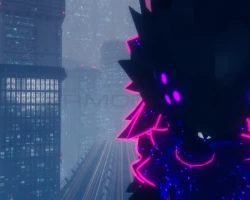
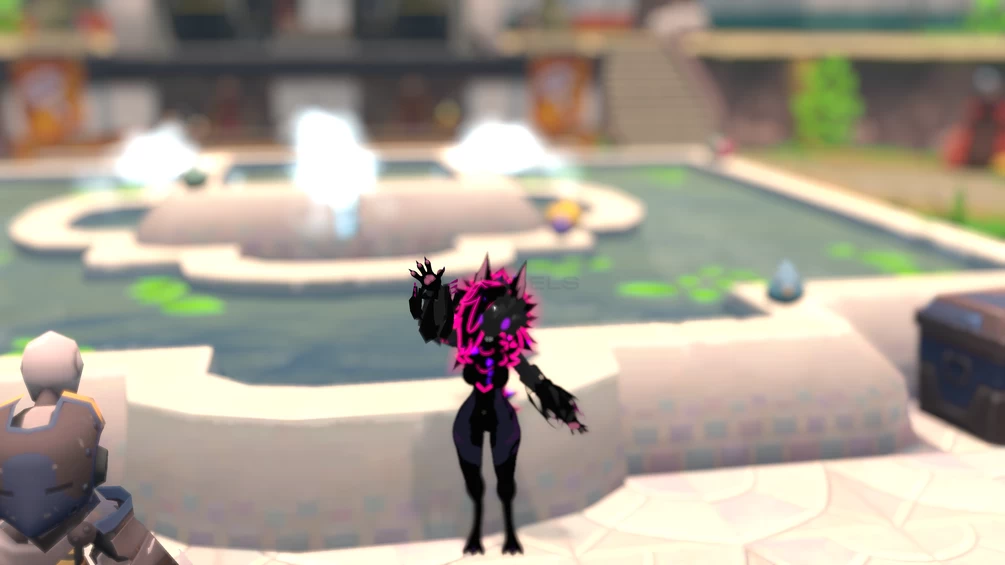
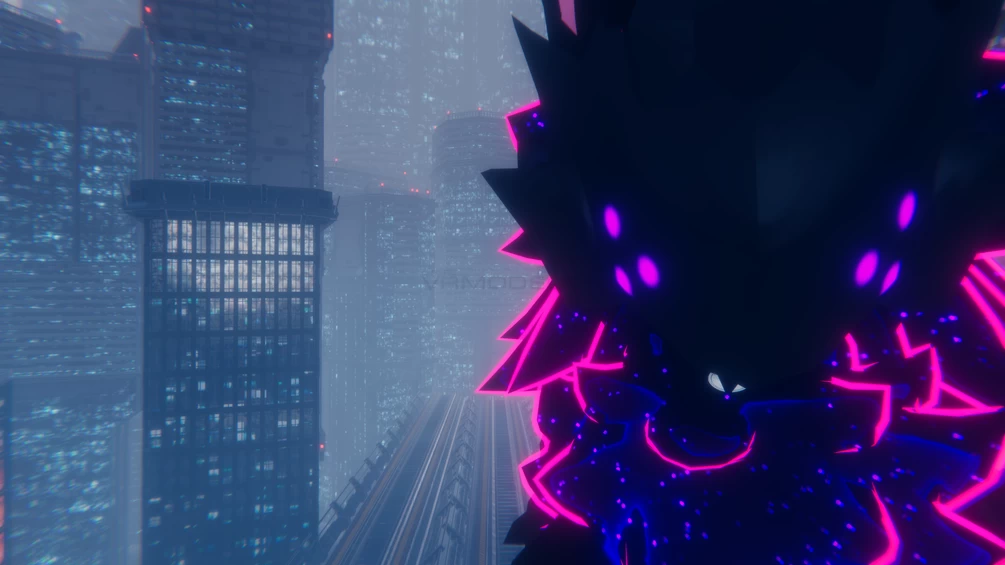
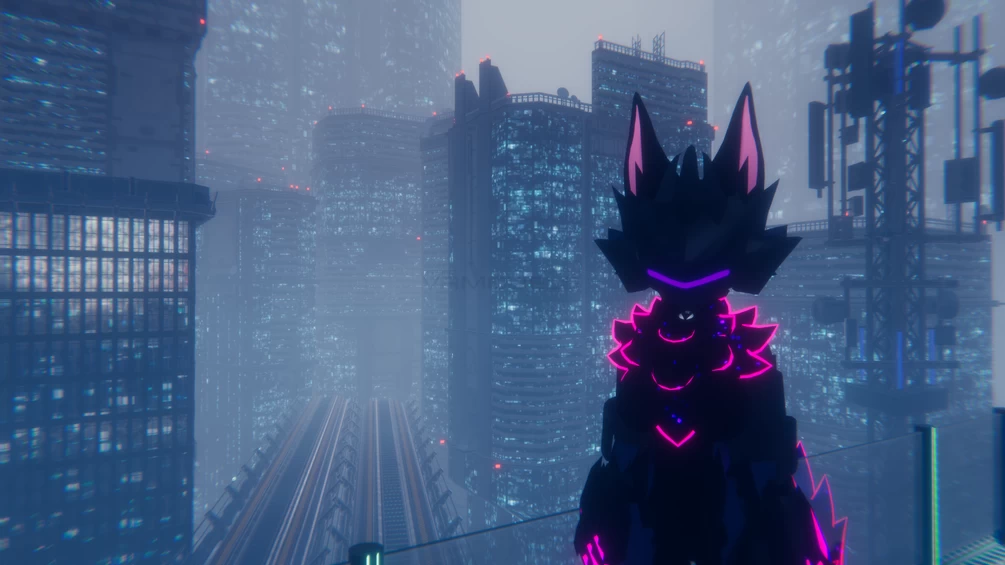
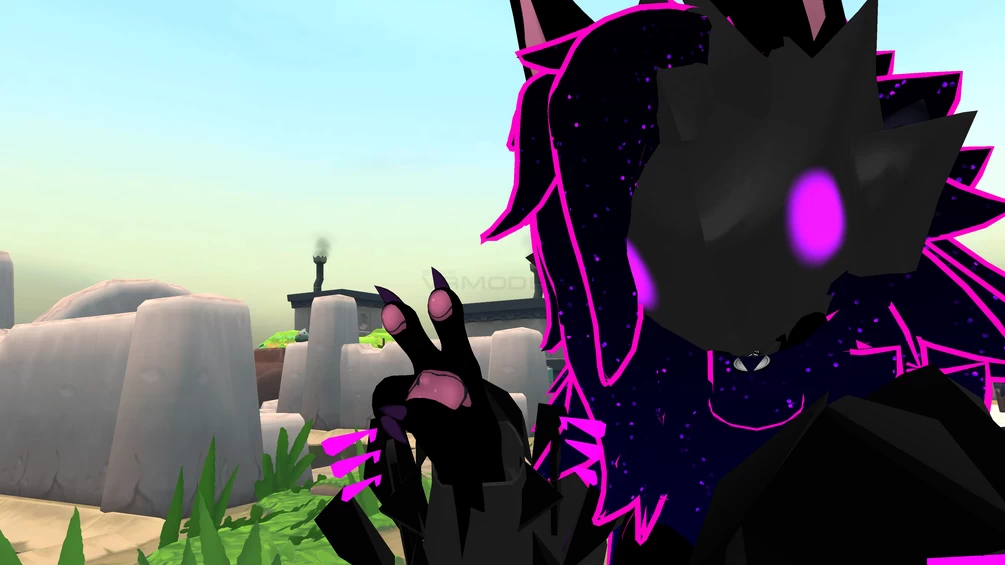
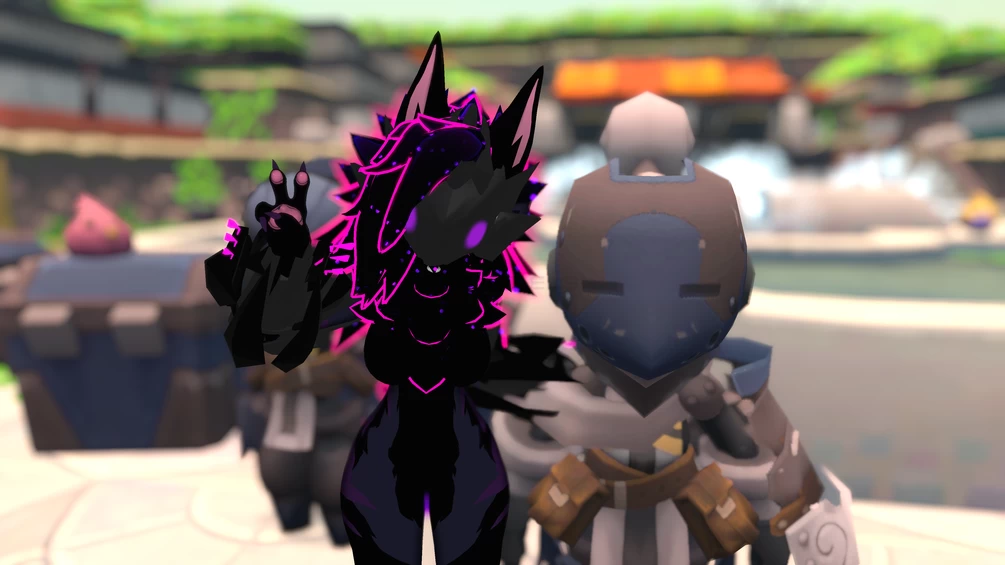
This trusty helmet will keep you safe from just about any danger.
Comes with a unique open and closing animation with accompanying sound effects.
It has 4 different eye types, customizable by the user.
The eyes can be toggled on and off, and there are controls for color hue and saturation.
Buying this gets you a .unitypackage with a VRCFury prefab, a .blend file (Blender 3.5) and a .fbx file.

Requirements
Unity 2022.3.6f1
Poiyomi Toon 8.1
Soft Requirements
Blender
VRCFury (Required if you want easy installation)
Avatars 3.0 Manager (Required if you want an easier time manually installing)

How To Install:
VRCFury:
Drag and drop the VRCFury prefab object onto your avatar. Simple as that.
Comments: 7
Add comment

Information

To add your comment you need to log in.

  • foto
    Haze6429 #7
    0
    does this work on quest?
    16 October 2024 08:10
  • foto
    loren #6
    0
    Kanzaki, to add it if you have vrcfury just add the vrcfury prefab to your avatars base and let it do its thing, if you wanna do it manually:

    1: go to Novabeast_v1_0/nuiTilde
    2: drag the prefab to your scene in the heirarchy
    3: unpack the prefab
    4: drag the "mask" object to the root of your avatar"
    5: drag the objects inside "MaskArmature" to their respective places on your avatars armature (the neck one is inside the head one in the prefab its a little odd just fix it and it works fine)
    6: use avatar manager 3.0 to merge the animation controller and parameters found in Novabeast_v1_0/nuiTilde/Animations (the mask uses write defaults on, like the novabeast base) with your avatars animation controller and parameters
    7: add a submenu somewhere in your expressions menu that leads to the helmet menu or make one yourself

    im assuming you have basic unity knowledge in this tutorial, you can also use the creators tutorial on their gumroad page though i feel its a bit worse than mine
    12 July 2024 17:35
  • foto
    8612 #5
    0
    yo is there a way you could send me a link for the armor on the avi and not just the mask if thats alright? thanks if you reply
    25 May 2024 02:20
  • foto
    femboyyy #4
    0
    Kanzaki, i think it come with one dont remeber tho
    29 March 2024 12:42
  • foto
    Kanzaki #3
    0
    I don't understand how to add it correctly. Is it possible to find installation instructions somewhere?
    29 March 2024 07:02
  • foto
    femboyyy #2
    0
    n̴u̴i̴, outch .. sorry .. i like the asset tho !! :3n̴u̴i̴, just a question do you think you will creat a novabeast texture (i like it so much the one in the image .. (i feel so bad ahhhh soory >w< ) :c
    22 March 2024 21:47
  • foto
    n̴u̴i̴ #1
    0
    ***comment deleted***
    22 March 2024 20:54