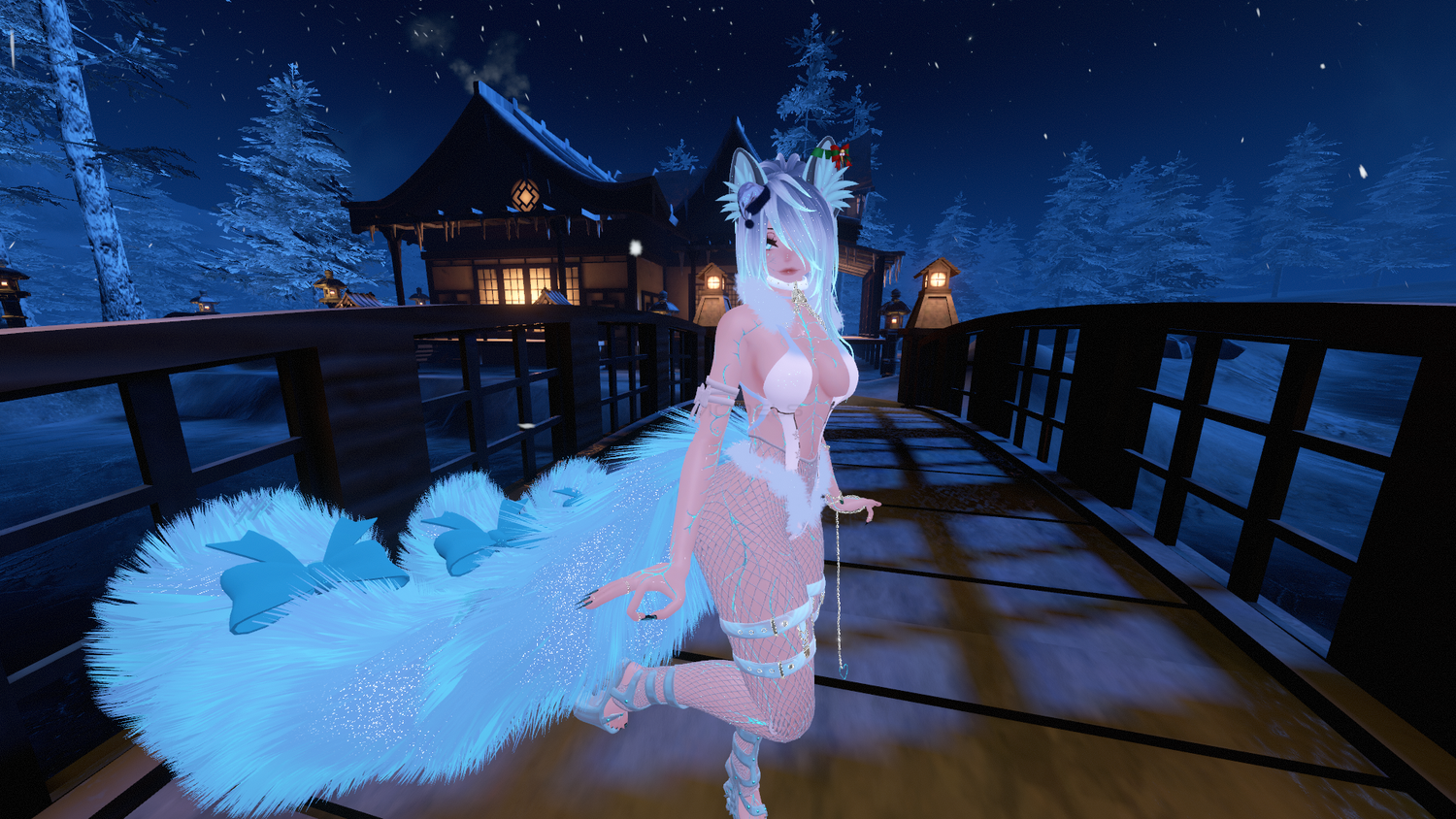
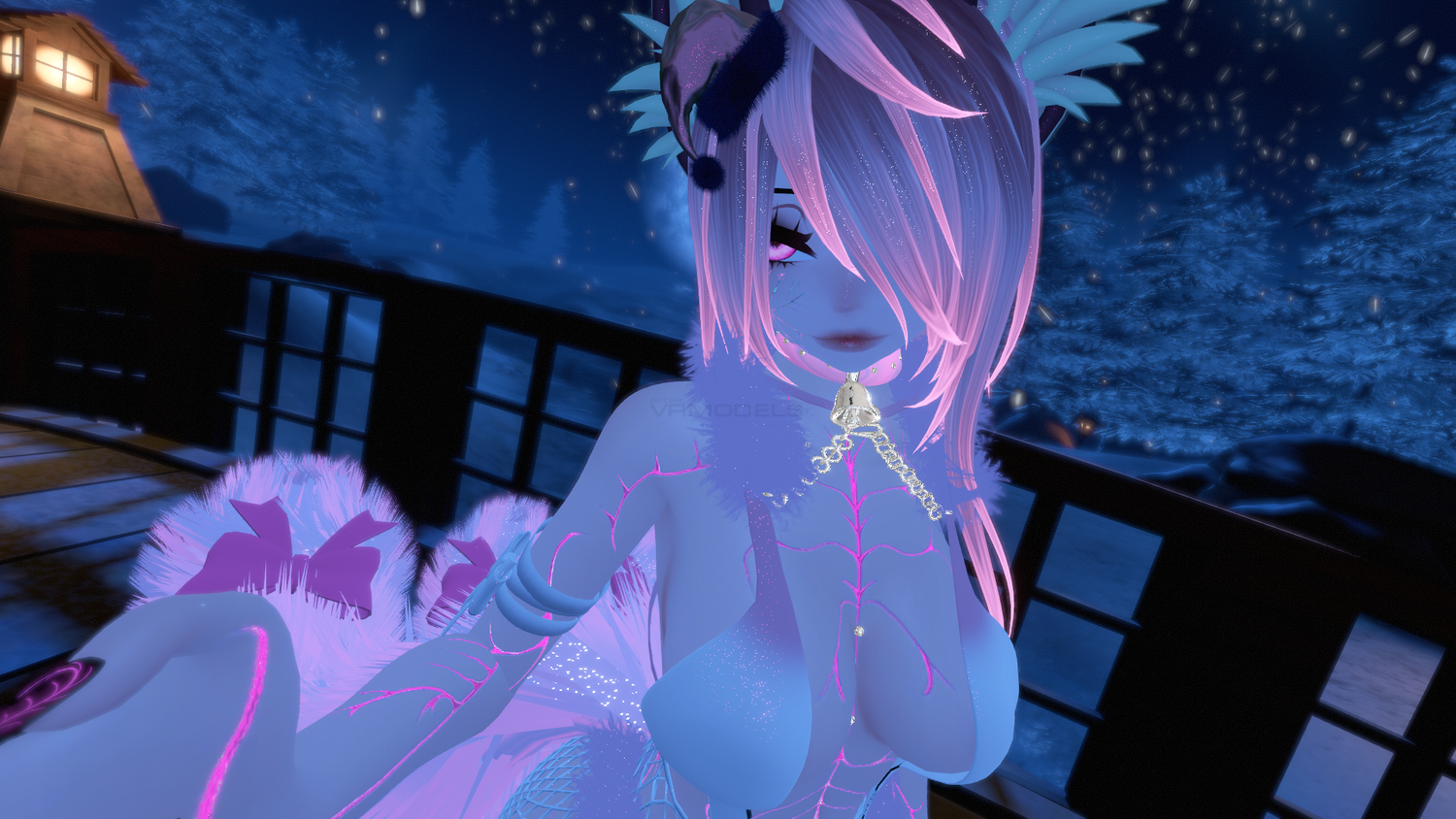
KAI ❄ 3.0
To download the model, you need to log in.
Description
How to use this package and upload to VRChat.
1. Open Unity 2019.4.31f1
2. Import VRChat Avatar SDK (3.0).
3. Import a Shader you want to use, Poi and Arktoon are recommended
4. Import Dynamic Bones.
5. Import The Avatar Package.
Avatar Special Features
- Good for dancing 💙
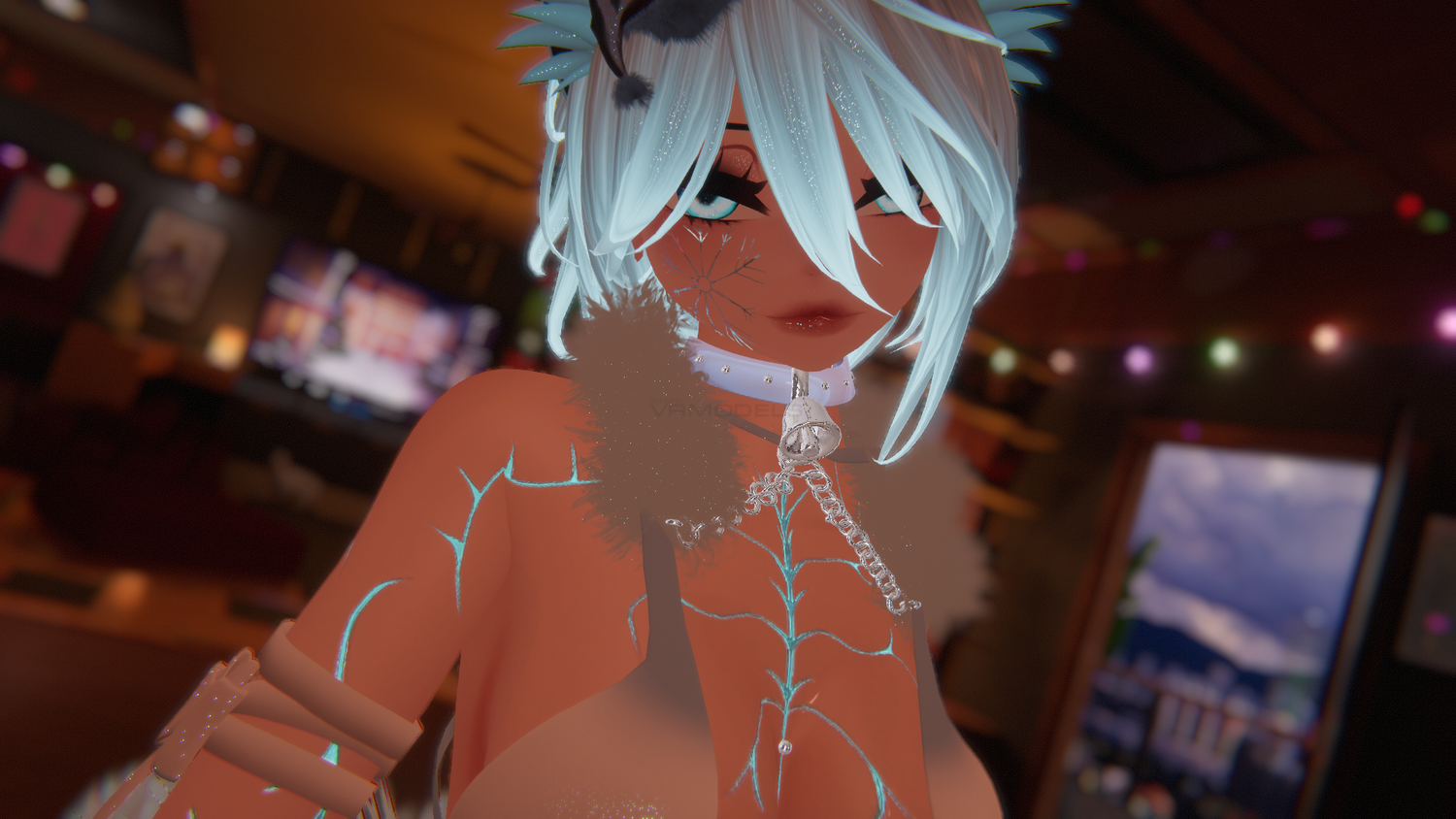
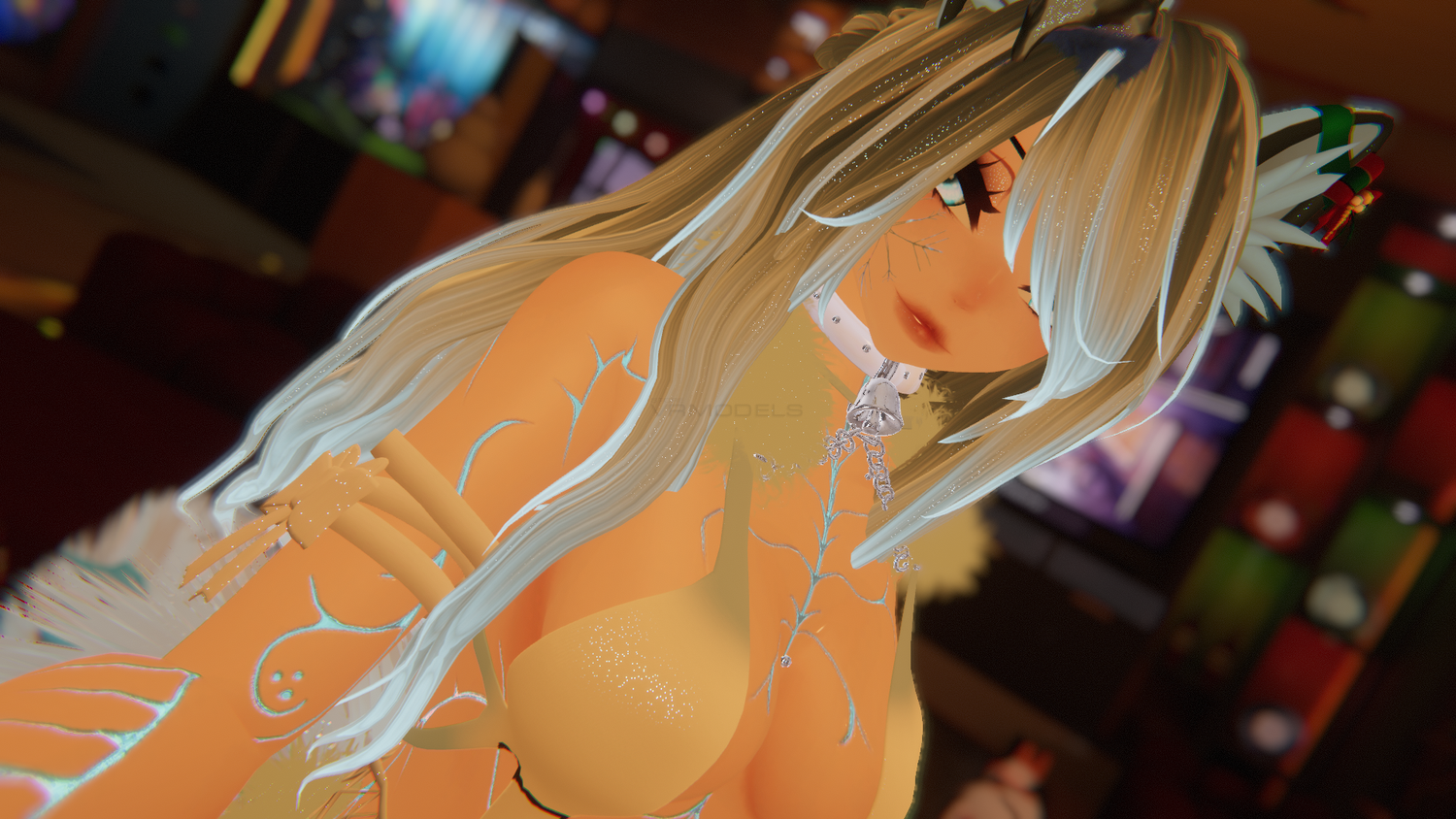
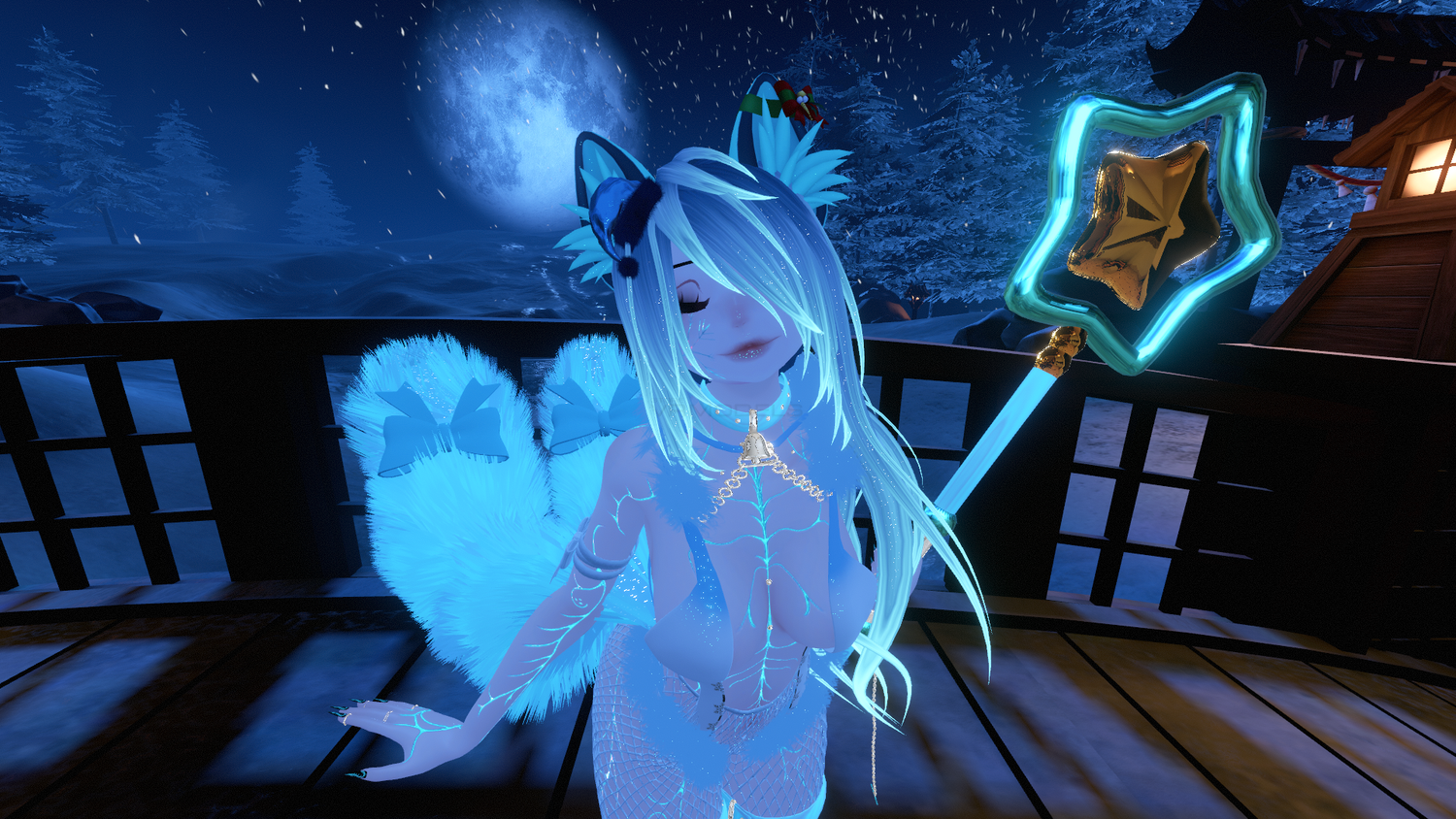
- Toggles: Bodysuit, Fishnet bottoms, Ears/Antlers swap, Tail swap (3 tails/deer tail), Choker, Garter, Heels, Chain, Mini Santa hat.
- 3 Hairstyle options: Ponytail (main), Long Hair and Short Hair!
- Colors: 3 material swap (pastel blue, dark blue/green, brown) + Hue Shift for everything;
- Toys: VRLabs Marker, Springjoint, Star Wand, Finger Trails;
- Dynamic Bones, Colliders & Jiggles everywhere as expected;
- 5 Custom Face Emotes;
- Write defaults OFF!
- Locomotion Fix V5 (menu option included).
1. Open Unity 2019.4.31f1
2. Import VRChat Avatar SDK (3.0).
3. Import a Shader you want to use, Poi and Arktoon are recommended
4. Import Dynamic Bones.
5. Import The Avatar Package.
Avatar Special Features
- Good for dancing 💙
- Toggles: Bodysuit, Fishnet bottoms, Ears/Antlers swap, Tail swap (3 tails/deer tail), Choker, Garter, Heels, Chain, Mini Santa hat.
- 3 Hairstyle options: Ponytail (main), Long Hair and Short Hair!
- Colors: 3 material swap (pastel blue, dark blue/green, brown) + Hue Shift for everything;
- Toys: VRLabs Marker, Springjoint, Star Wand, Finger Trails;
- Dynamic Bones, Colliders & Jiggles everywhere as expected;
- 5 Custom Face Emotes;
- Write defaults OFF!
- Locomotion Fix V5 (menu option included).
