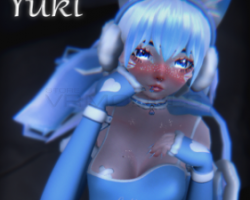
Yuki
To download the model, you need to log in.
Description
How to use this package and upload to VRChat.
1. Open Unity 2019.4.31f1
2. Import VRChat Avatar SDK (3.0).
3. Import a Shader you want to use, Poiyomi Pro and arktoon are recommended.
4. Import Dynamic Bones.
5. Import Dynamic Penetration System
6. Import The Avatar Package.
Avatar Special Features
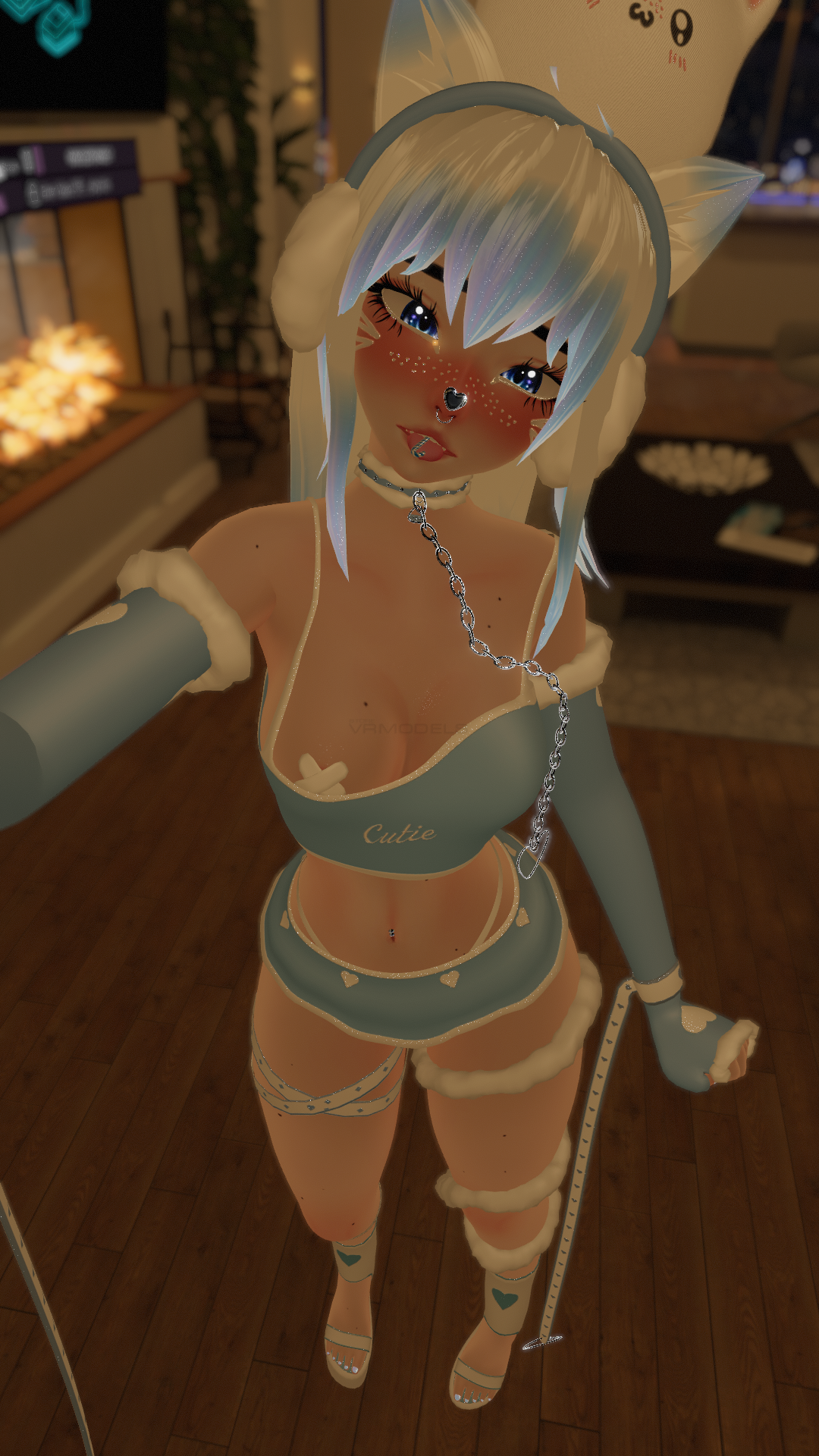
- Clothing toggles: Top, Skirt, Panties, Pasties, Gloves, Heels, Straps, Hood
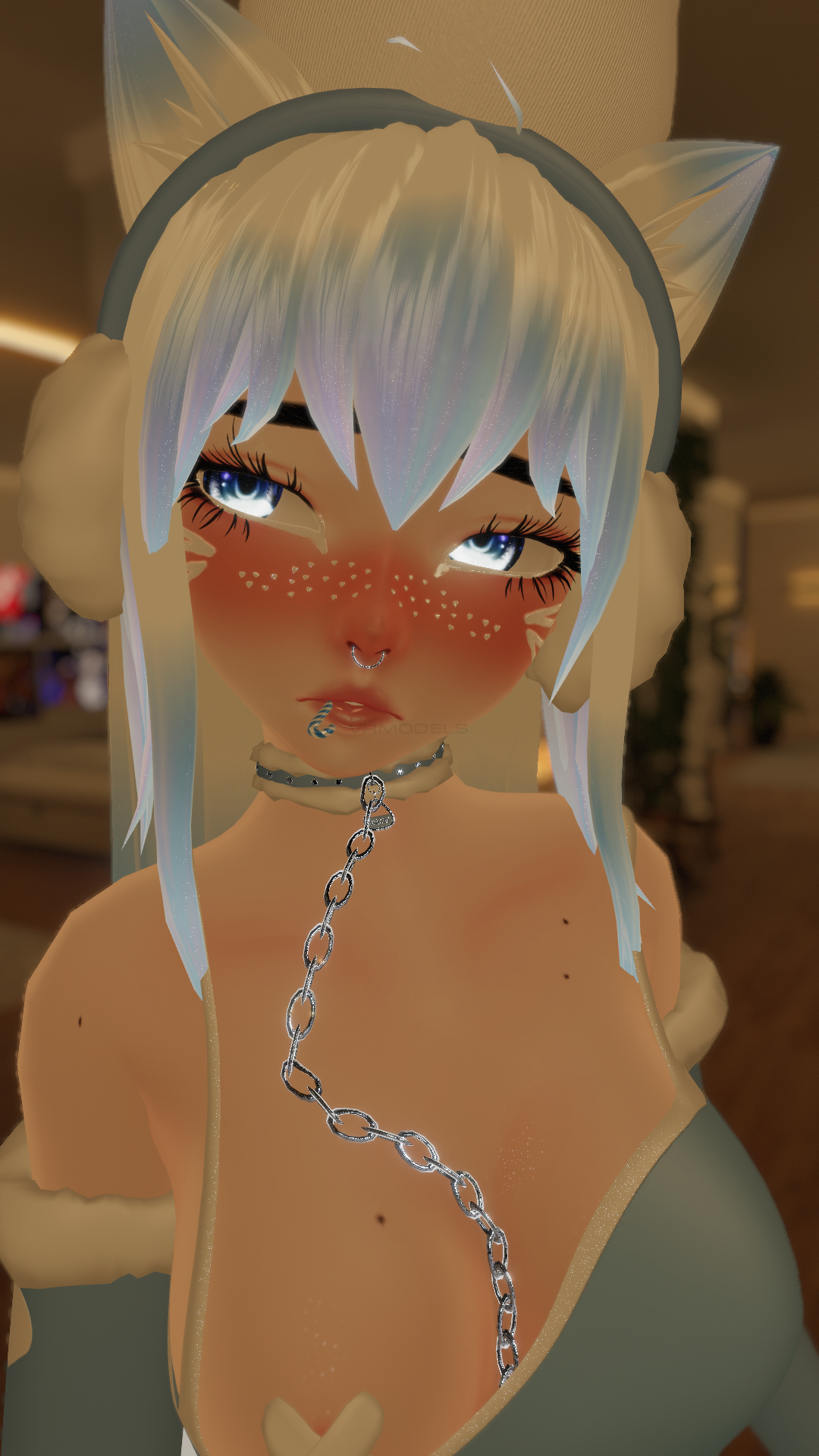
- Accessorie toggles: Blindfold, Chain, Choker, Ear warmers, Fluff wrap, Leg wraps, Plush, Mouth candy
- Ears/Tail/Hair toggles: Ears, Tail, switch to ponytail or long hair
- 5 different DPS spots
FAQ
Missing Prefab - One of the most common causes of having a missing prefab is due to having conflicting items in unity such as scripts. 80% of the time this problem can be fixed by merely having a NEW project open without anything in it and importing only what is specified. The more avatars you have in one project the greater the chance of you getting a conflicting error such as prefab id doesn't exist.
1. Open Unity 2019.4.31f1
2. Import VRChat Avatar SDK (3.0).
3. Import a Shader you want to use, Poiyomi Pro and arktoon are recommended.
4. Import Dynamic Bones.
5. Import Dynamic Penetration System
6. Import The Avatar Package.
Avatar Special Features
- Clothing toggles: Top, Skirt, Panties, Pasties, Gloves, Heels, Straps, Hood
- Accessorie toggles: Blindfold, Chain, Choker, Ear warmers, Fluff wrap, Leg wraps, Plush, Mouth candy
- Ears/Tail/Hair toggles: Ears, Tail, switch to ponytail or long hair
- 5 different DPS spots
FAQ
Missing Prefab - One of the most common causes of having a missing prefab is due to having conflicting items in unity such as scripts. 80% of the time this problem can be fixed by merely having a NEW project open without anything in it and importing only what is specified. The more avatars you have in one project the greater the chance of you getting a conflicting error such as prefab id doesn't exist.
